
Purpose
Guide administrators through resetting a password for a user account from the Cantara Administration Console.
Before you begin
-
You have access to the Cantara Administration Console.
-
You have permission to manage user accounts.
-
You know which account requires a password reset.
Procedure
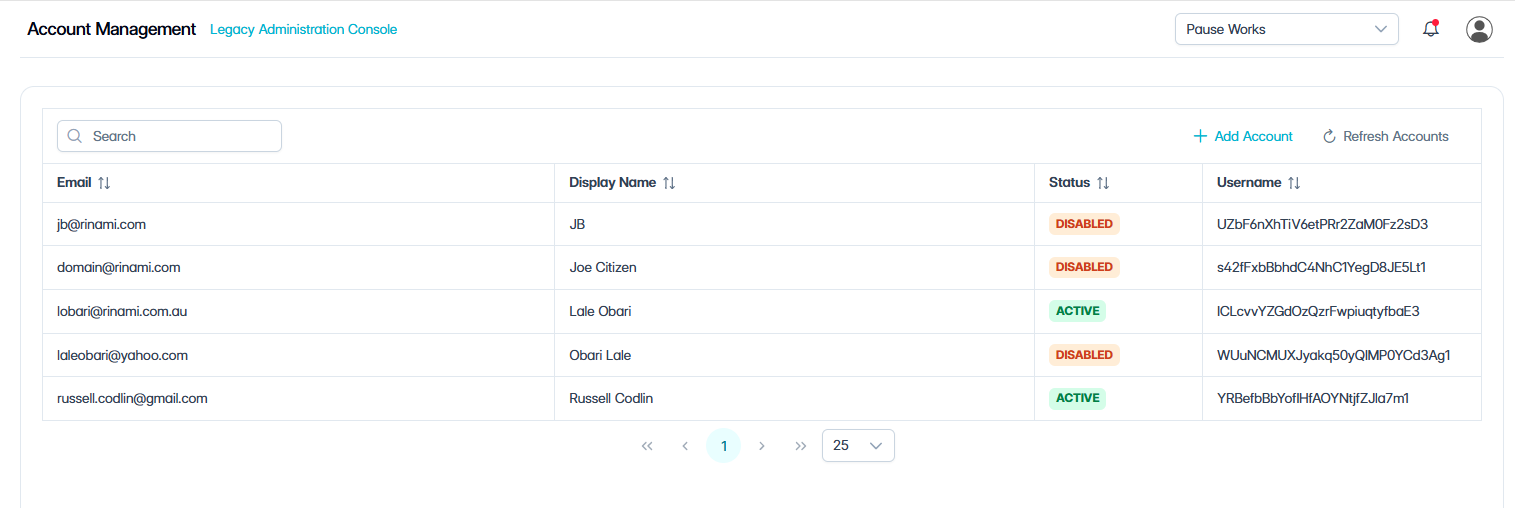
To reset a password for an account:
-
Navigate to Account Management.
The Account Management screen opens and displays the user accounts available in the system.
-
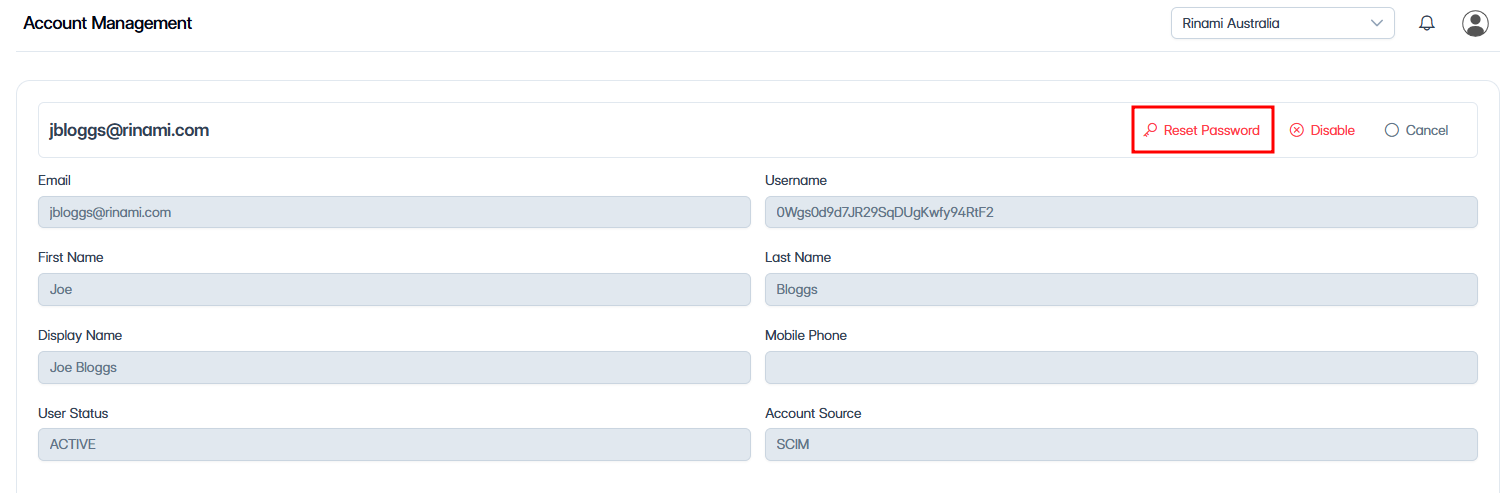
Select the account that requires a password reset.
-
Click Reset Password.
-
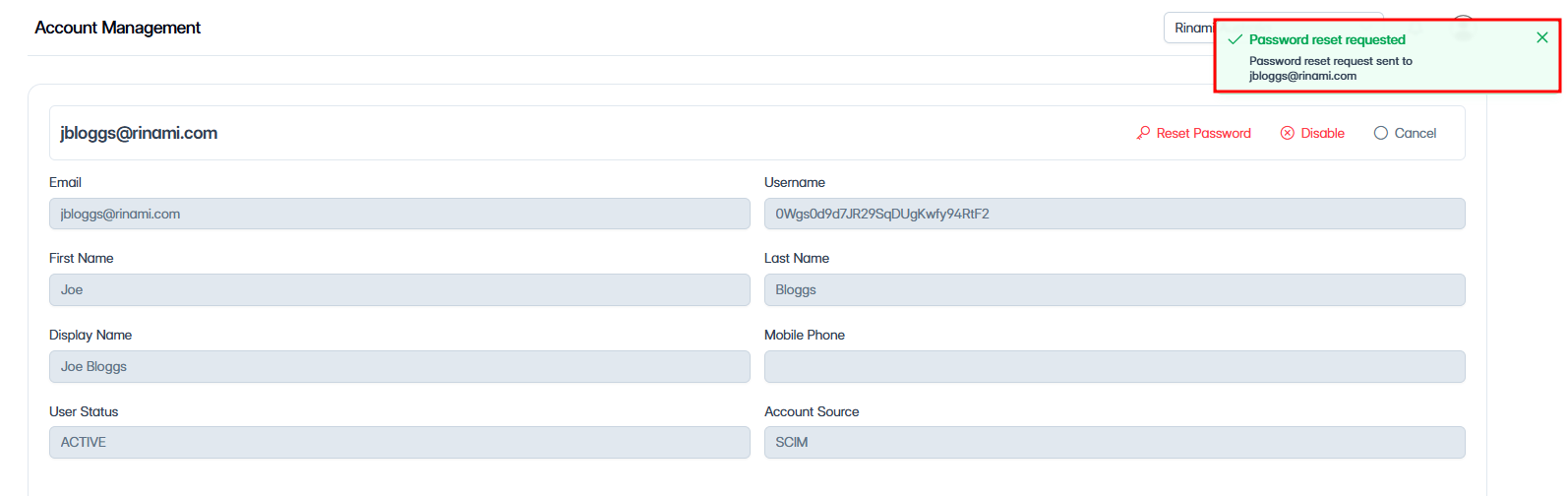
A confirmation message appears and confirms that the password reset was requested.
The reset email is sent from noreply@cantara.cloud. If the user does not receive it, advise them to check their spam or quarantine folders.