
Overview
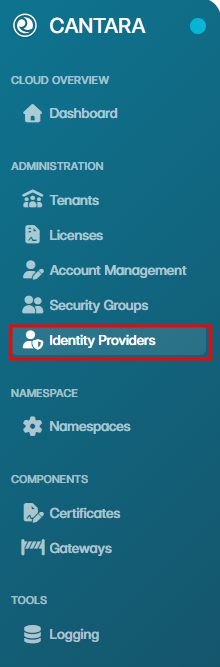
Cantara supports Single Sign-On (SSO) by integrating with external identity providers such as Microsoft Entra ID (Azure) and Okta.
To set up SSO, add and configure an identity provider in the Cantara Administration Console, then enable it for use. Once enabled, users authenticate through the identity provider rather than using a Cantara username and password.
Cantara also supports SCIM for automated provisioning. When configured, user accounts and group memberships are managed in the identity provider and synced into Cantara. Permissions continue to be managed within Cantara. For details, see Security Groups.
If no identity provider is configured, users log in using a username and password managed within the Cantara Administration Console.
.png?cb=542d04510ecc98bf3ad394e877e785fd)