
Purpose
Delete an identity provider from the Cantara Administration Console.
Before you begin
-
You have access to the Cantara Administration Console.
-
You have permission to manage Identity Providers.
Warning: Deleting an identity provider is permanent and cannot be undone. Ensure at least one identity provider remains active for user authentication.
Procedure
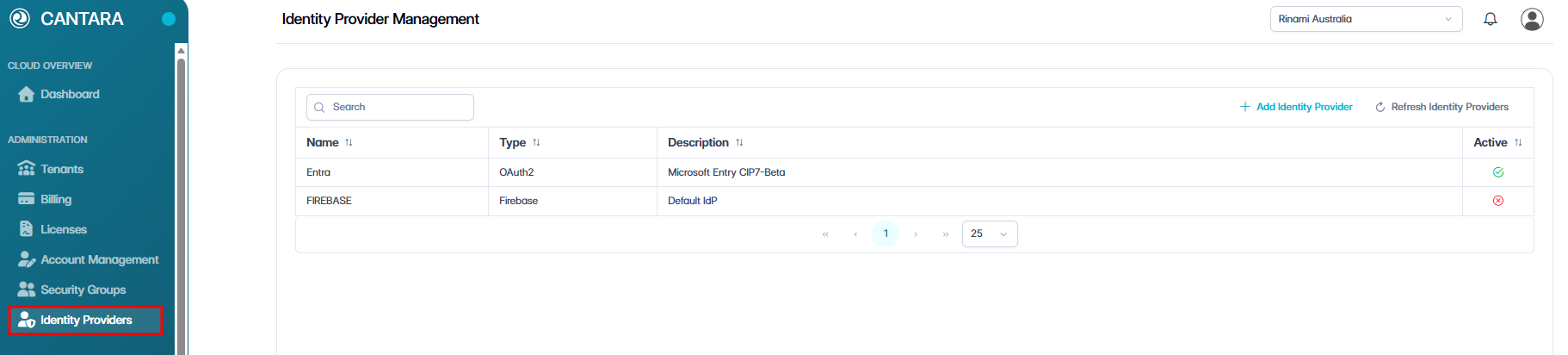
To delete an identity provider:
-
Navigate to Identity Providers.
-
Select the identity provider you want to delete.

-
Click Delete Identity Provider in the top right.
-
Select Confirm when prompted.
The identity provider is permanently removed from the system.