
Purpose
Guide users through account activation or password reset when their original Cantara verification link has expired. Verification links expire after a set period. If a user follows an expired link, they can still complete activation by returning to the login page and using the Forgot password flow to receive a new email verification link.
Before you begin
-
You must have the email address that the original account verification link was sent to.
Procedure
To activate or reset an account after the verification link has expired:
-
Follow the account verification link provided in the original email.
-
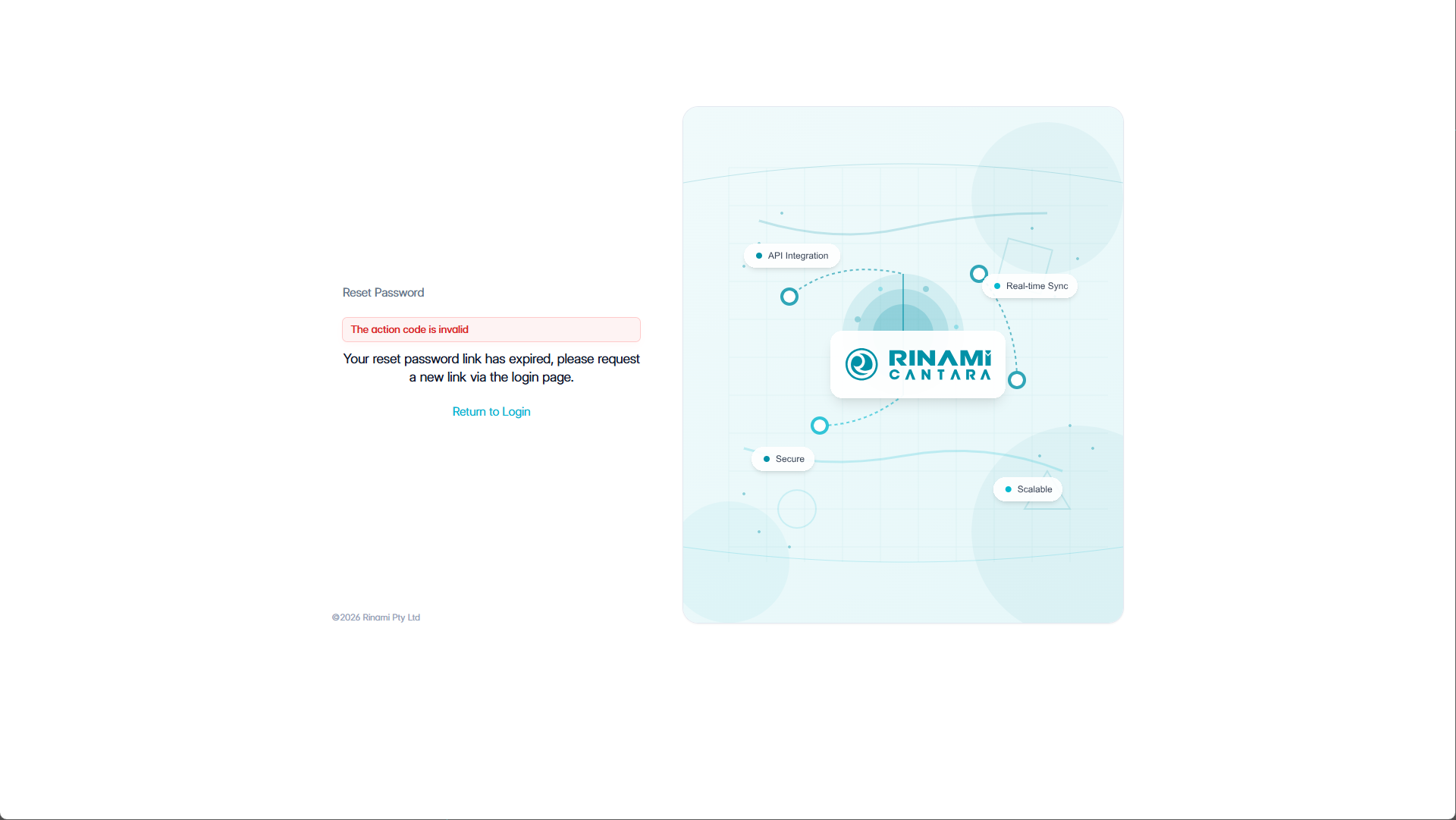
If the link has expired or the page does not continue to account setup, click Return to Login.
-
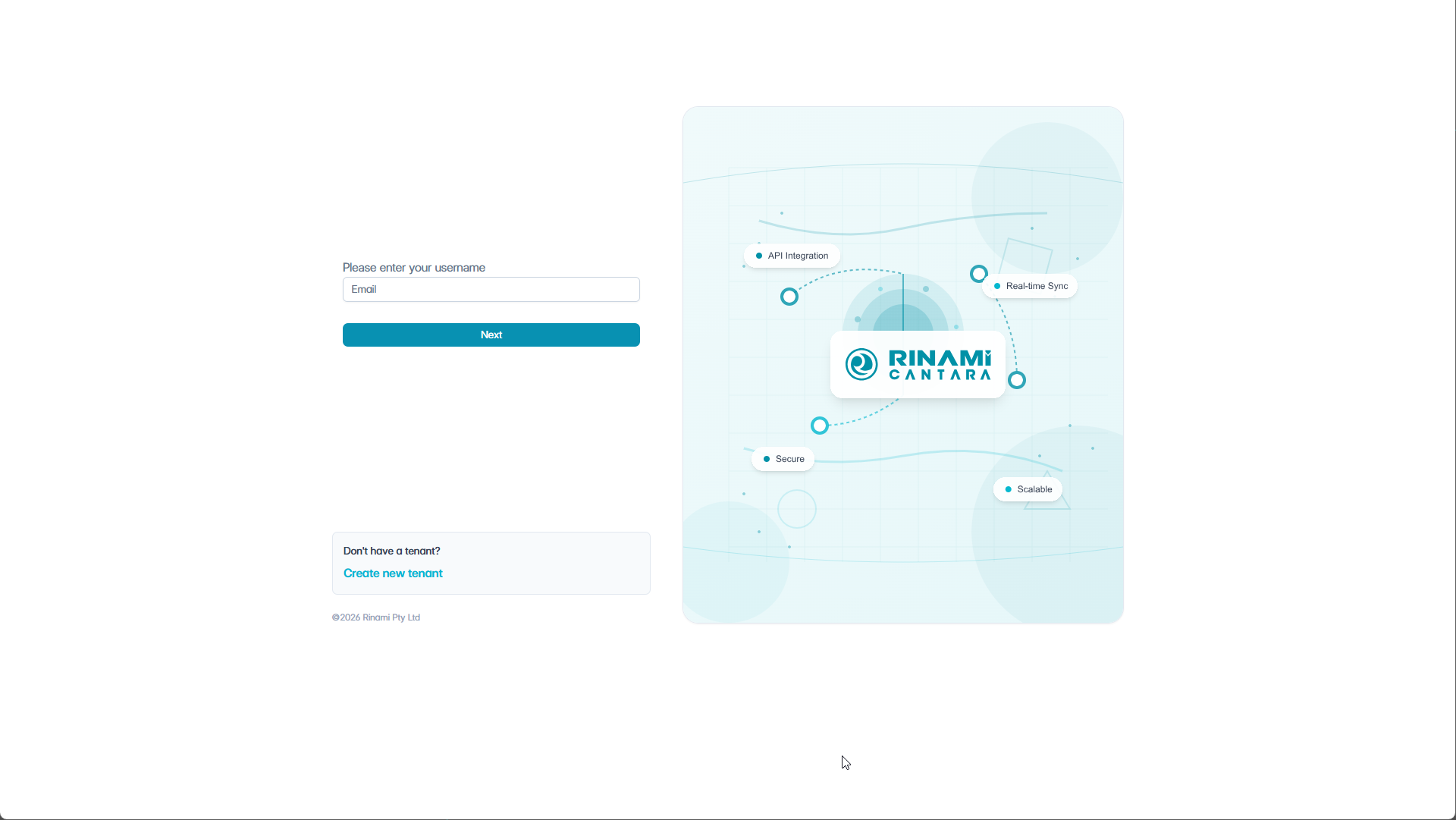
On the normal login page, enter the same email address that the account verification link was sent to.
Important: The email address must match the email address used for the Cantara account.
-
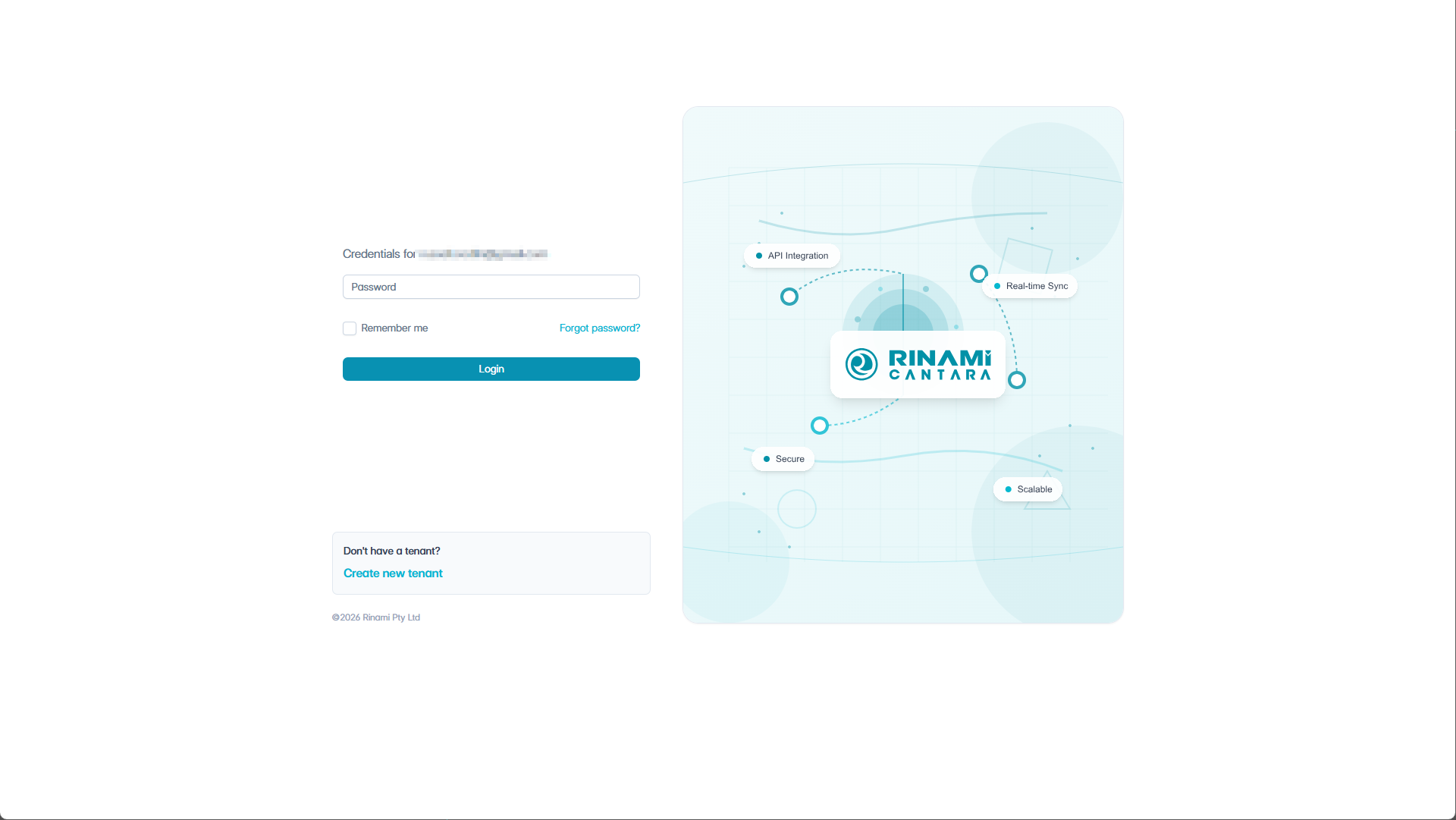
Click Next. The password entry form is displayed.
-
Click Forgot password?.
-
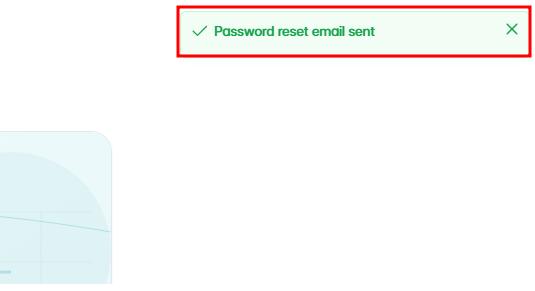
A message is displayed confirming that the password reset email was sent.
The reset email is sent from noreply@cantara.cloud. If it does not appear in the inbox, check spam or quarantine folders.
-
Follow the password reset link in the email.
-
Complete the password reset form and set a new password.
Outcome
The user receives a fresh password reset email and can set their password using the reset form. After the password is set, the account activation or reset process is complete.
Troubleshooting
|
Issue |
What to check |
|---|---|
|
The email is not recognised |
Confirm the user entered the exact email address used on their Cantara account and the original verification email. |
|
The reset email does not arrive |
Check the spam, junk or quarantine folders for messages from noreply@cantara.cloud. |
|
The reset link has expired |
Repeat the Forgot password? process to generate a new reset email. |
|
The account still cannot access Cantara |
Ask an administrator to confirm the account exists and is enabled in Account Management. |