Purpose
Update the activation details for Cantara Enterprise.
Before you begin
-
You have access to the Cantara Portal.
-
You have administrative access to the Cantara Administration Console.
Procedure
To update your Cantara Enterprise activation:
-
Go to the Cantara Portal at http://console.cantara.cloud.
-
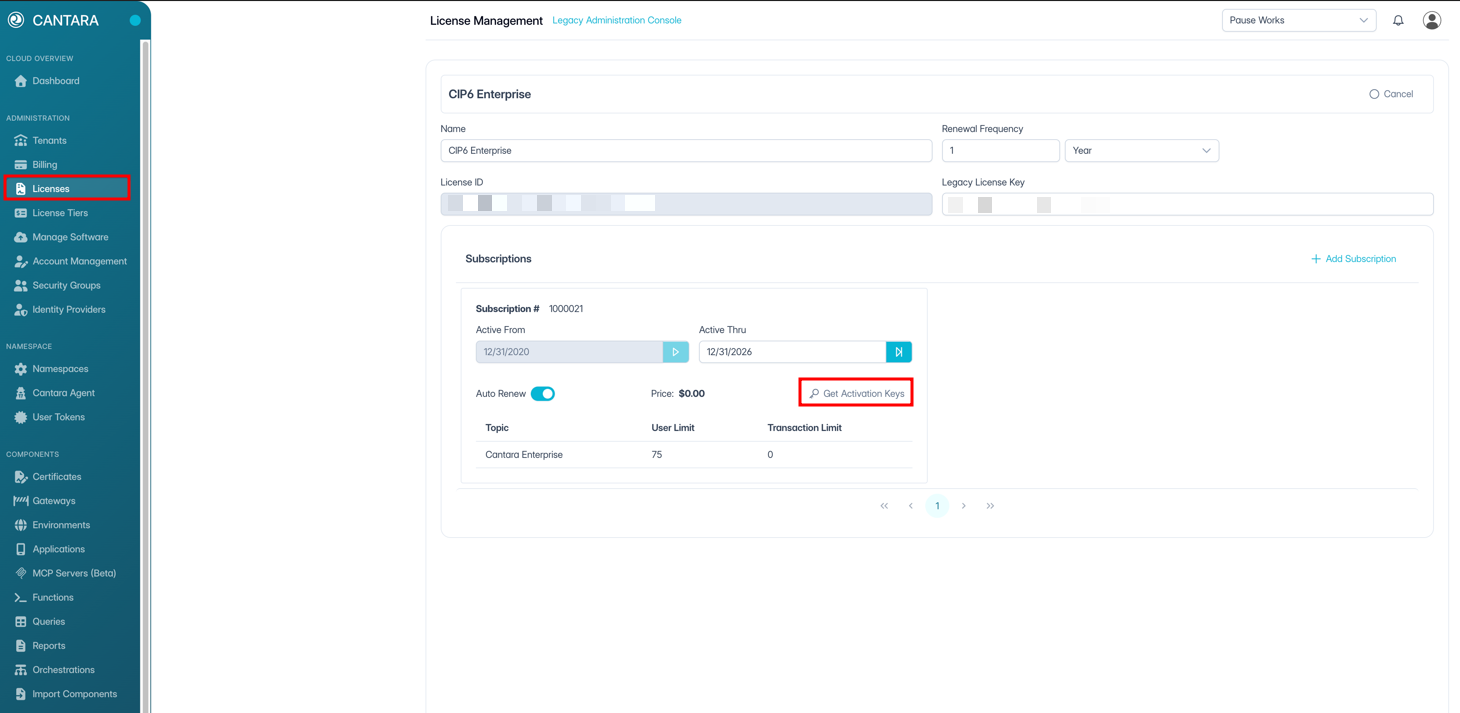
Log in to your account and navigate to the Licences page.
-
Select your Cantara Integration Platform licence.
-
Click the Get Activation Keys link to generate your updated key.
-
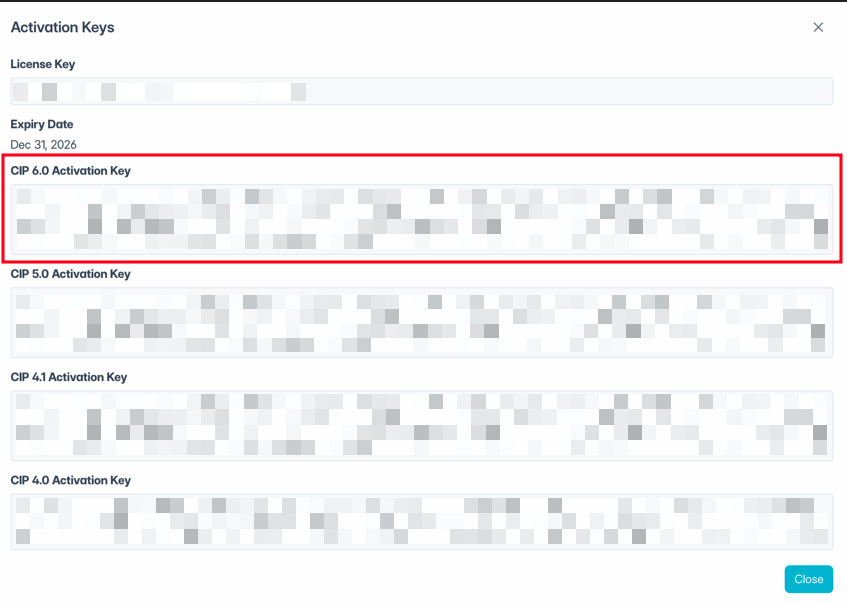
Copy the CIP 6.0 Activation Key value.
-
Go to your Cantara Administration Console.
-
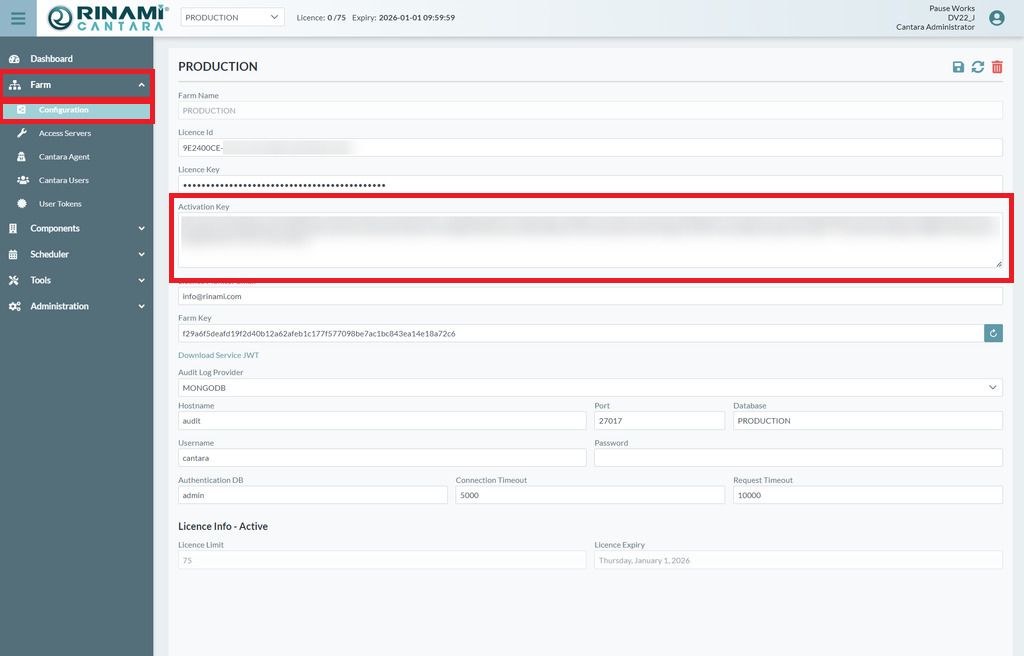
Navigate to the Farm Configuration page.
-
Update the Activation Key value with the value copied from the Cantara Portal.
-
Save the Farm Configuration to apply the updated activation key to the Access Servers.
Note: This process needs to be done for each configured farm.
Verification
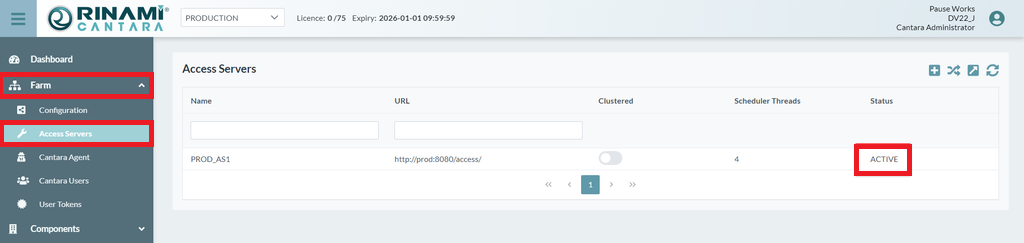
You can verify that Access Servers have a current activation key applied by navigating to Farm → Access Servers and confirming that the status for each Access Server is Active.