
Purpose
Use Branch Preferences to define branch-specific planning defaults, working days, resource settings, and work order visibility rules.
Before You Begin
Confirm that you have access to the user profile menu and permission to review or update branch preferences.
Procedure
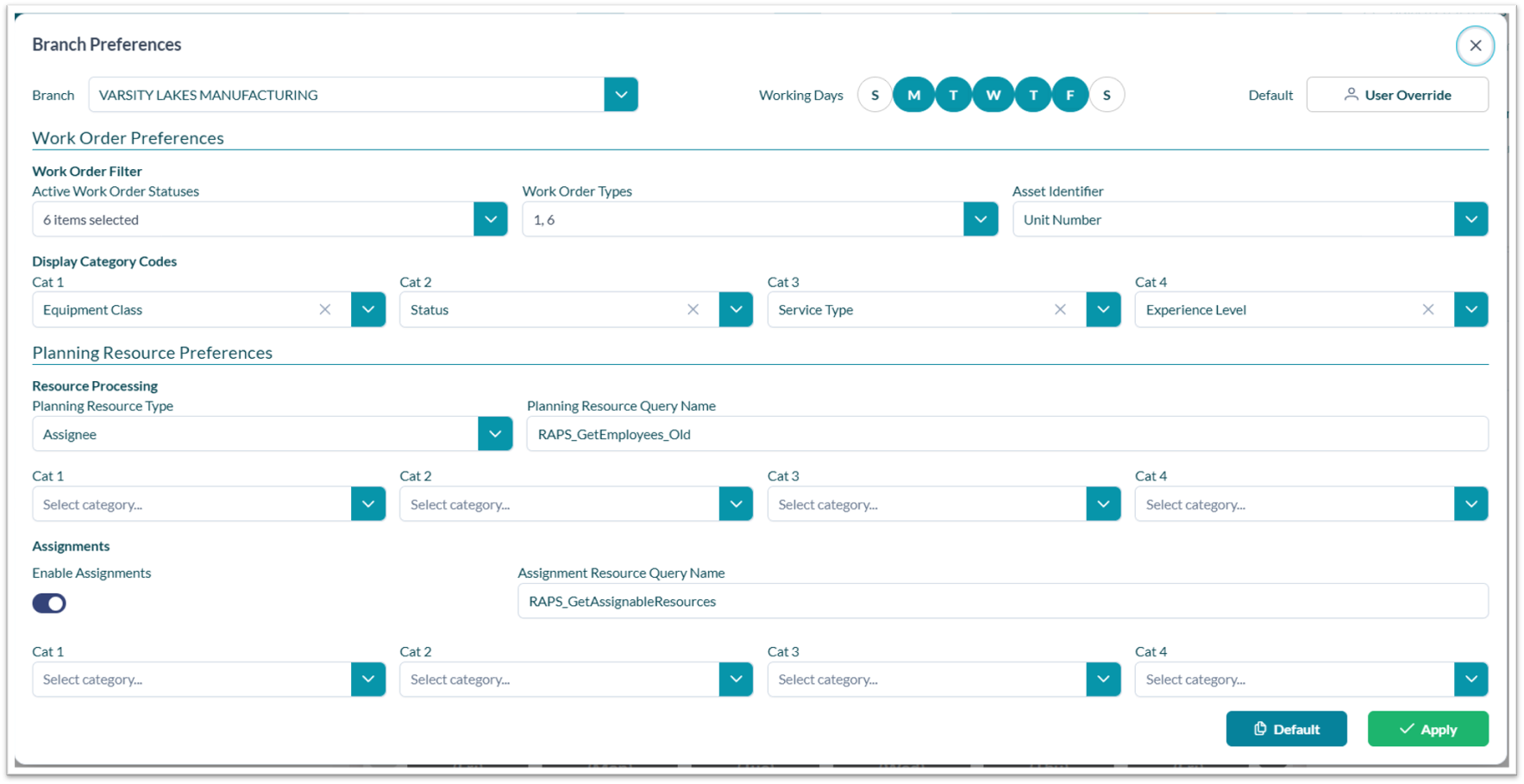
To configure branch preferences:
-
Open the user profile menu.
-
Select Branch Preferences.
-
Choose the branch to configure.
-
Review or update the available preference settings based on assigned permissions.
-
Save changes when configuration updates are complete.
Related tasks