
Purpose
Use Branch Management to create and maintain individual or group branch records that control which branch combinations are available for work order filtering.
Before you begin
Confirm that you have access to the user profile menu and permission to create or update branch records.
Procedure
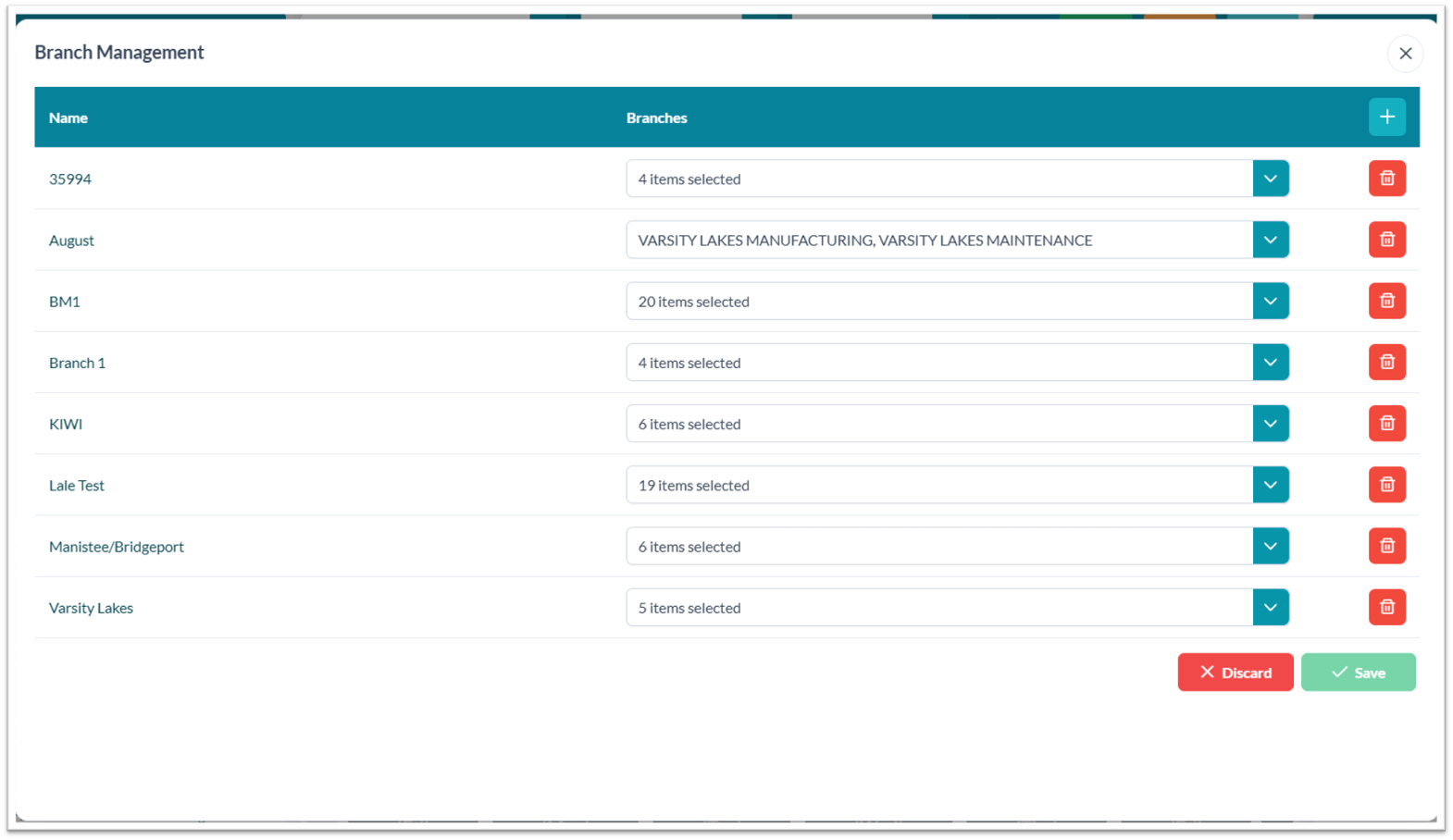
To manage branch records:
-
Open the user profile menu.
-
Select Branch Management.
-
Review existing individual or group branch records.
-
Add, edit, or delete branch records based on operational requirements and assigned permissions.