Overview
The Maintenance Execution Planner (MEP) is a web-based tool for planning, scheduling, and monitoring maintenance work orders. It helps teams move away from manual scheduling methods, such as spreadsheets, whiteboards, or disconnected systems, by providing real-time visibility into work orders, resources, assignments, and schedules.
This page introduces the main documentation area for MEP and summarizes the core concepts, views, and supporting procedures covered in this guide.
-
What: A web application used to allocate work orders to resources and schedules.
-
Why: Gives JD Edwards users a visual, real-time platform to assign, schedule, and monitor work orders.
-
How: Runs in the browser, is powered by Cantara, and integrates directly with JD Edwards.
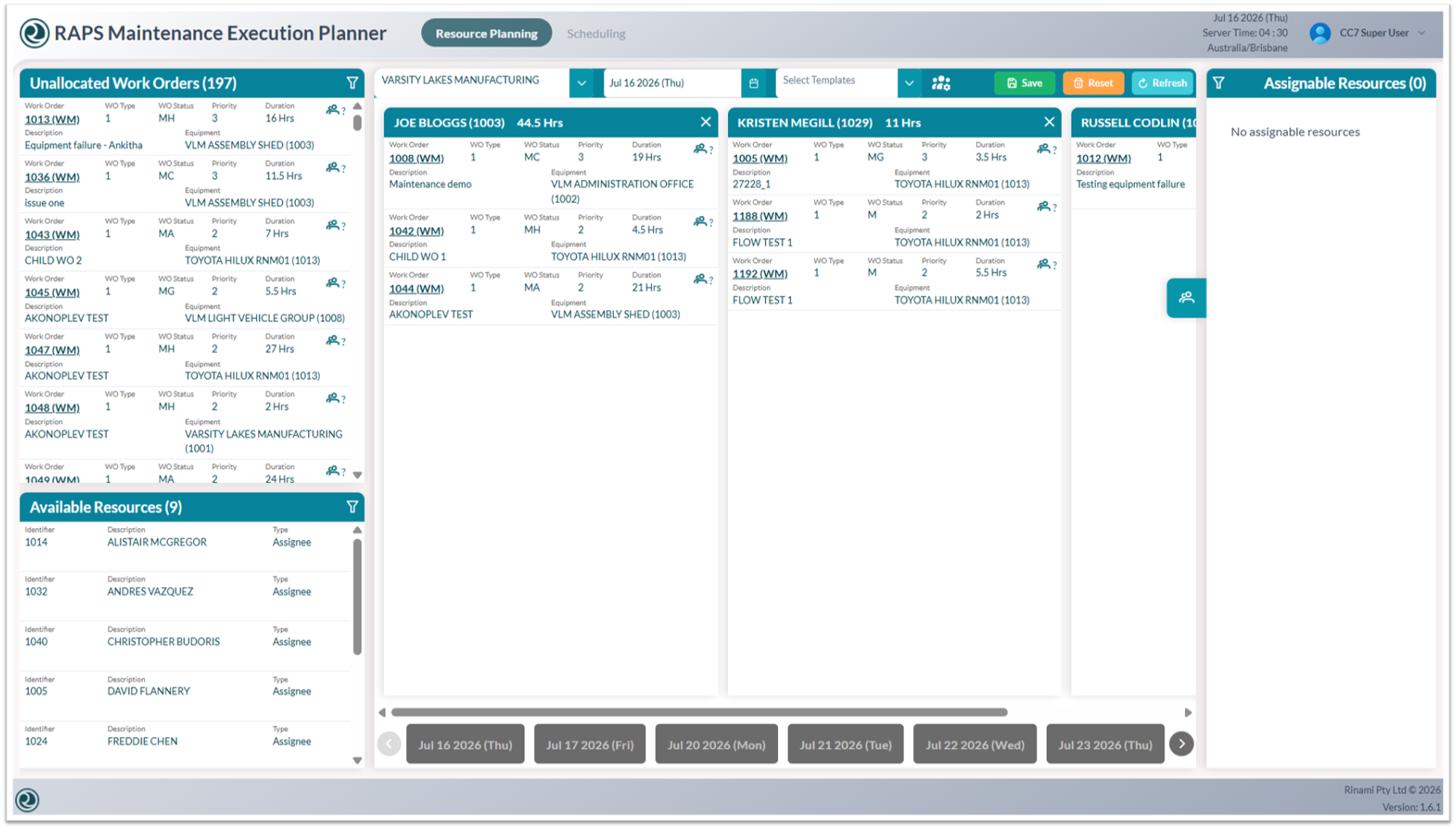
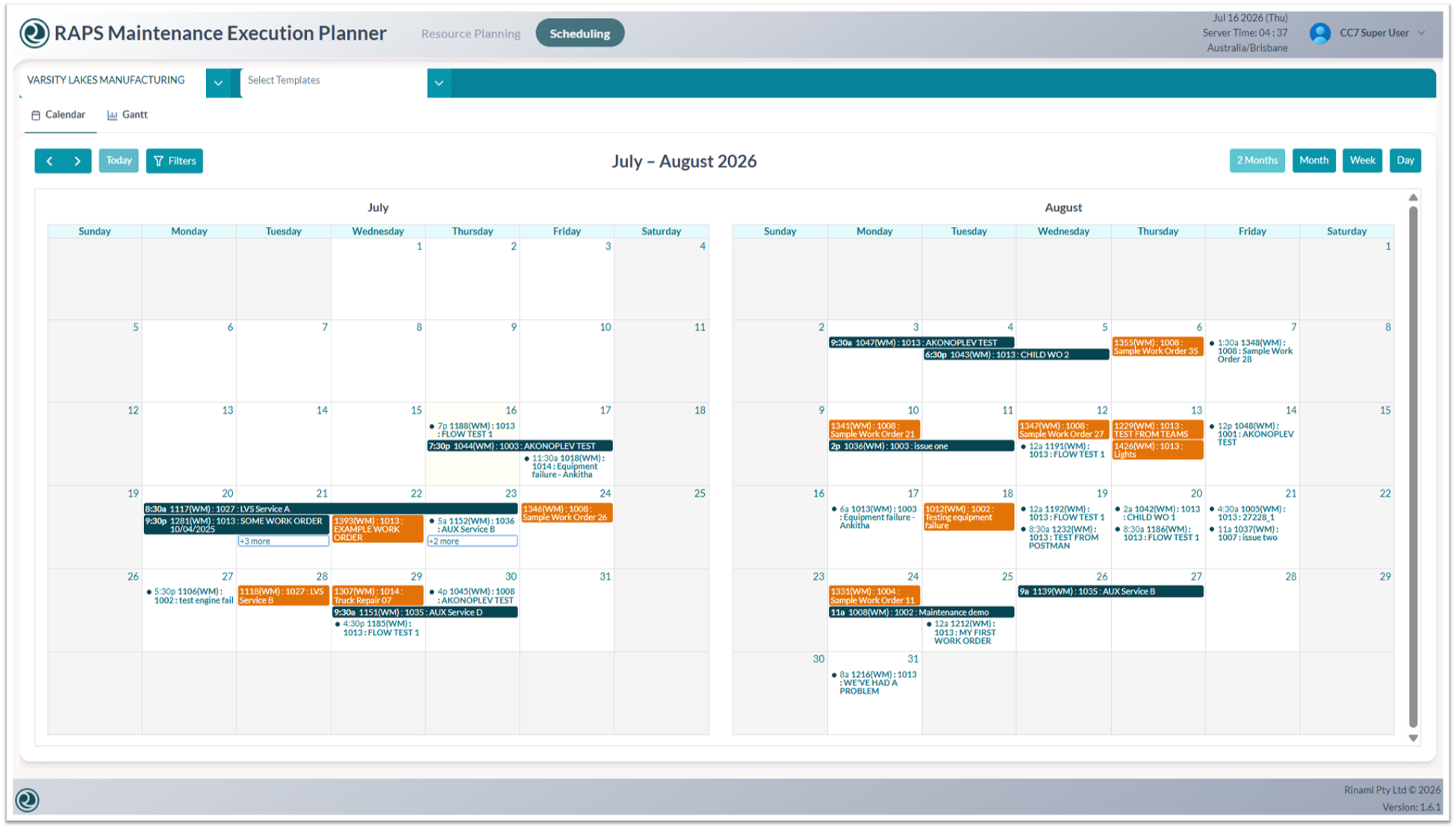
Key capabilities: Drag-and-drop scheduling, real-time tracking, resource and shift views, and auto-refreshing dashboards.
Key information
-
Drag-and-drop scheduling: Quickly assign or adjust tasks without opening multiple screens.
-
Real-time tracking: View current work order and planning status as changes occur.
-
Resource and shift views: Balance workload across teams and shifts.
-
Filtering: Focus the view by work center, branch, template, or resource.
-
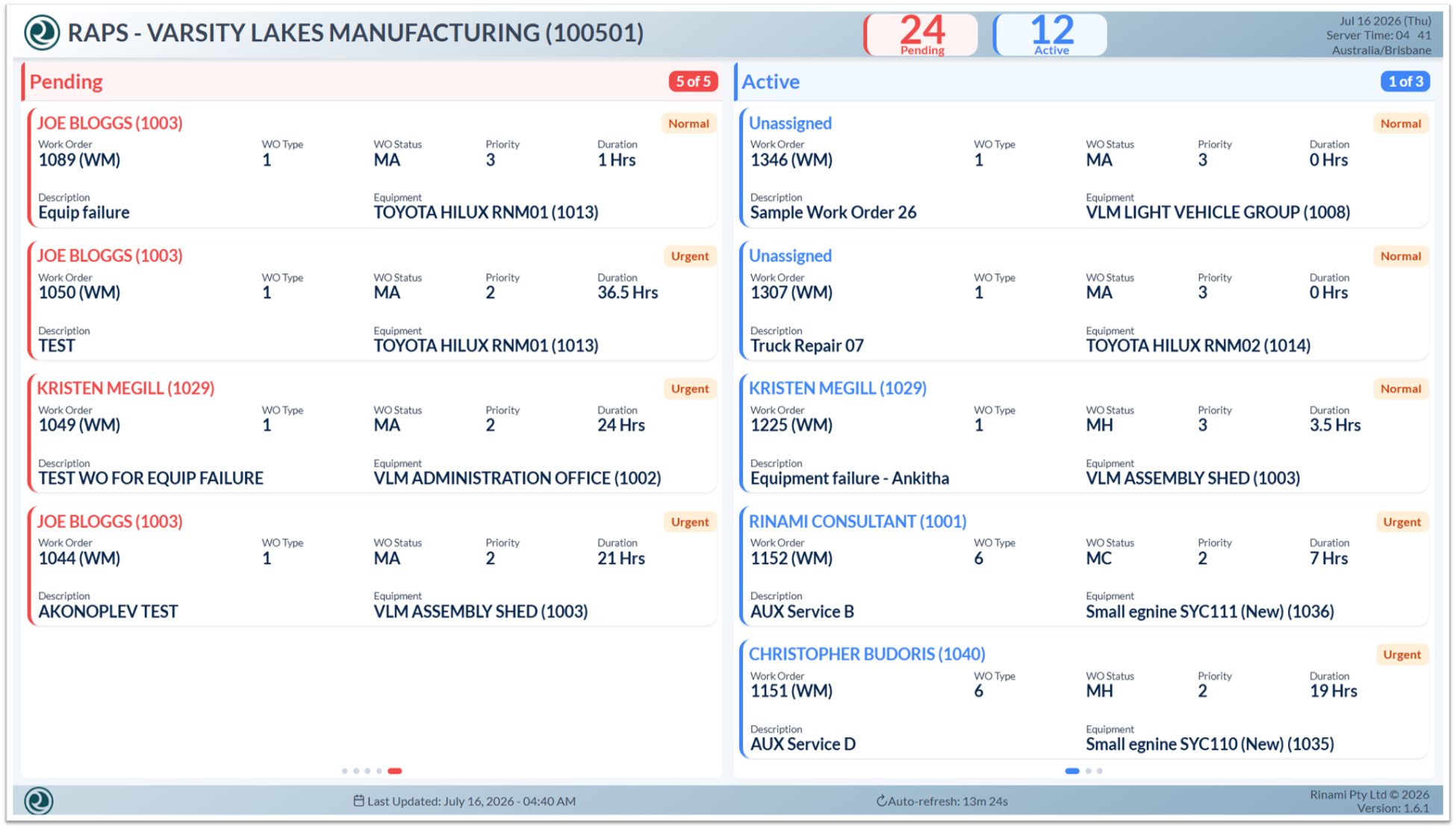
Auto-refreshing dashboards: Keep dashboard views current for teams and supervisors.
-
Result: Faster, clearer, and more reliable scheduling.
Three Main Areas of MEP
|
Resource planning |
Scheduling |
Dashboard |
|---|---|---|
|
|
|