
Overview
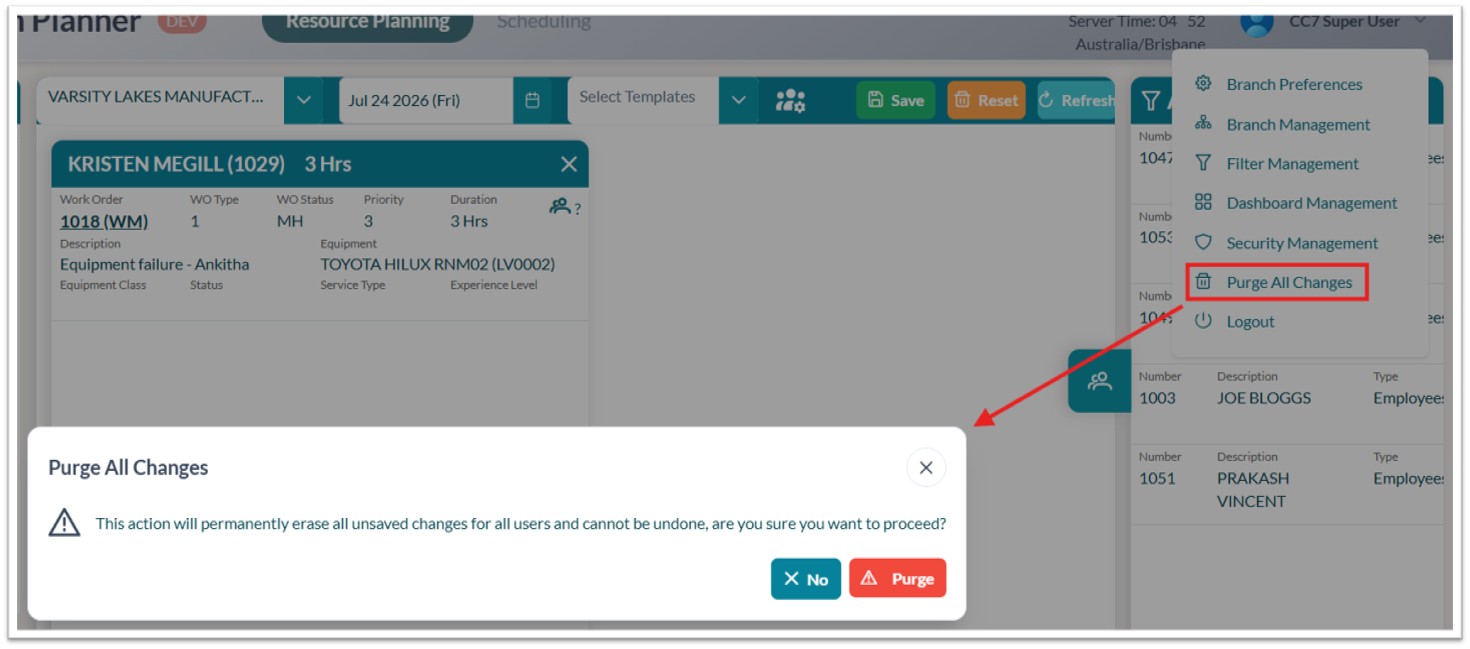
Use this section to understand when tenant-level unsaved planning changes may need to be cleared and what to confirm before using Purge.
-
When to use: Use Purge only when unsaved planning changes need to be cleared beyond the current user’s session.
-
Scope: Purge clears tenant-level unsaved changes, not only the current user’s local changes.
-
Recommended check: Confirm that no required planning updates are still pending before using Purge.