
Overview
The user profile dropdown menu is accessed from the user profile icon on the right side of the screen.
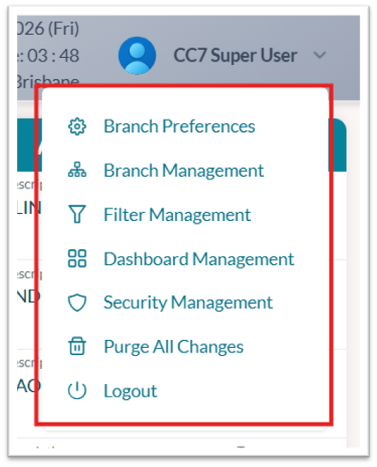
Note: The options shown in this menu depend on the user’s assigned security permissions.
Profile menu options
-
Branch Preferences: Define branch-specific planning defaults, working days, and work order visibility rules.
-
Branch Management: Configure individual or group branch records to filter work orders.
-
Filter Management: Create and manage custom filters for specific work order views.
-
Security Management: Access feature-specific permission settings.
-
Purge All Changes: Remove all unpublished planning changes.