
Purpose
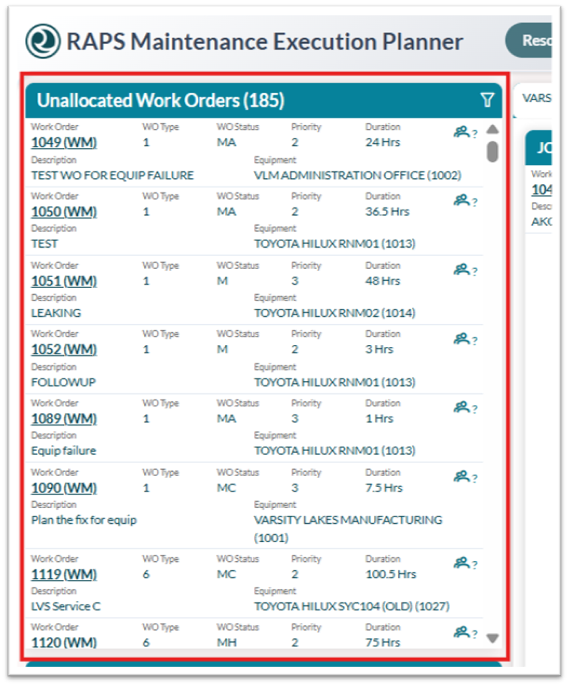
Use the Unallocated Work Orders panel to review pending, unassigned, or past-due work that still needs to be scheduled or assigned.
Before you begin
Confirm that you have access to Resource Planning and the branch you want to review.
Procedure
To view unallocated work:
-
Open Resource Planning.
-
Locate the Unallocated Work Orders panel.
From here you can:
-
Review the list of pending work orders that are not yet assigned to a resource or scheduled for the current day.
-
Use filters to narrow the list by branch, template, work order type, or other available criteria.
-
Select a work order to review details before assigning or scheduling it.