
Purpose
Use the Available Resources panel to review resources that can be added to the planning board for daily or weekly scheduling.
Before you begin
Confirm that you have access to Resource Planning and the branch you want to review.
Procedure
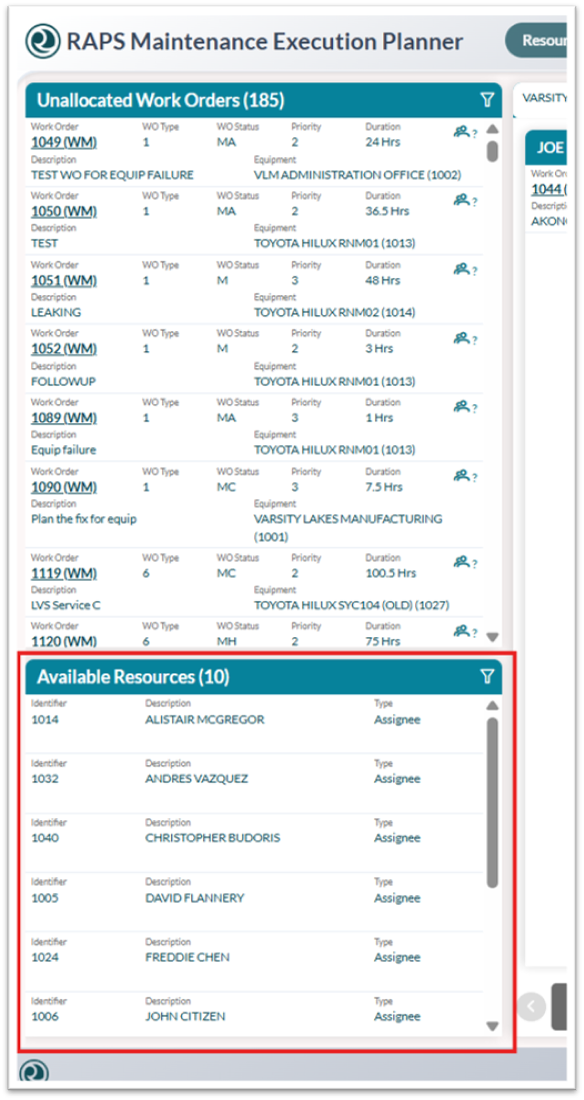
To view available resources:
-
Open Resource Planning.
-
Locate the Available Resources panel.
From here you can:
-
Review the list of available planners, technicians, or resource groups.
-
Use filters, if needed, to narrow the list by branch, template, resource type, or other available criteria.
-
Drag an available resource to the planning board when you are ready to build or adjust the schedule.