
Purpose
View all licenses in the Cantara Administration Console.
Before you begin
-
You have access to the Cantara Administration Console.
-
You have permission to manage licenses.
Procedure
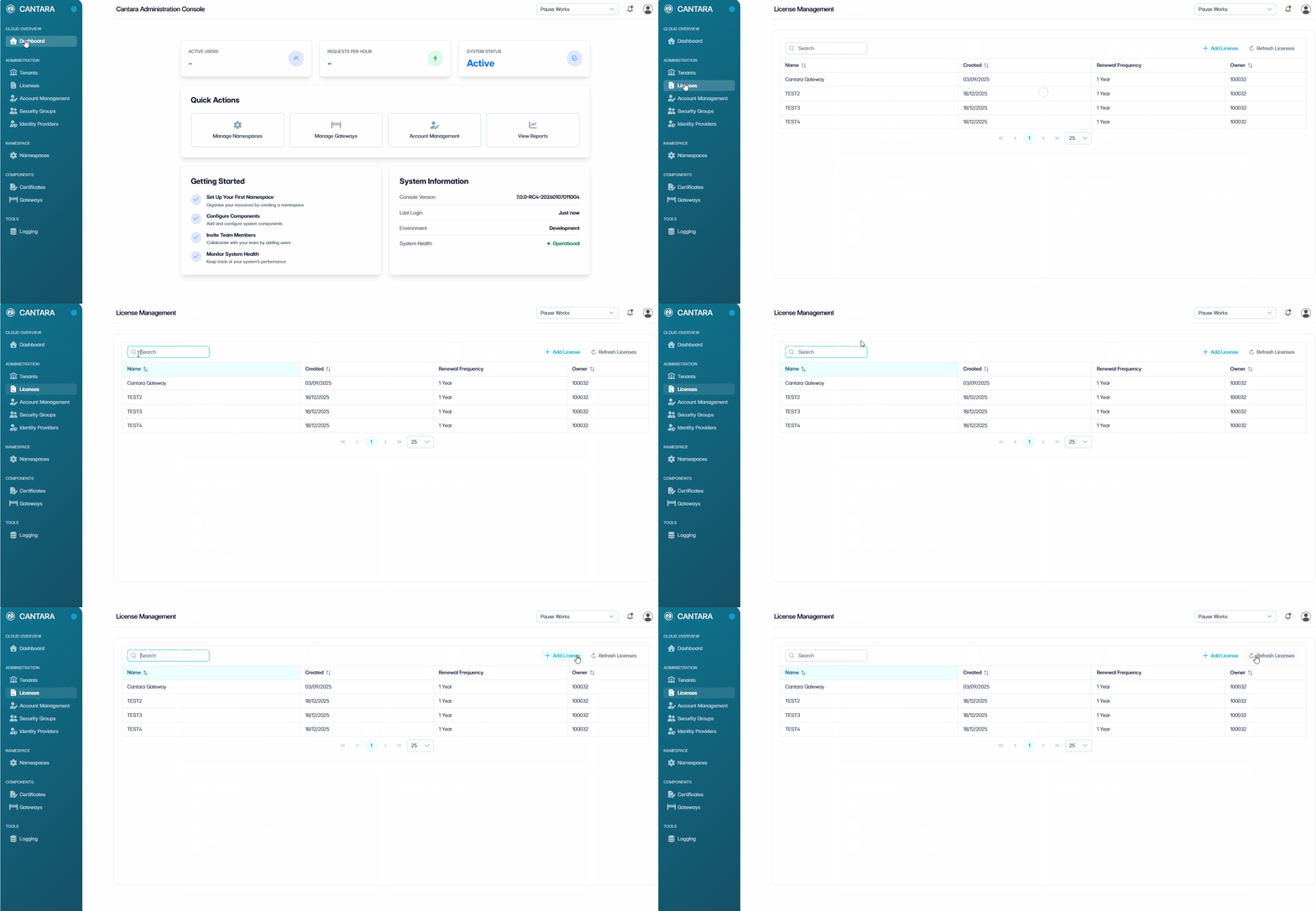
To view the License list:
-
Navigate to Licenses.
The License Management screen opens and displays the licenses available to your account. Each row represents one license. The following columns are displayed:
|
Column |
Description |
|---|---|
|
Name |
The name of the registered license. |
|
Created |
The date the license was created. |
|
Renewal Frequency |
The renewal frequency for the license. |
|
Owner |
The user or account that owns the license. |
-
Use the controls at the top of the list to locate a license:
-
Search — Enter a keyword to filter licenses by name or ID.
-
Sort — Select a column header to sort the list.
-
Refresh Licenses — Reload the license data.
Related tasks