
Purpose
View all namespaces in the Cantara Administration Console.
Before you begin
-
You have access to the Cantara Administration Console.
-
You have permission to view namespaces.
Procedure
-
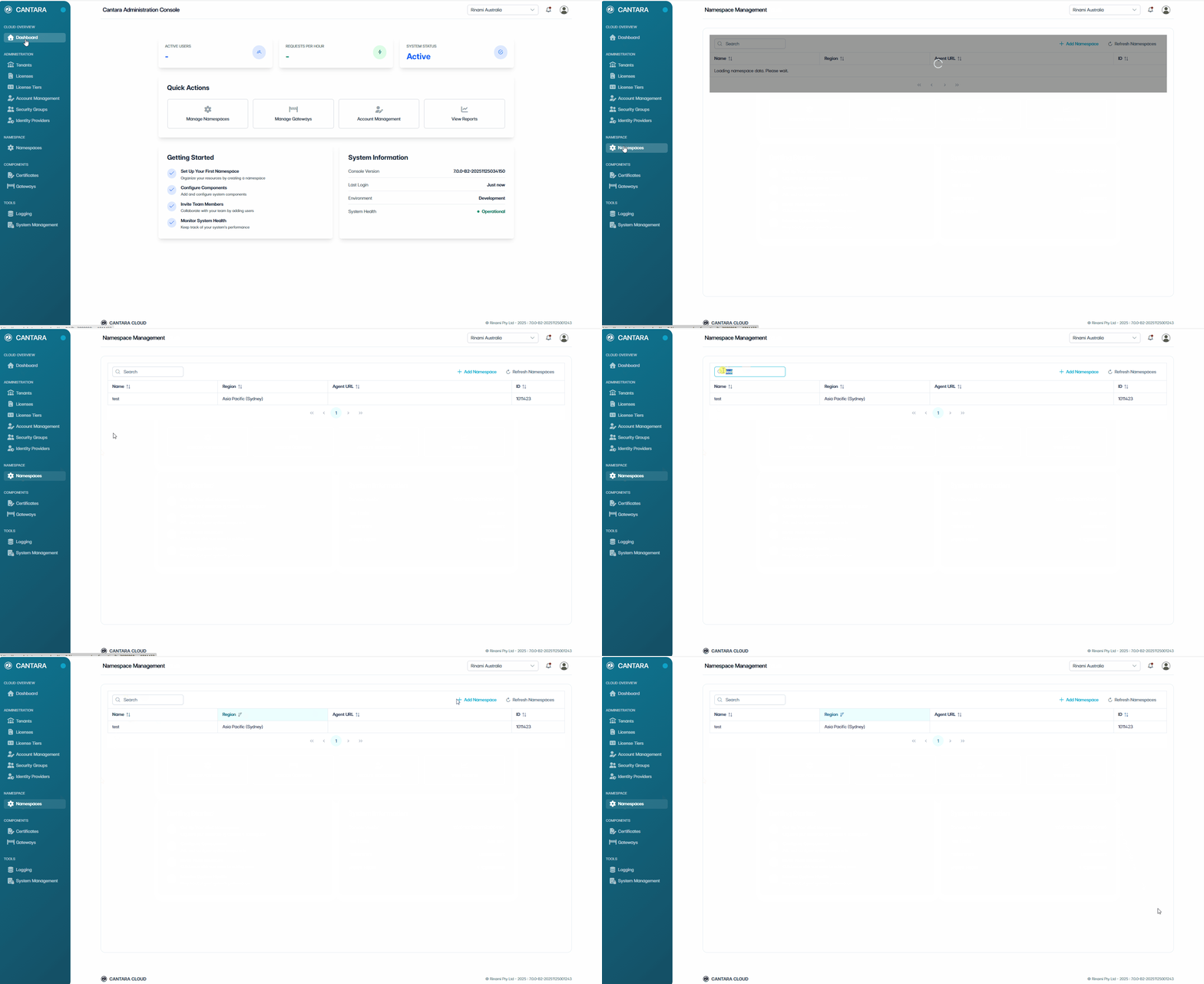
Navigate to Namespaces.
The Namespace Management screen opens and displays the namespaces available to your account. Each row represents one namespace. The following columns are displayed:
|
Column |
Description |
|---|---|
|
Name |
The namespace name shown in the console. |
|
Region |
The hosting region assigned to the namespace. |
|
Agent URL |
The URL used by the agent to connect to this namespace. |
|
ID |
Unique identifier assigned to the namespace. |
-
Use the controls at the top of the list to locate a namespace:
-
Search — Enter a keyword to filter namespaces by name or ID.
-
Sort — Select a column header to sort the list.
-
Refresh Namespaces — Reload the namespace data.