
Overview
You can delete any reports that are no longer needed.
Procedure
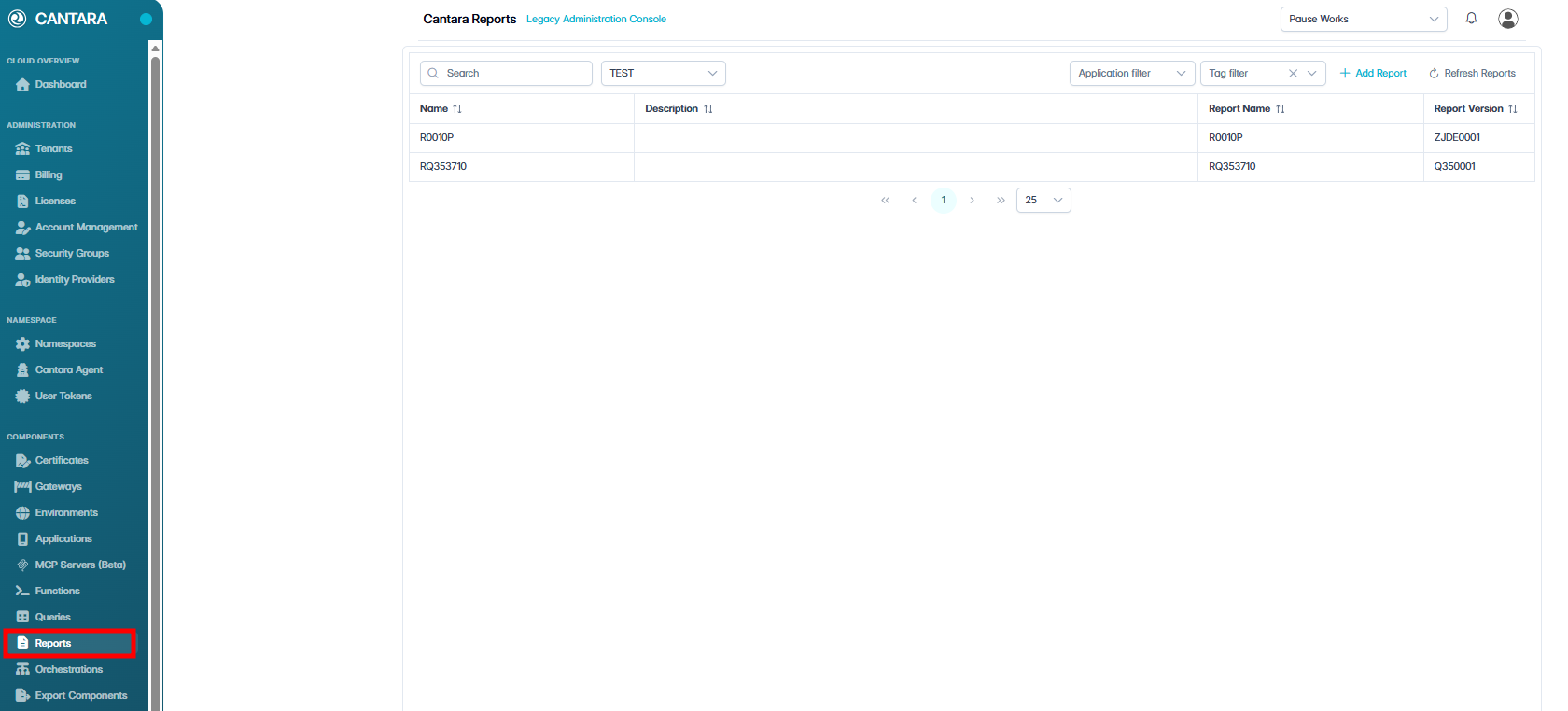
To delete an existing report definition:
-
Navigate to Reports.
A list of available reports is displayed.
-
Select the report you wish to delete.
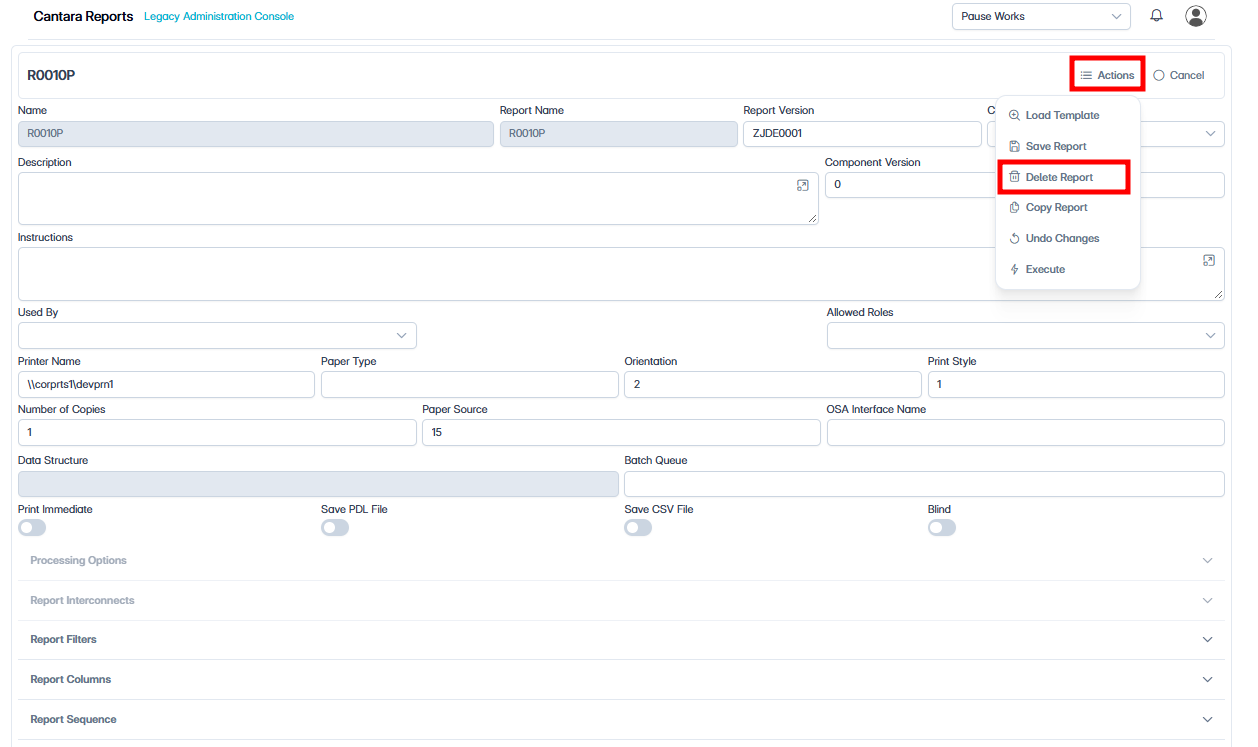
-
Click Actions, then select Delete Report.
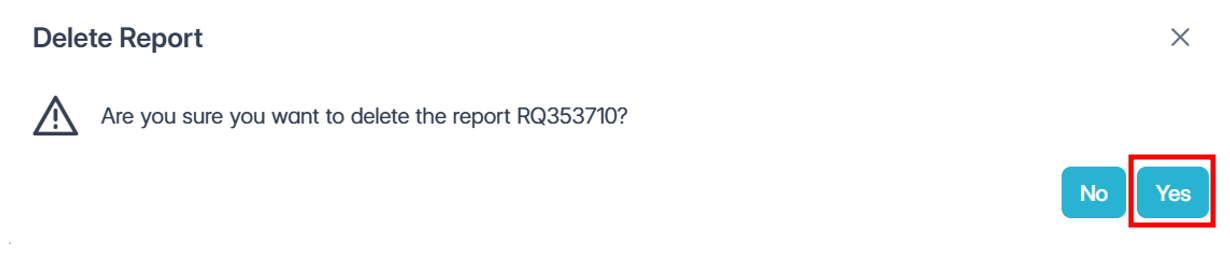
-
In the confirmation dialog, click Yes.
The report definition is removed from Cantara.
Note: Use Delete Report only when the report definition is no longer required. This action deletes the Cantara report component; it does not delete the underlying JDE UBE or report version from JD Edwards.