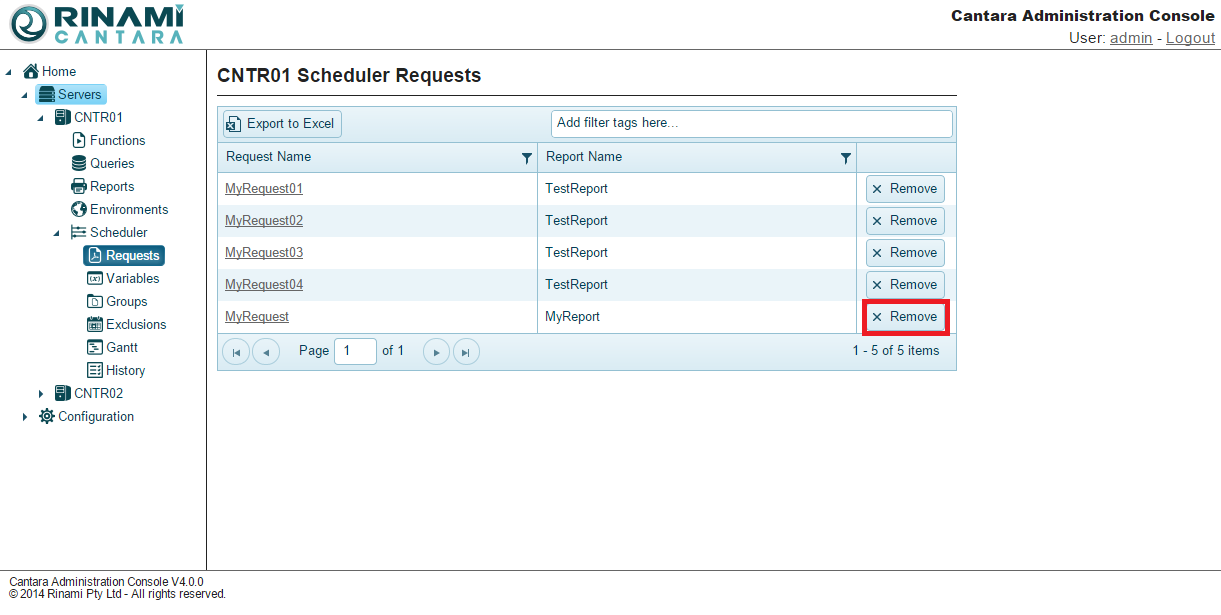
The first step in defining a scheduled job is to create a request. You can edit and delete requests as needed.
To create a request
-
Select the Reports node in the navigation panel.
-
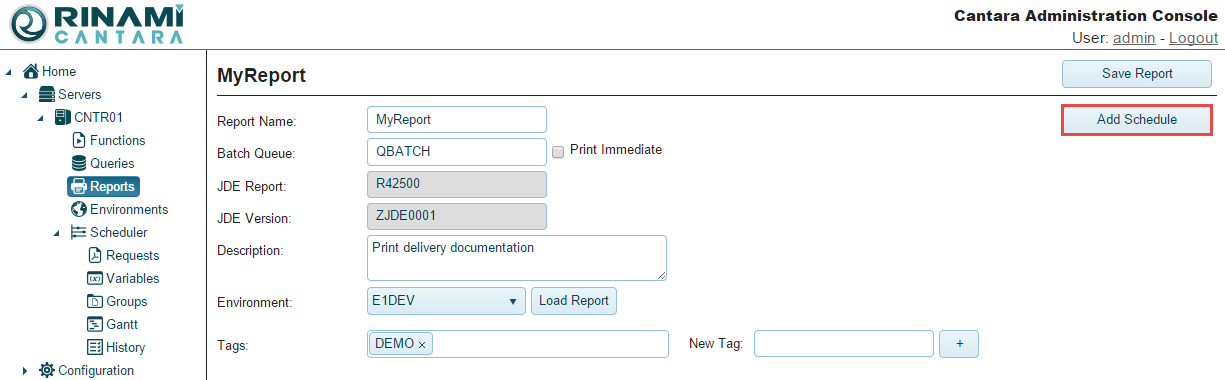
Select the report for which you want to add a schedule.
-
Click the Add Schedule button.
-
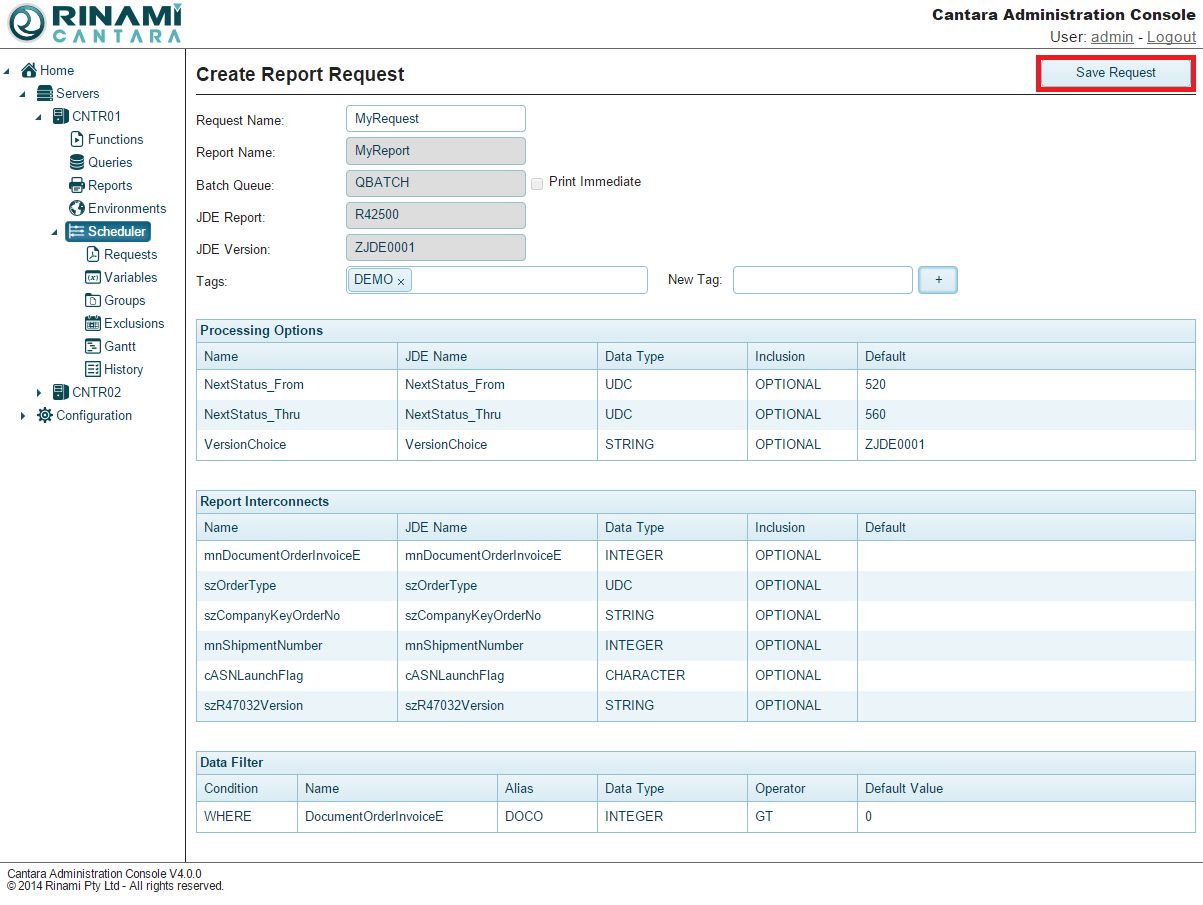
Define the request:
-
Give the request a name.
-
Tags can be added to the request if desired. Tags assist with search for a set of request.
-
Modify the default values that are submitted with the request, as necessary.
-
-
Click the Save Request button.
To edit a request
-
Select the Scheduler nodes in the navigation panel.
-
Select the request you want to edit.
-
Make your changes. You can change the Request Name, tag, and default values.
Changing the Request Name creates a new request with the value you provide.
-
Click the Save Request button.
To delete a request
You cannot remove a request that is part of a group or that is currently running. To remove a request that is part of a group, you must first remove it from the group.
-
Select the Scheduler nodes in the navigation panel.
-
Click the Remove button for the request you want to delete. The request is removed from the list.