
You can export data for various components throughout the Cantara Integration Platform. For example, you can export schedule history to PDF to share the information in a more readable with other individuals within your organization. Depending on the component, you can export data to Microsoft Excel format or PDF.
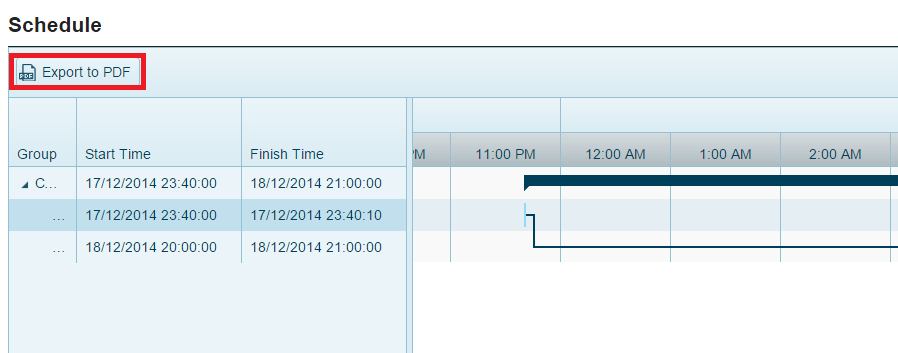
Example: Export to PDF
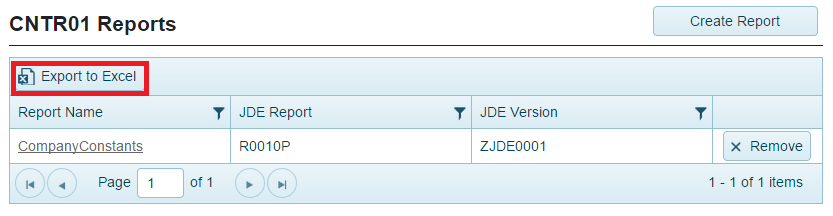
Example: Export to Excel
To export data to a file
-
Access the component that contains the data you want to export.
-
Click the Export to Excel or Export to PDF button located on the component field. The data is exported in the format you selected.