
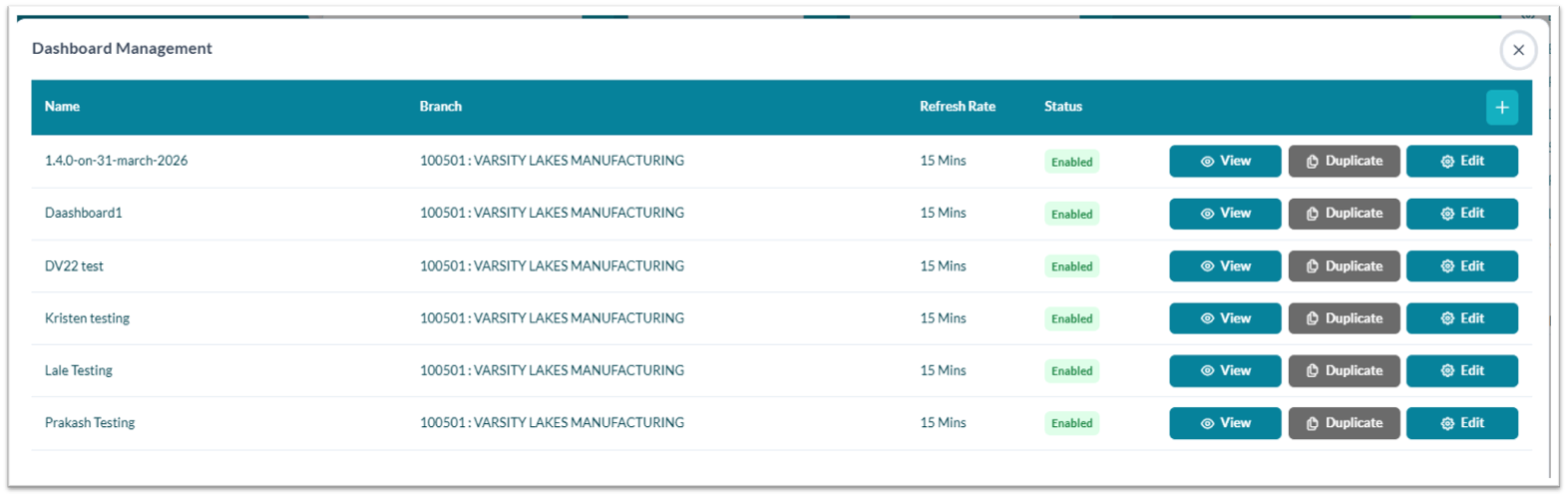
Dashboard Management is the configuration area where authorized users create, secure, and maintain those dashboard views.
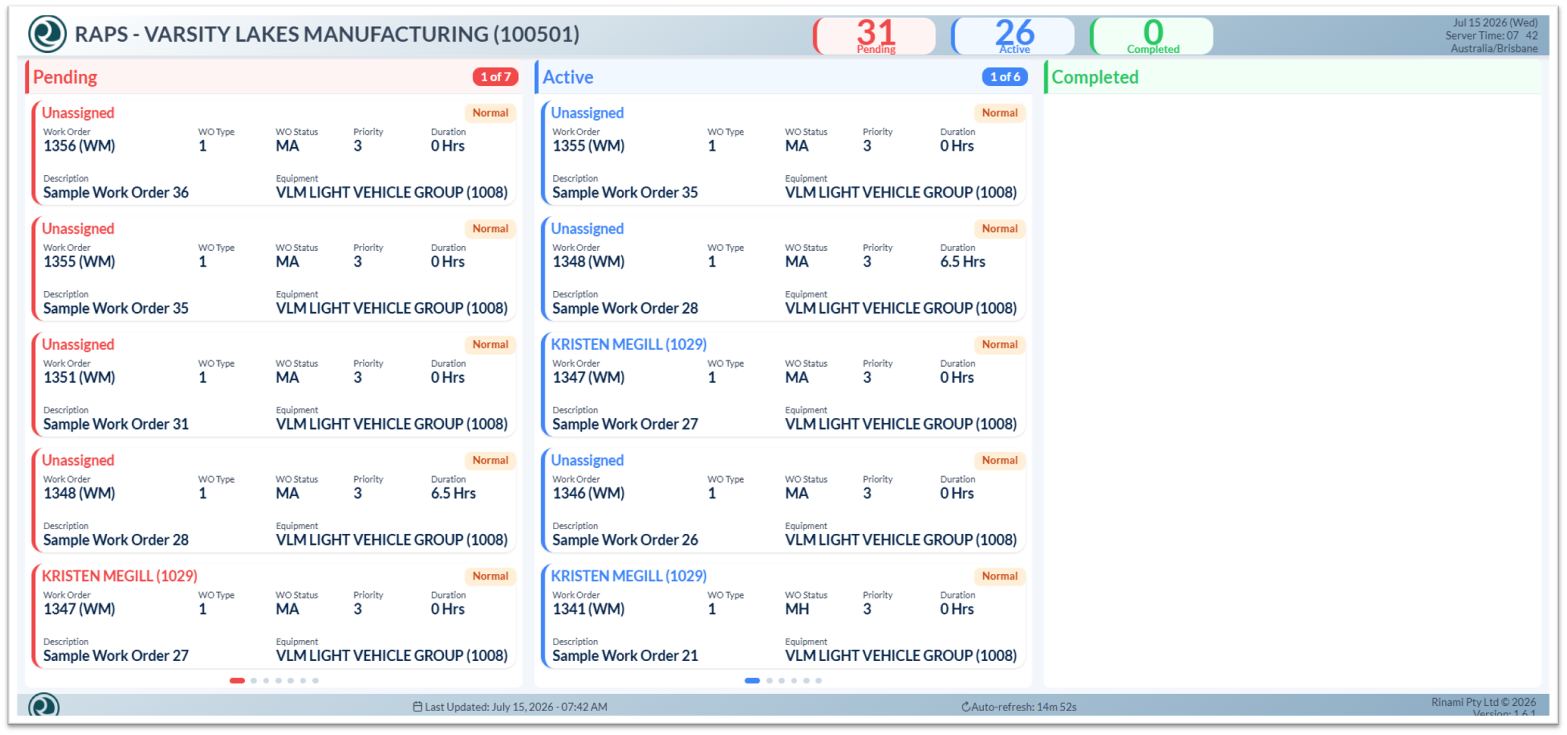
Dashboard View is the live display used by teams and supervisors to monitor pending, active, and completed work.
Setup Details
-
Define dashboard details: Enter the dashboard name, branch, refresh rate, and status.
-
Configure the view: Copy or regenerate the dashboard URL, enable page dots if needed, and choose whether to display priority tags.
-
Set work order sections: Configure pending, active, and completed sections, including query name, auto-rotation, items per page, and date range.
-
Choose sorting and pagination: Sort work orders by the preferred field and configure pagination options.
-
Enable screen protection: Select the burn-in prevention mode and configure frame rate, interval, duration, and opacity for long-running displays.
-
Configure connection and security: Select the environment, validate the token, confirm token renewal settings, and ensure login credentials are required.
-
Activate and view: Enable the dashboard and select the View icon to open it.