
Purpose
Use this procedure to upload a theme.json file and apply a custom MEP colour theme.
Before You Begin
-
Prepare the
theme.jsonfile for upload.
Procedure
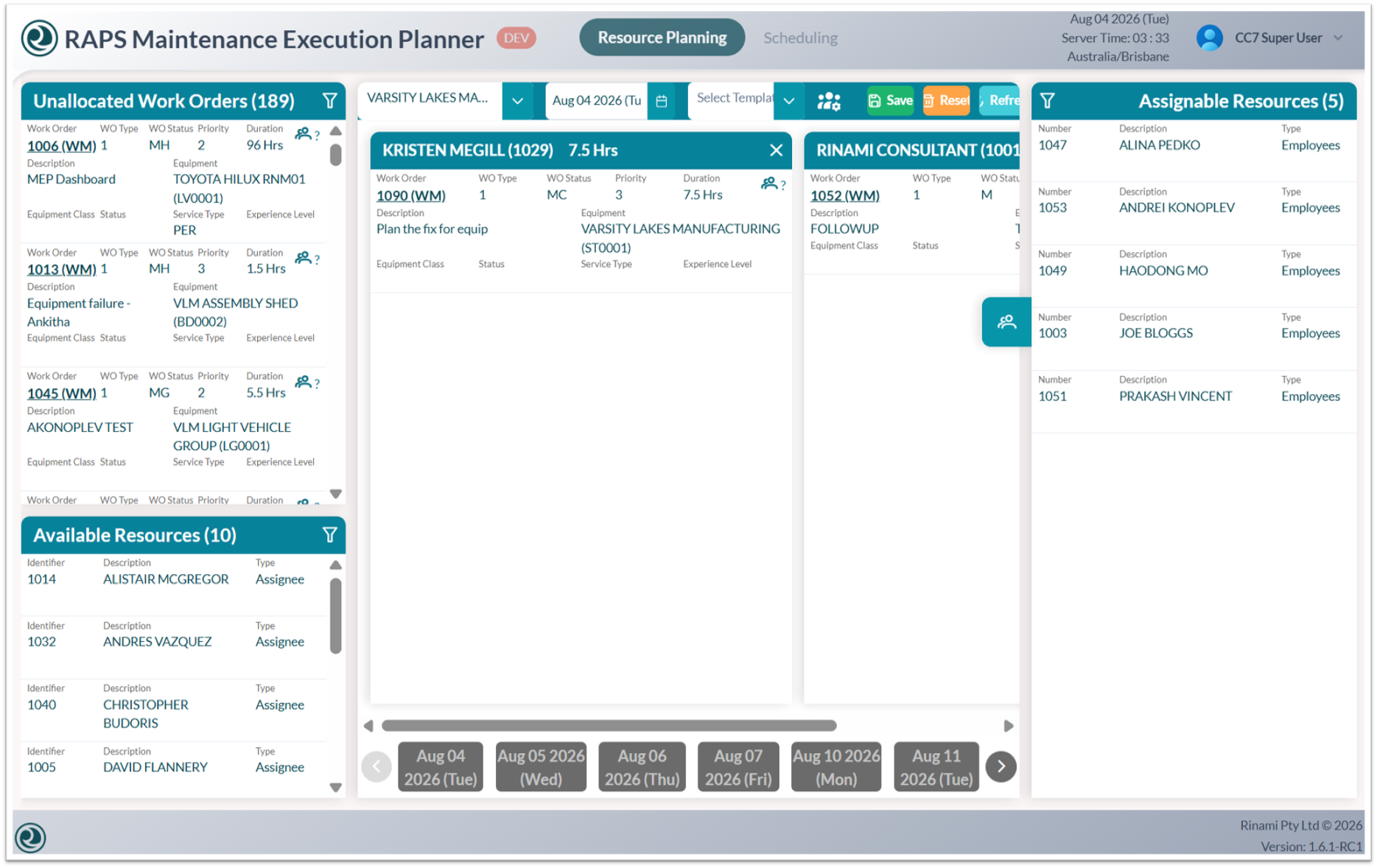
To apply a custom MEP colour theme:
-
Log in to the Administration Console.
-
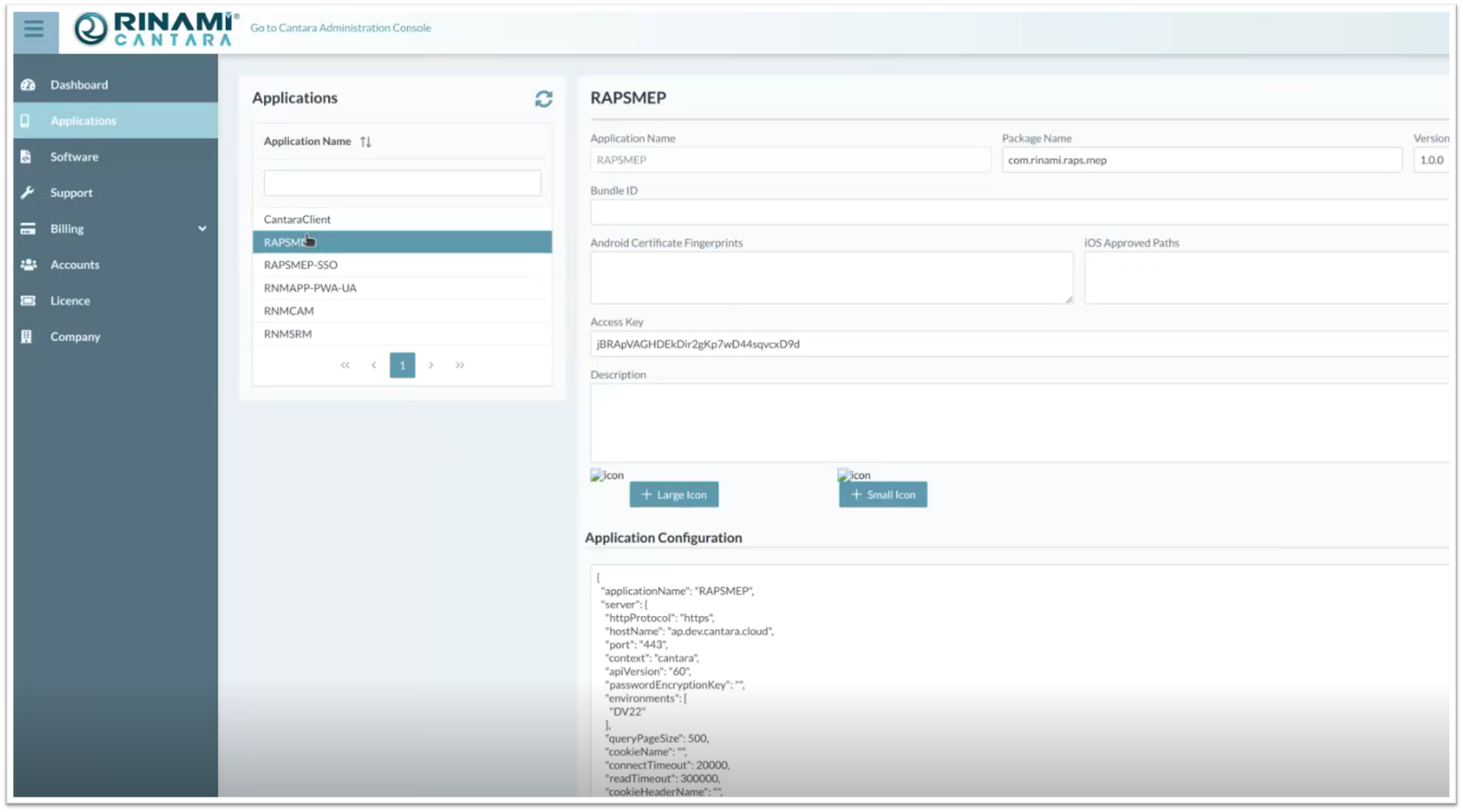
On the left side of the screen, select Applications.
-
Select the application that you want to update.
-
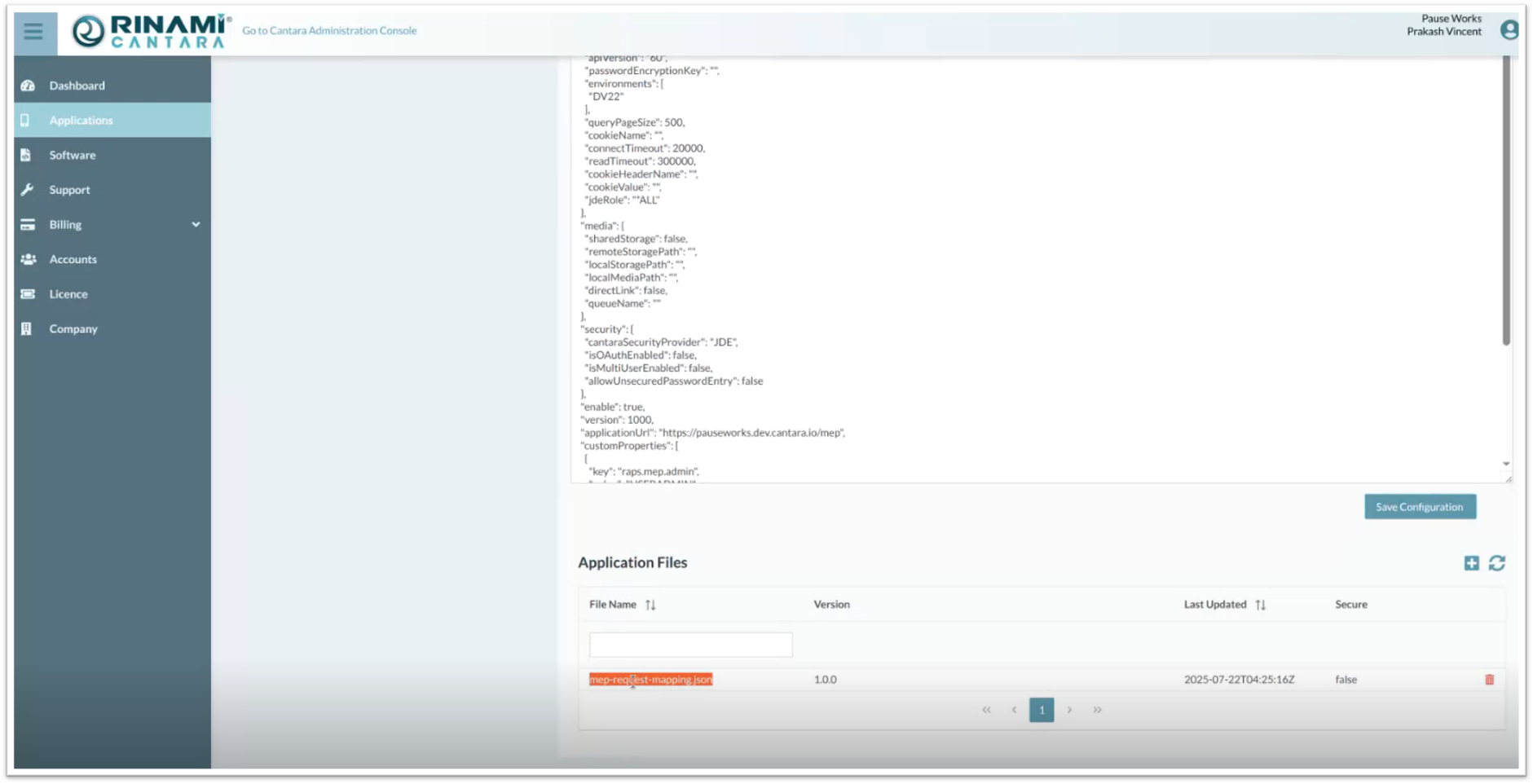
Scroll to the bottom of the screen to the Application Files section.
-
Upload the
theme.jsonfile.
Outcome
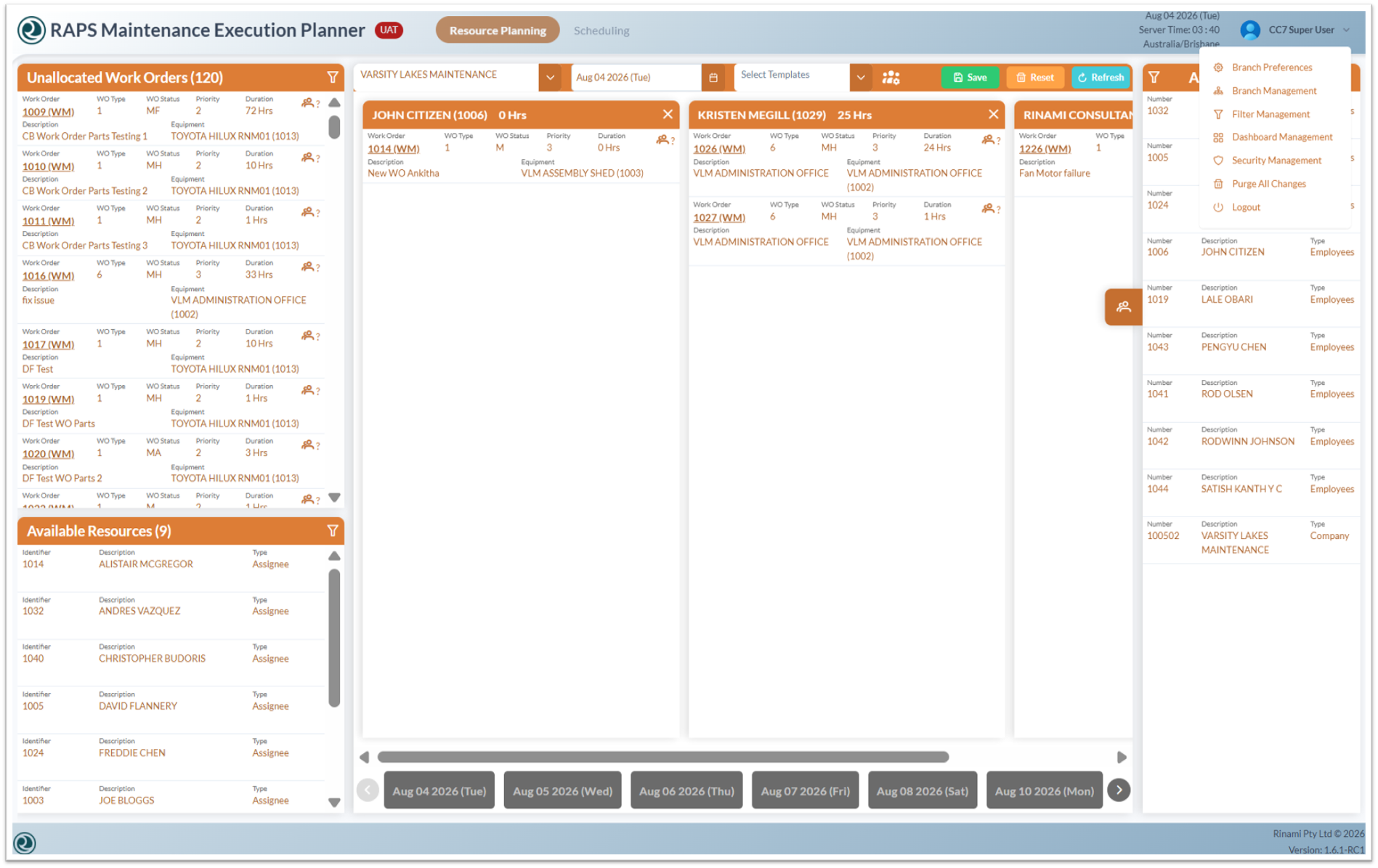
The selected application uses the uploaded theme.json file, and the MEP colour theme is updated based on the custom theme configuration.