
Purpose
Update the details of an existing gateway in the Cantara Administration Console.
Before you begin
-
You have access to the Cantara Administration Console.
-
You have permission to manage gateways.
-
The gateway you want to edit already exists.
Procedure
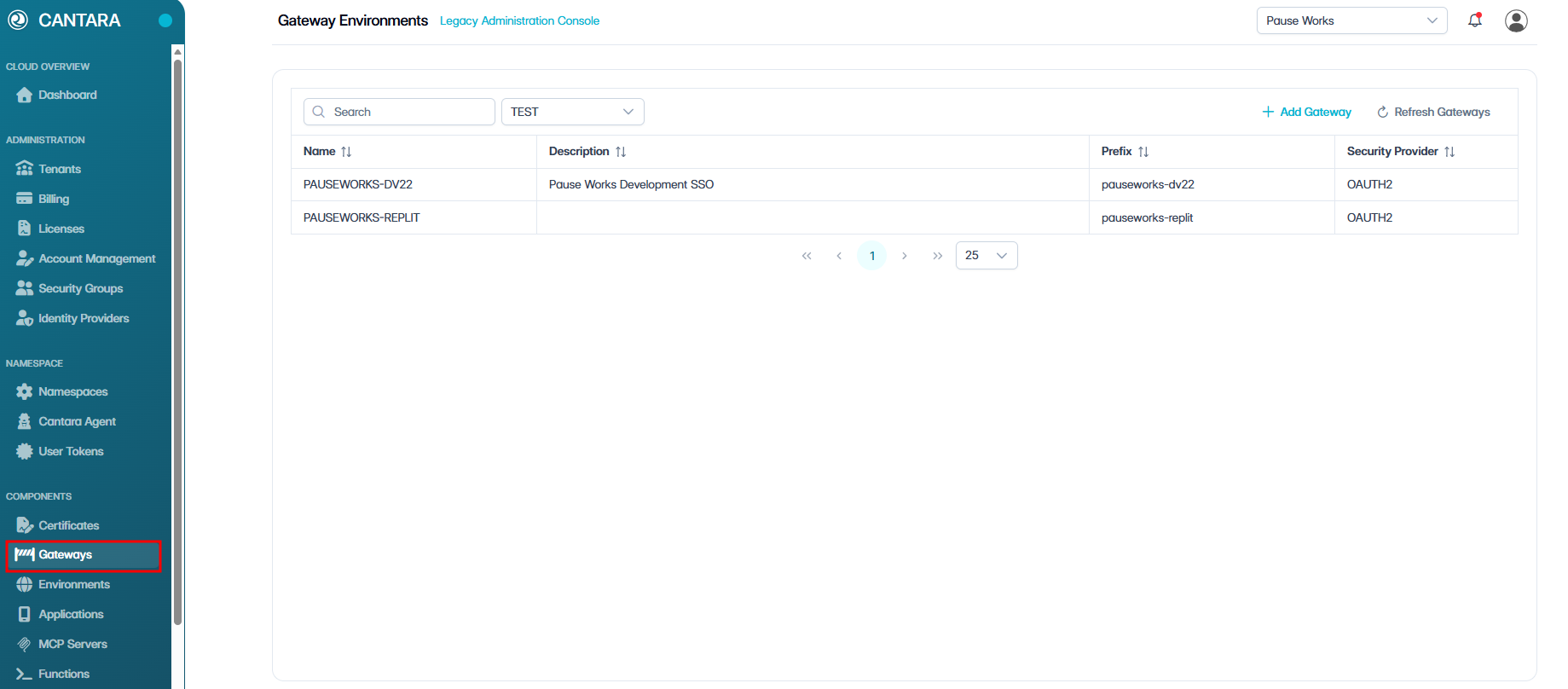
To edit a gateway:
-
Navigate to Gateways.
-
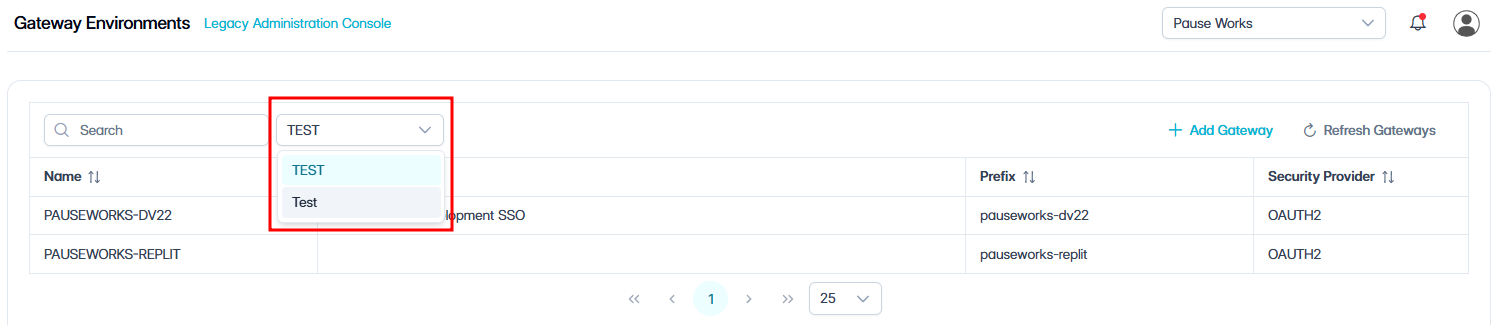
Select the appropriate Namespace from the dropdown menu.
A list of gateways configured for the selected namespace is displayed. Each row represents one gateway.
The following columns are displayed:
|
Column |
Description |
|---|---|
|
Name |
The name of the gateway. |
|
Description |
A description of the gateway. |
|
Prefix |
The prefix assigned to the gateway. |
|
Security Provider |
The security provider associated with the gateway. |
-
Select the gateway you want to edit.
The gateway details are displayed.
|
Field |
Description |
|---|---|
|
Name |
The name of the gateway. |
|
Security Provider |
The security provider used to authenticate users for this gateway. |
|
Prefix |
The prefix assigned to the gateway. The prefix forms part of the gateway URL and must match the Machine Name configured for the gateway node in JD Edwards. |
|
Token Timeout (seconds) |
The duration, in seconds, before the gateway token expires. |
|
Description |
A description of the gateway. |
|
Component Version |
The component version associated with the gateway. |
|
Email From Address |
The default sender email address used for gateway notifications. |
|
Time Zone |
The time zone used by the gateway. |
|
Default Date Format |
The default date format used by the gateway. |
|
Session Cookie Name |
The name of the session cookie used by the gateway. |
|
RememberMe Cookie Name |
The name of the remember me cookie used by the gateway. |
|
JDE Authentication |
The authentication method used to authenticate with JD Edwards. |
|
JDE Environment Name |
The JD Edwards environment connected to the gateway. |
|
Long Usernames |
Indicates whether long usernames are enabled for the gateway. |
-
Update the editable fields as required.
-
Select one of the following options:
-
Save — Apply and save any updates made.
-
Undo Changes — Revert any unsaved changes back to the last saved state.
-
Cancel — Exit without saving.
-