
Purpose
Permanently remove a gateway from the Cantara Administration Console.
Before you begin
-
You have access to the Cantara Administration Console.
-
You have permission to manage gateways.
-
The gateway you want to delete exists.
Warning: Deleting a gateway is permanent and cannot be undone.
Procedure
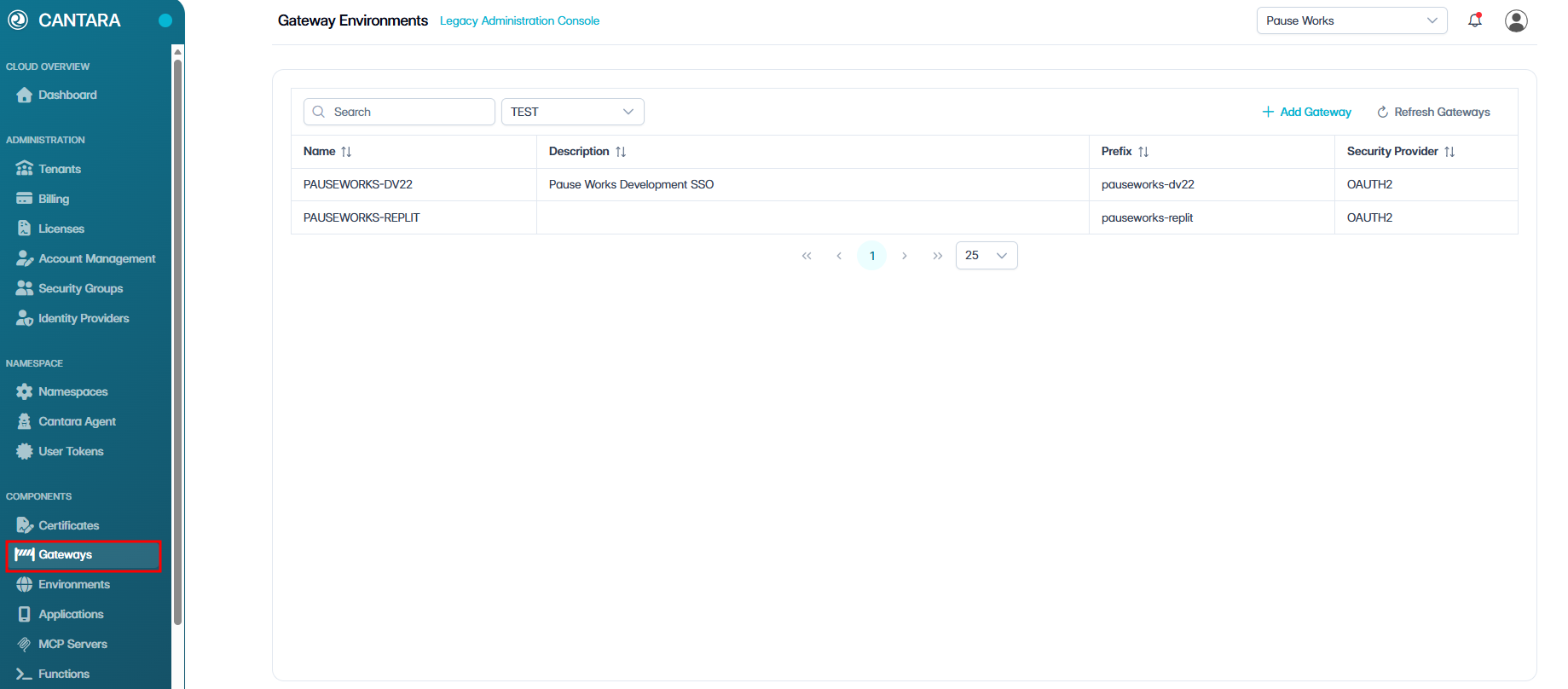
To delete a gateway:
-
Navigate to Gateways.
-
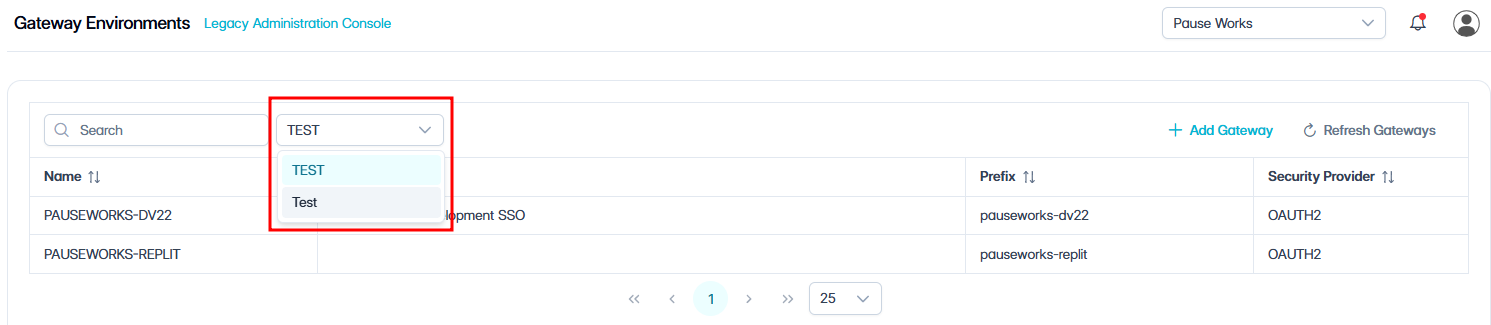
Select the appropriate Namespace from the dropdown menu.
-
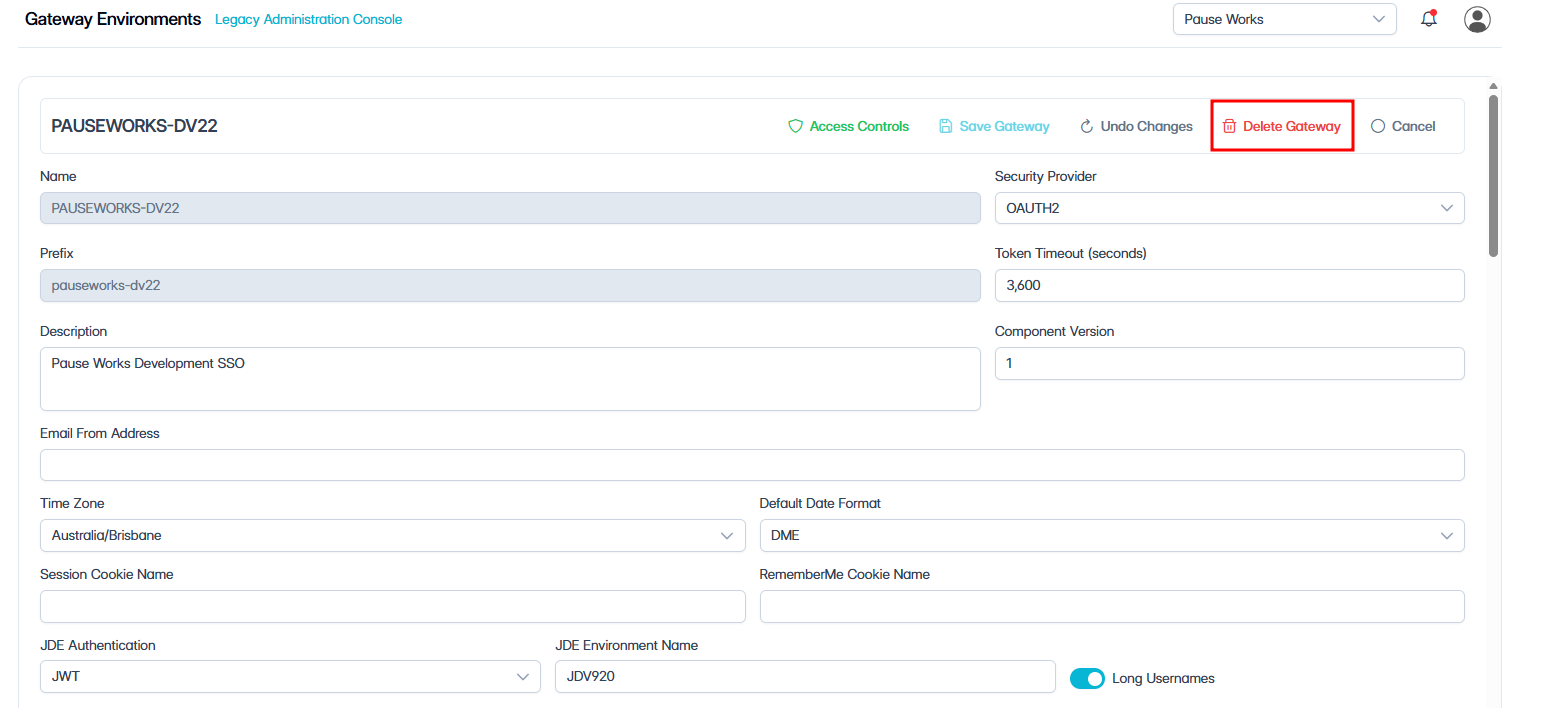
Select the gateway you want to delete.
-
Select Delete.
-
When the confirmation prompt appears, select Confirm to permanently delete the gateway, or Cancel to return without deleting.