
Overview
A function that exists in your JDE environment may be loaded and run in Cantara.
Procedure
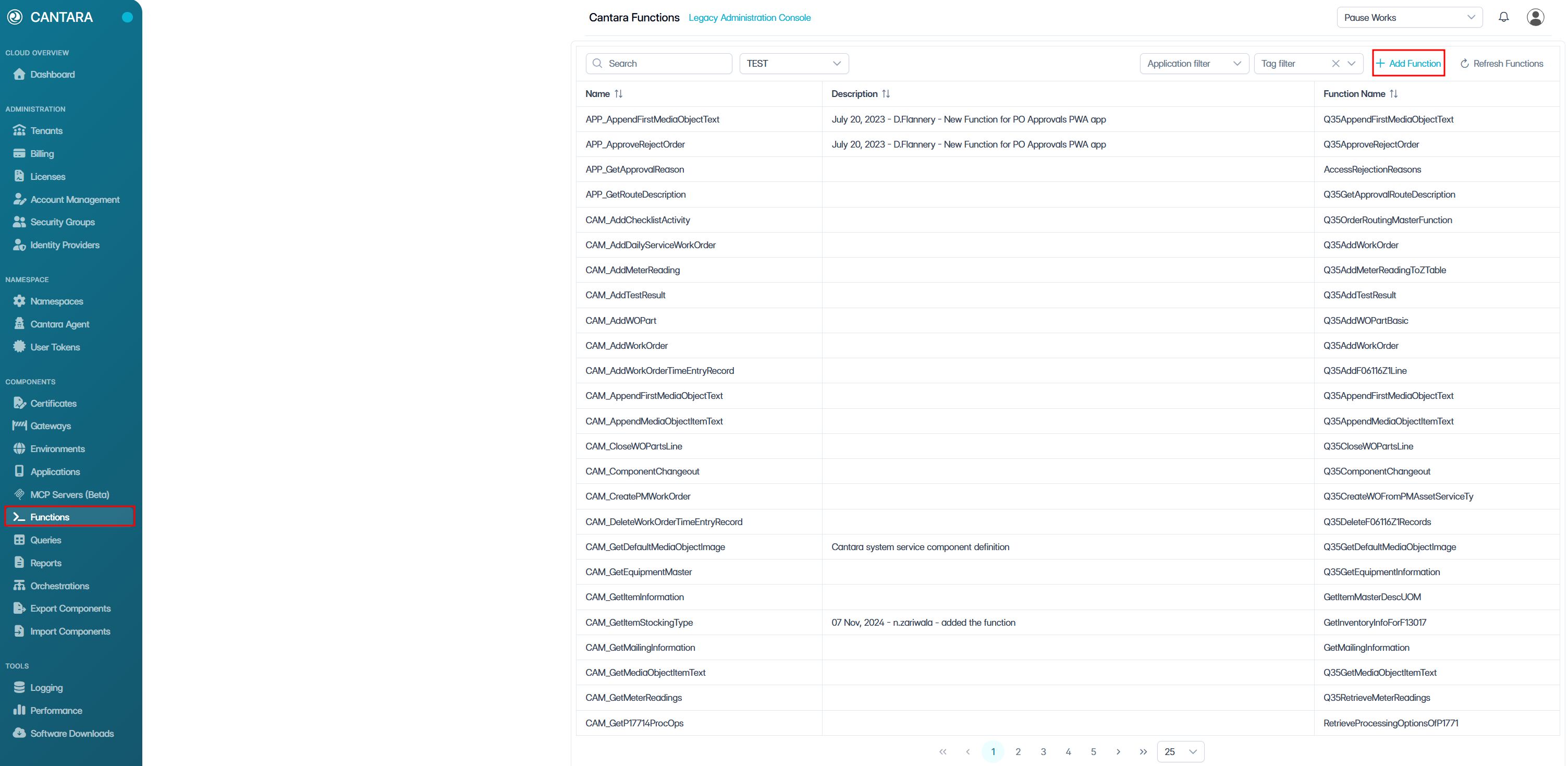
To create a function:
-
Navigate to Functions.
A list of available functions is displayed.
-
Click + Add Function.
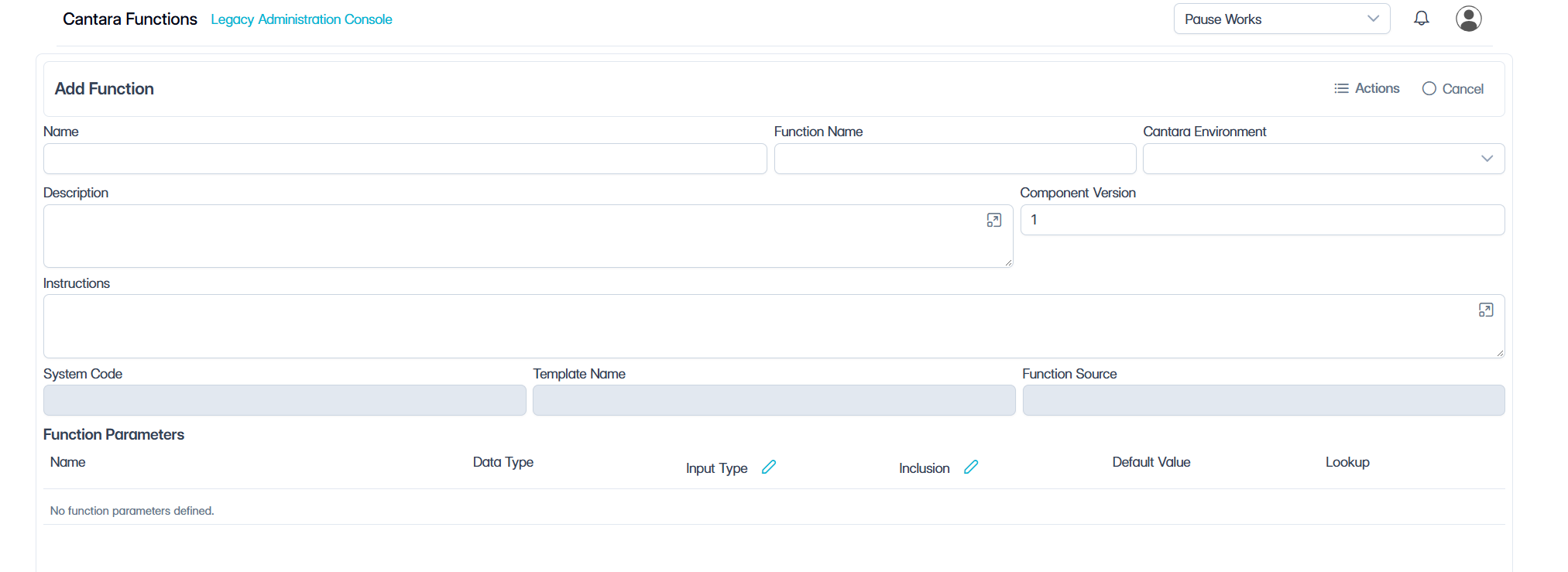
The Add Function screen will be displayed.
-
In the Function Name box, enter the name of the function you wish to download into Cantara. This can be a vanilla or custom JDE function that has been deployed to your chosen environment.
-
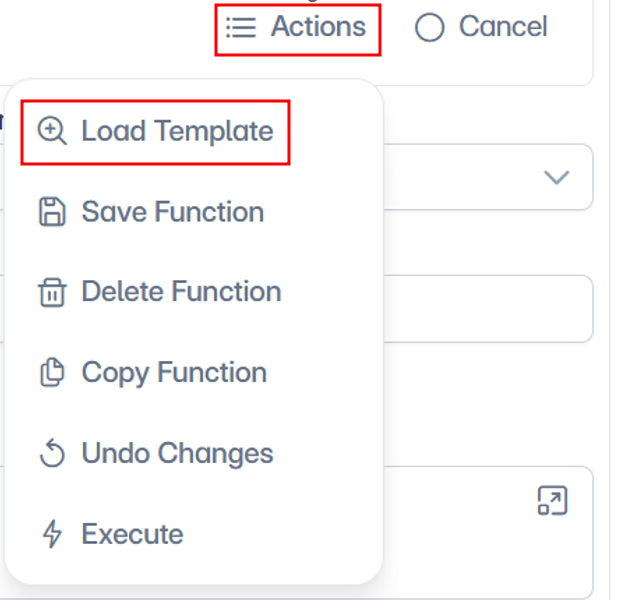
Click Actions, then select Load Template.
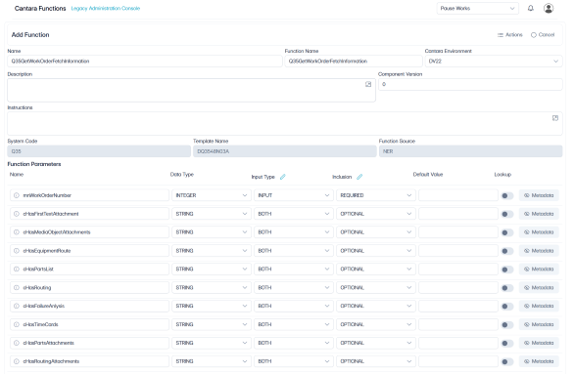
The function template will load.
-
Enter a Name for the function that will be used to run it in Cantara. You can enter the exact name of the JDE method referenced, or create one that is more meaningful to you. The value for this field can be a maximum of 40 characters (no spaces). Valid characters include numbers, letters, underscore (_) and dash (-).
-
Enter the Component Version for this function.
-
Enter a Description: A description of the service definition for reference. This is often used to enter audit data, i.e. date created, author, and so on.
-
The Instructions box can be used to enter information to assist an AI agent with running the function.
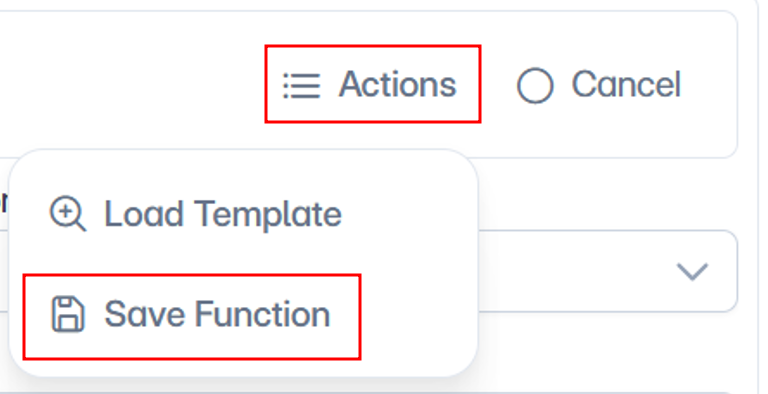
11. Click Actions, then select Save Function.
Function Parameters
After loading the default definition of a function from JDE, you can then modify it as required. The following table lists the parameters that define the data structure for a function.
|
Field |
Description |
|
Name |
The name assigned to the method. By default, the system populates this field with the JDE Name. You can change the value to one that is more meaningful to you. The value for this field can be a maximum of 30 characters (no spaces). Valid characters include numbers, letters, underscore (_) and dash (-). |
|
Data Type |
Data type for the parameter. The Cantara Access Server can determine the basic data types such as STRING, CHARACTER, and DATE, but is not able to automatically determine if the field is a complex data type such as ADDRESSNUMBER or BUSINESSUNIT unless it has been defined in the defaults definition file on the server. You can manually set these values to make sure the data sent to or returned from JDE is handled correctly and to enable the advanced lookup functionality. Refer to the Definition Data Types table for details about each of the data types. |
|
Input Type |
Determines whether a parameter is passed In, Out, or Both of JDE when the function is called. This defaults to the same value as the setting in the JDE data structure. |
|
Inclusion |
Use this drop-down list to specify if the parameter is Required, Optional, or Hidden (locked field). Required fields must have a value supplied when the function is called. Optional fields may or may not have a value supplied and will use the default value if one is provided. Hidden fields will only use the default value provided and cannot be overridden when the function is called. |
|
Default |
You can set a default value for a parameter. The default value for optional fields is submitted if no value is provided when the function is called. In the case of hidden fields, only the default value is submitted. The default value is ignored for fields that are required. |
|
Lookup |
If selected, the system executes the advanced lookup functionality for the data type specified. Refer to the table for specific details about the lookup functionality for each of the data types. |
Tips

-
Parameter descriptions: Use the parameter information and descriptions to help define how the function should be processed. Each parameter also has an optional Description window where instructions can be entered to facilitate processing by an AI agent. This is accessed by hitting the circle with lower case ‘i’ next to the parameter name.
-
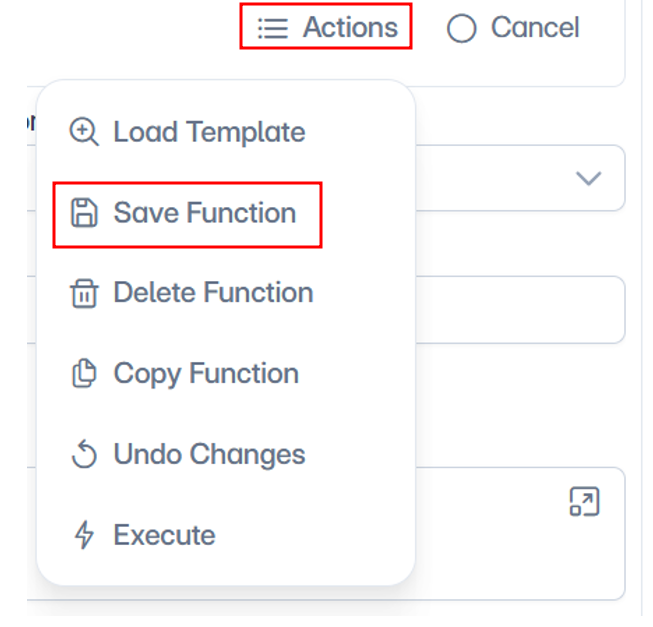
Save your changes: Make sure select Save Function under the Actions drop-down to save any changes.