
You can delete any defined environments that are no longer needed.
To delete an environment
-
From the status bar, select the Farm containing the environment to be deleted.
-
Open the Components menu group in the navigation panel.
-
Select the Environments node, and then select the Cantara environment to be deleted.
-
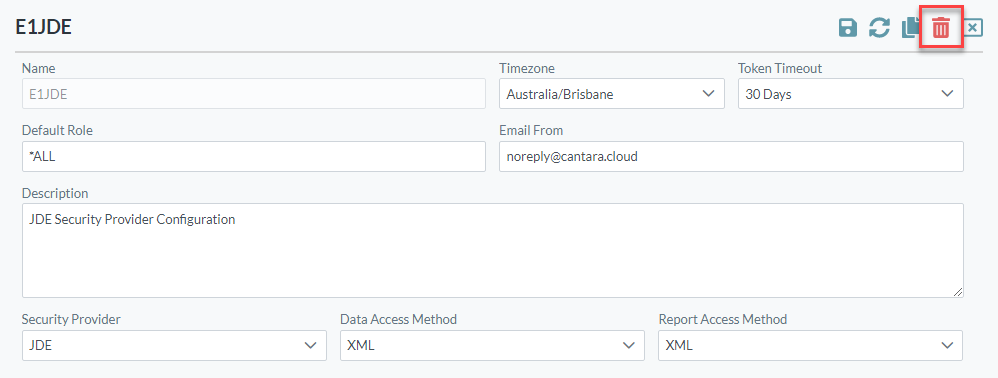
Click the Delete button at the top right corner of the screen.
-
Confirm the delete operation.