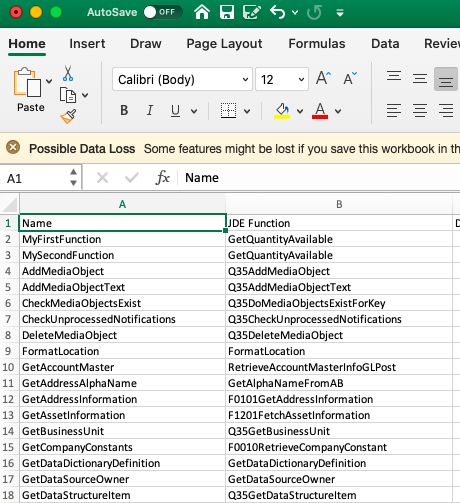
You can export a list of the configured components to a comma-separated file, which can be opened in a spreadsheet program.
To export data to a file
-
Open the Components menu group in the navigation panel.
-
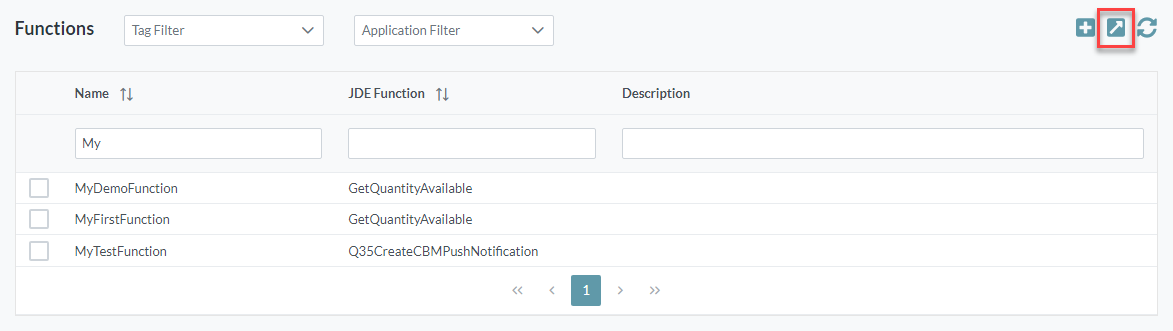
Select the component type to be exported, for example Functions.
-
Click the Export button located in the top right of the screen.
-
A file download prompt will be displayed in your web browser.
Example: