
The function, query, report and route definitions for your Farm are stored in system memory to ensure optimal performance when responding to requests. If you have made changes to the component definition files directly rather than through the Cantara Administration Console, you will need to perform a cache refresh for the changes to be applied. Refreshing the cache triggers the Server to reload all of the functions, queries, reports and routes into memory.
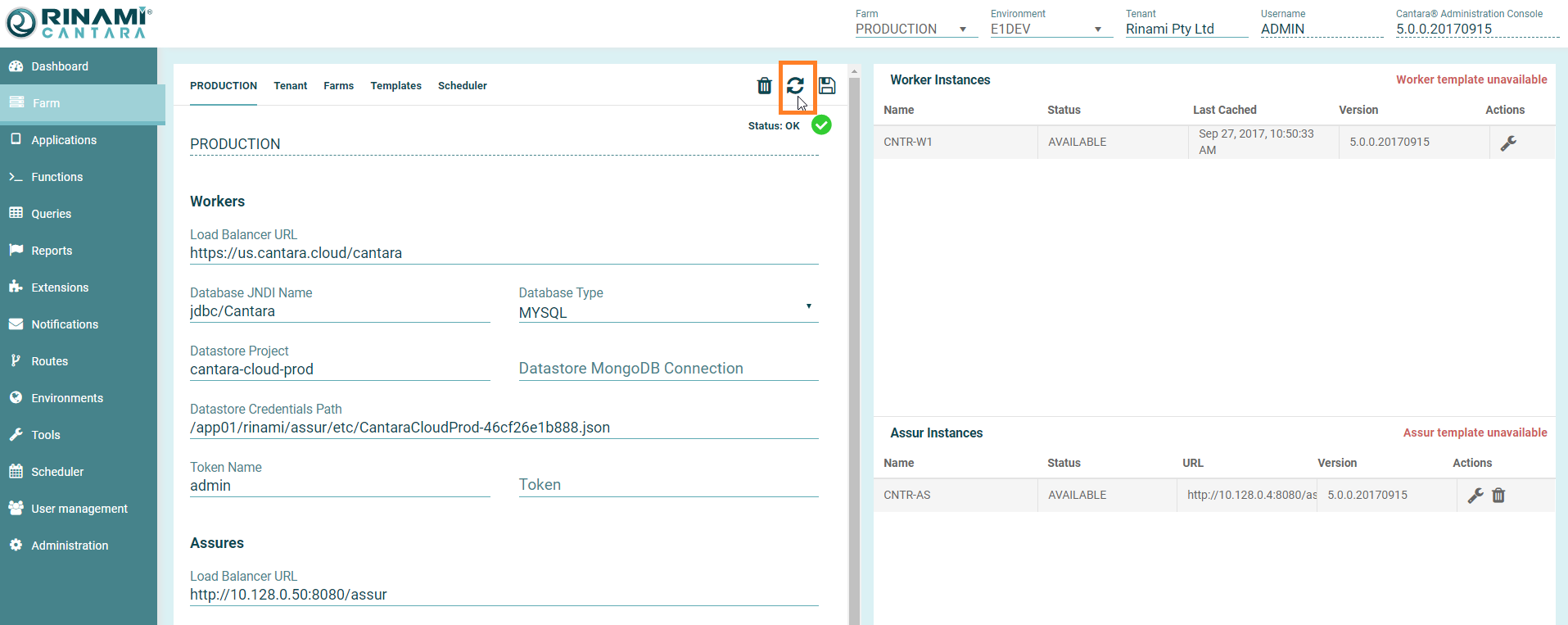
To refresh cache
-
Select the Farm node in the navigation panel.
-
Select the Farm name to refresh i.e. PRODUCTION or TEST.
-
Click the Refresh button. All definitions are in now in sync.