
You can export data for various components throughout the Cantara Integration Platform to Microsoft Excel format.
Example:
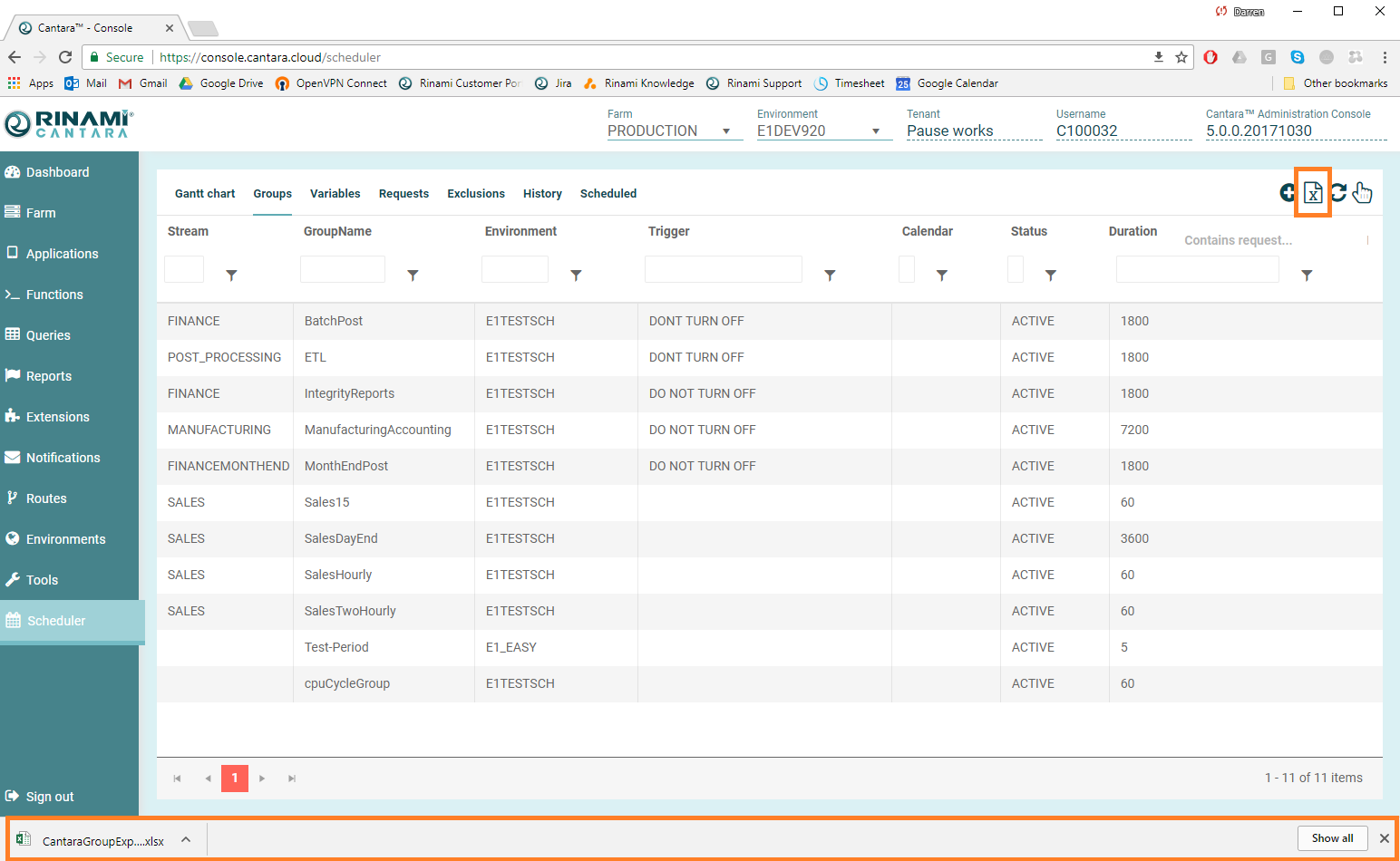
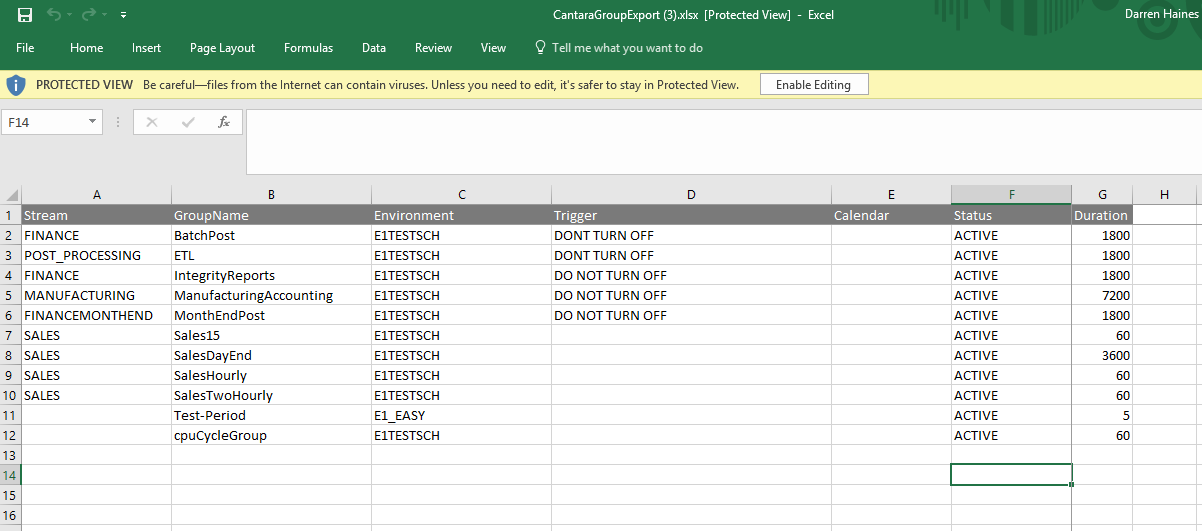
To export data to a file
-
Access the component that contains the data you want to export.
-
Click the Export button located in the top right of the screen (Icon of a document with am X through the middle)
-
A file download prompt in your web browser should appear.