
The Cantara Integration Platform supports two server configuration types: file-based and database. You can use the Import/Export feature to switch between the two configurations as your business needs change. For example, you can use this feature if you want to upgrade from a file-based configuration to one that uses a database. You can also use this functionality to migrate component definitions between Cantara Access Servers.
Importing a Component Definitions
Imported components will overwrite existing definitions with the same name.
You can use the Import feature to import function, query, and report definitions.
To import component definitions
-
Click Servers in the navigation pane.
-
Select a server from the list.
-
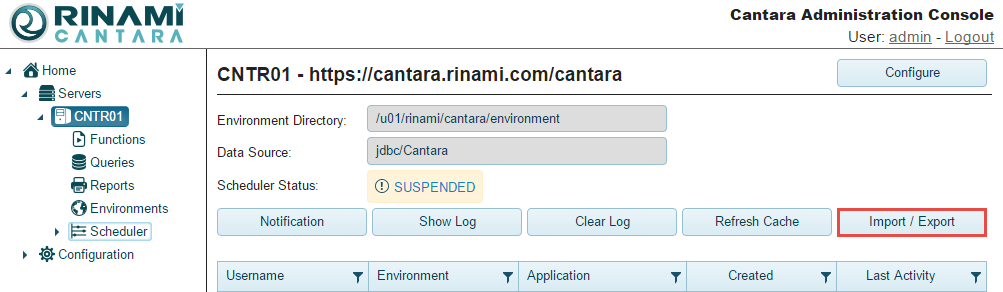
Click the Import/Export button.
-
In the screen that opens, enter the path to the server you want to import in the Component Directory field, and click the Import button.:
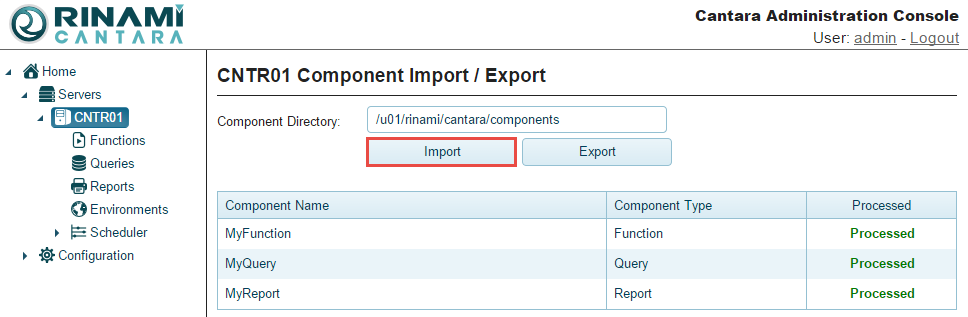
The definition(s) are loaded.
Exporting Component Definitions
You can export function, query, and report definitions.
To export component definitions
-
Click Servers in the navigation pane.
-
Select a server from the list.
-
Click the Import/Export button.
-
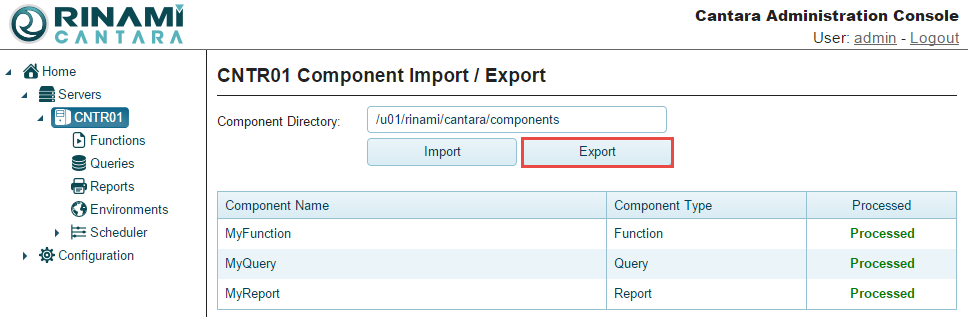
In the screen that opens, enter the path to the server you want to export in the Component Directory field, and click the Export button:
-
The definition(s) you specified are exported.