
You can delete a server to stop the Cantara Administration Console from being about to administer it.
Deleting a server only deletes the connection to it. To permanently remove a Cantara Access Server, you must undeploy it from your Java application server.
To delete a server
-
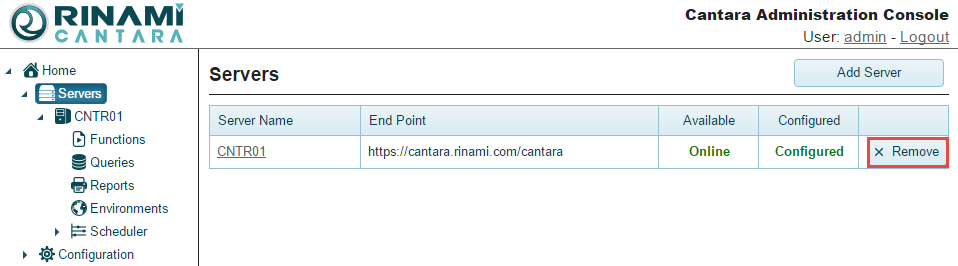
Select the Servers node in the navigation panel. A list of all the servers you have configured is displayed.
-
Click the Remove button for the server you want to delete. The instance is deleted from the system.