
You can use the Cantara Administration Console as a debug tool to test that a report is submitting as expected.
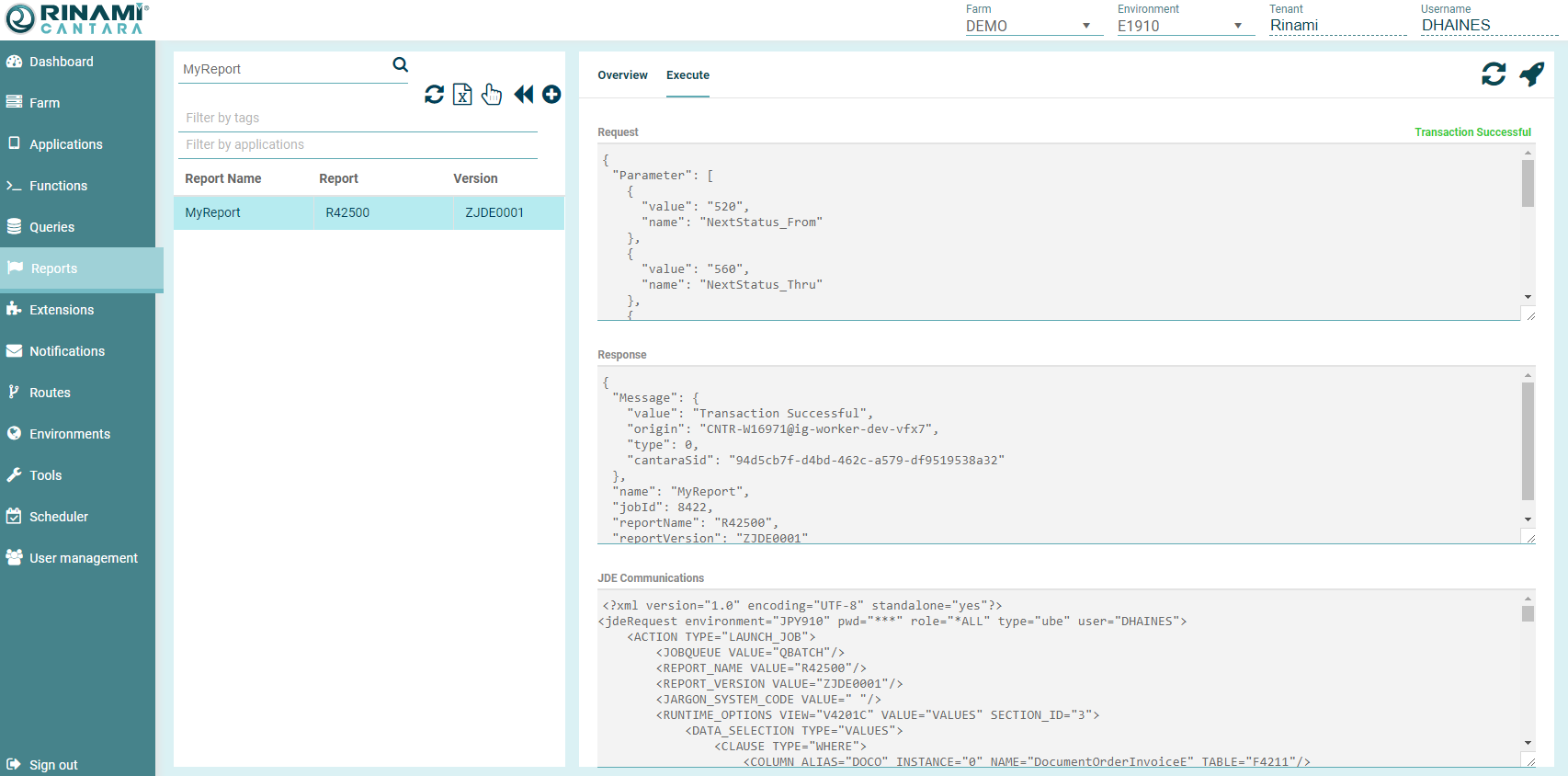
The following details are returned when you test a function:
-
Report Request: The payload that the Cantara Access Server RESTful service consumes. You can use the information produced here as a template for inclusion in your own service client.
-
Report Response: The response that the Cantara Access Server returns.
-
JDE Communications: The data that is being transmitted from Cantara Access Server and the JD Edwards server.
The result is displayed in JSON format.
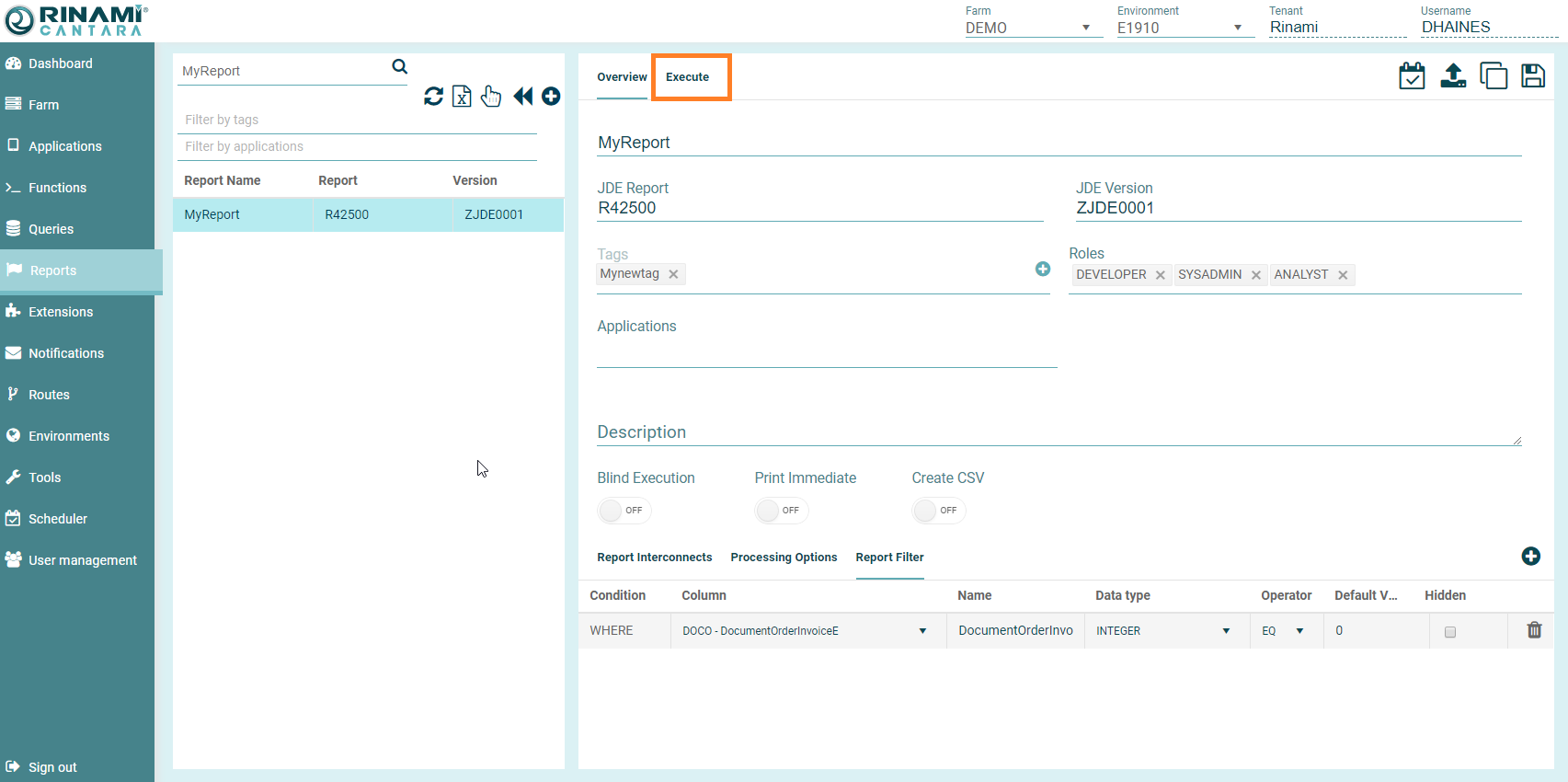
To test a report
-
Select the Reports node in the navigation panel.
-
Select the report you want to test.
-
Select the environment you want to test the report against from the top menu.
-
Populate the default value fields with the processing options, report interconnects or filter criteria you wish to submit.
-
Click the Execute button. The details of the test are displayed.
-
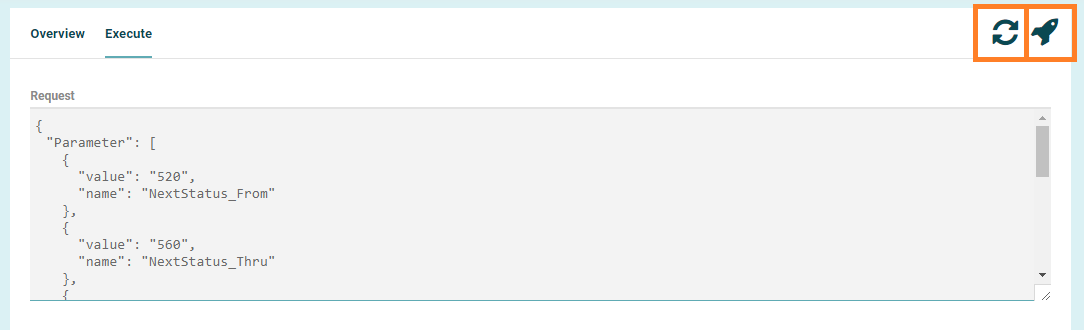
If you have made any changes to the report options without saving, you will need to press the Refresh button for the request to be updated to the new selection.
-
Press Execute
-
The results are displayed.
To quickly copy the results for external review. Click into the Response section, press Control+A, then Control+C