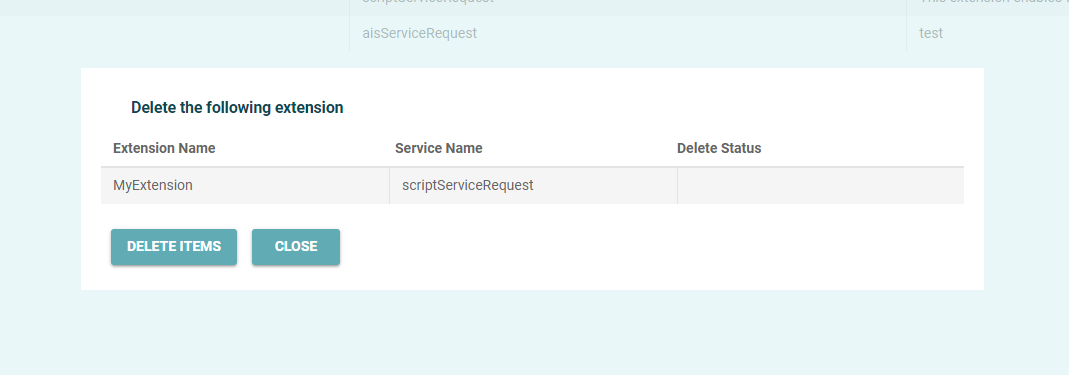
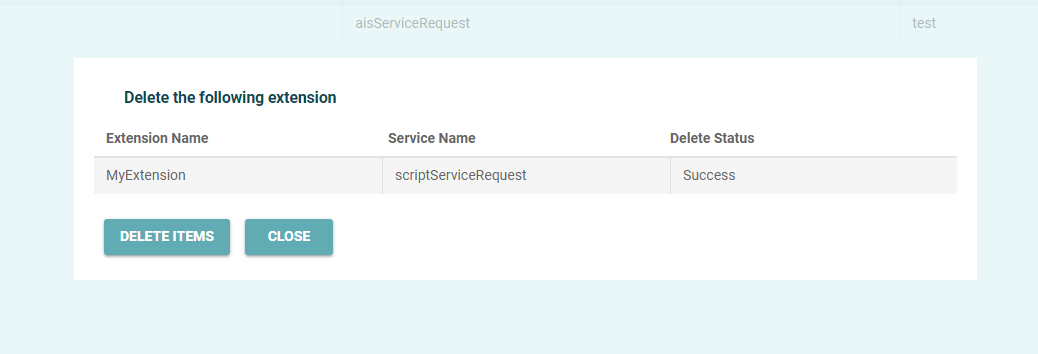
You can delete any extensions that are no longer needed.
To delete an extension
-
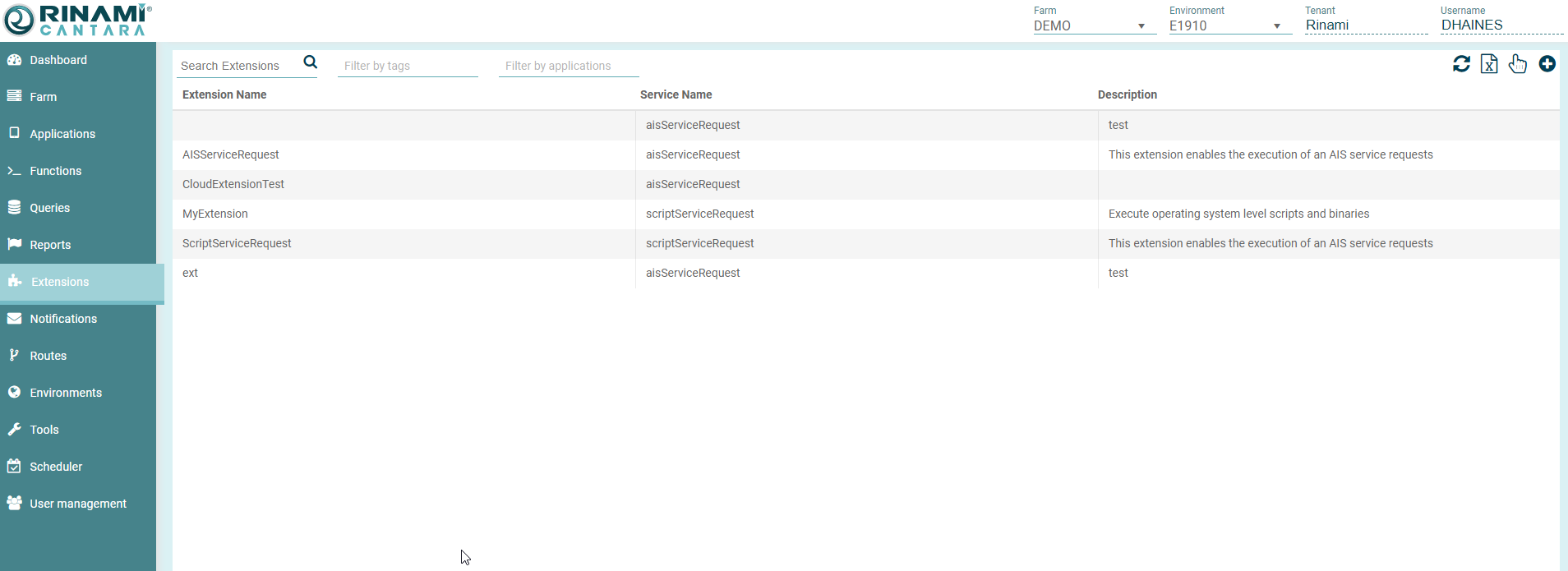
Select the Extensions node in the navigation panel. A list of all the extensions that are available in the Cantara Access Server are displayed.
-
Enable selection mode by clicking on the Hand icon in the top right hand side of the grid.
-
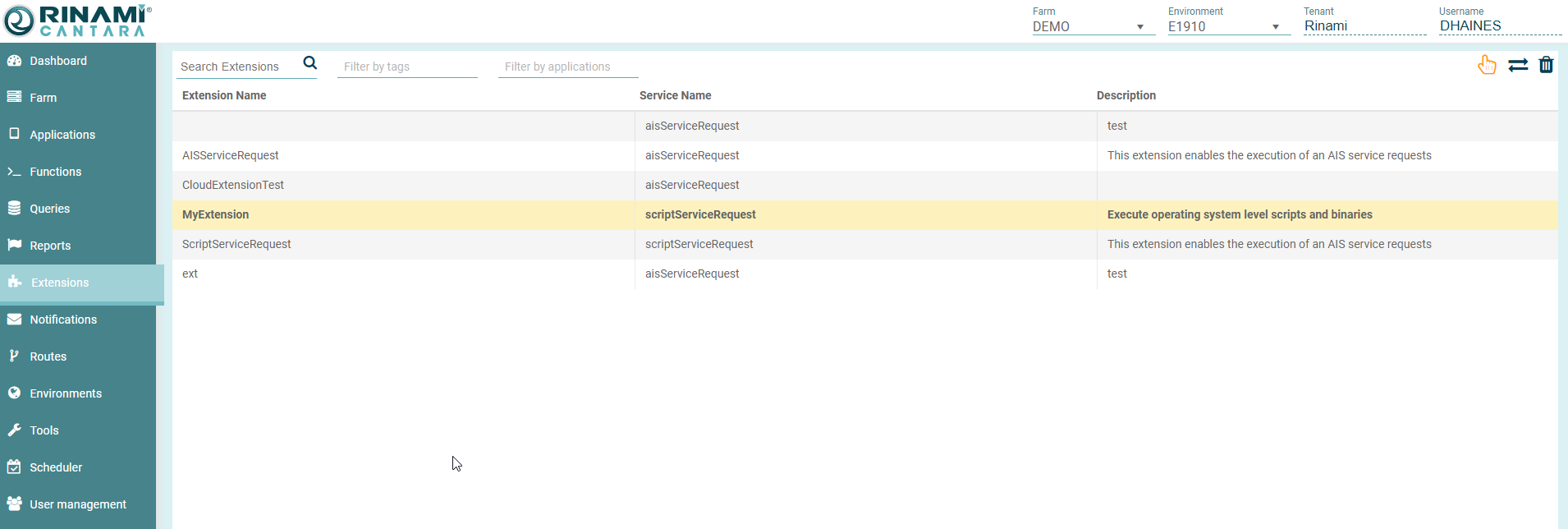
Click on the required extension / extensions to remove.
-
Click the Trash can icon in the top right to delete.
-
Confirm the deletion.