
You can delete any custom functions that are no longer needed.
To delete a function
-
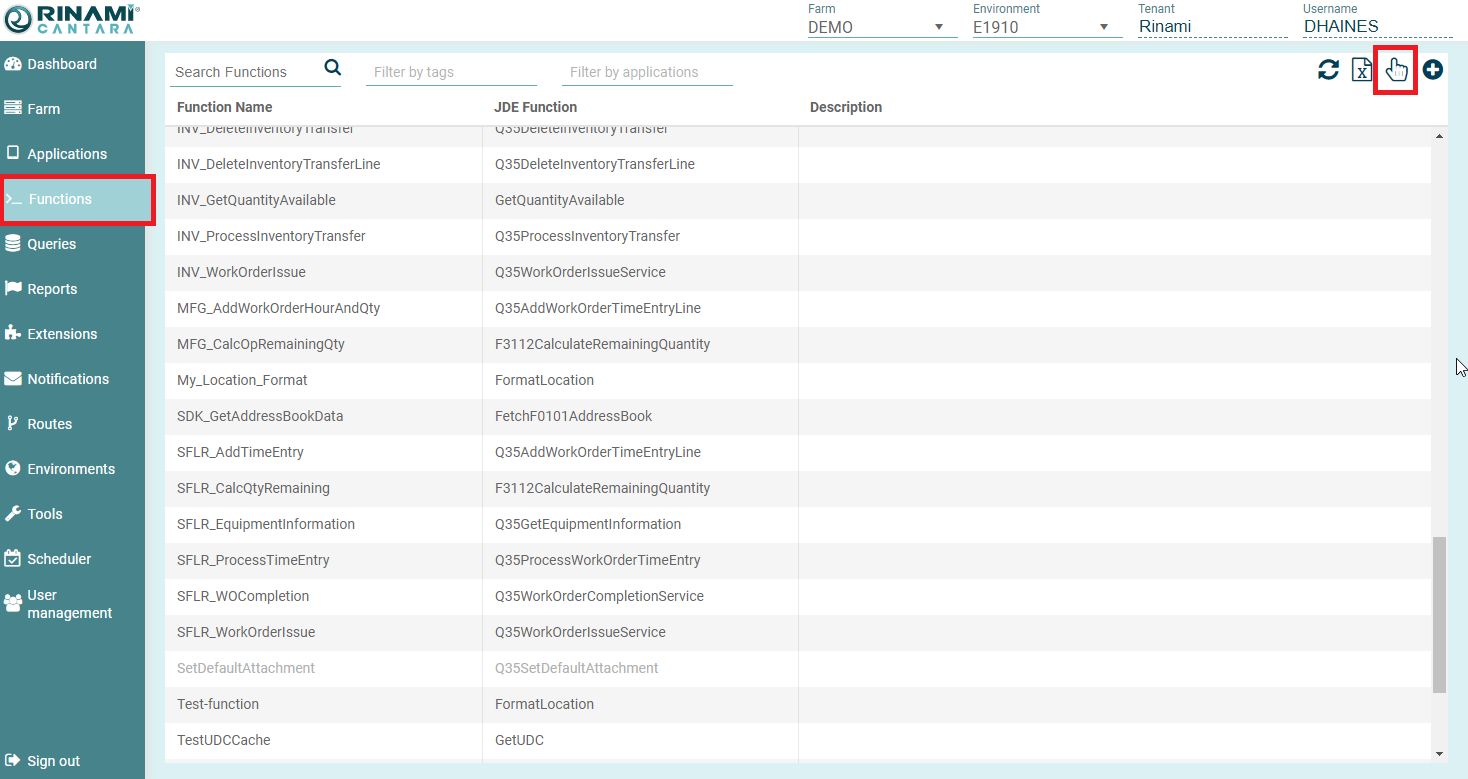
Select the Functions node in the navigation panel. A list of all the functions that are available in the Cantara Access Server are displayed.
-
Click the Select List Item button (Hand icon) in the top right corner of the pane.
-
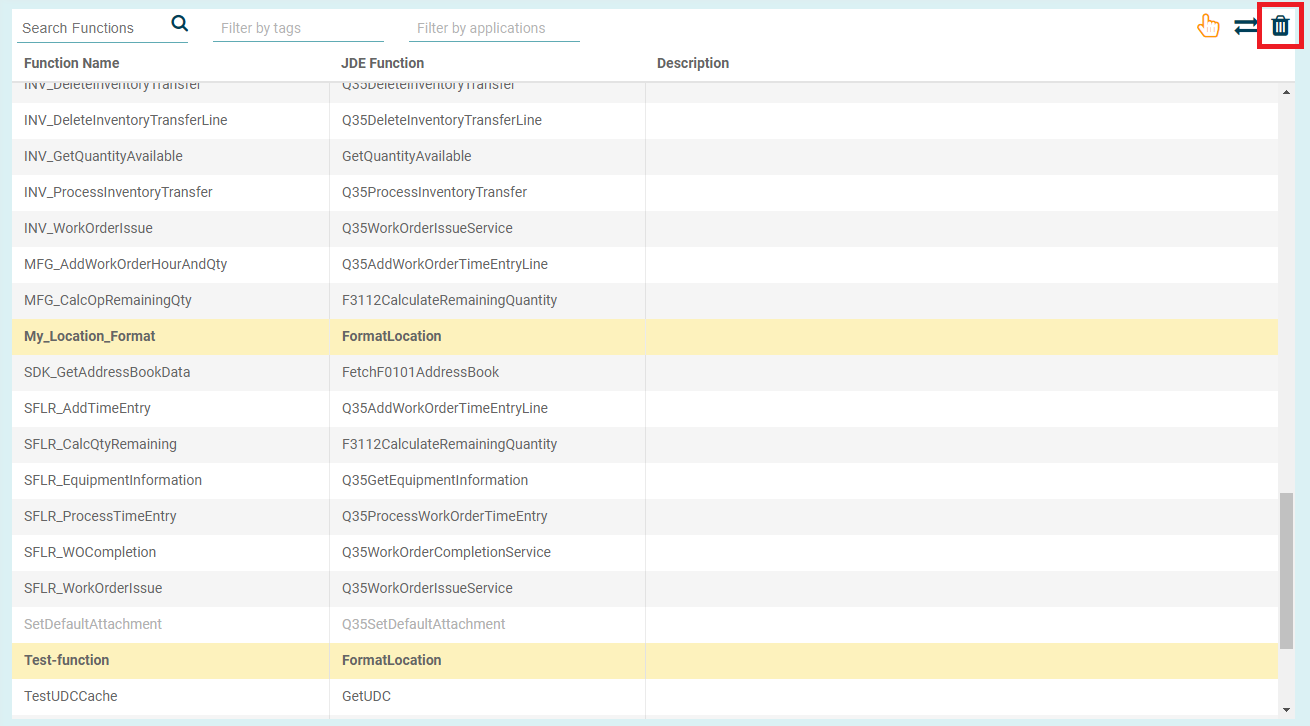
Select the line(s) that you wish to delete, they will highlight in yellow.
-
Click the Trash Can icon in the top right corner of the screen.
-
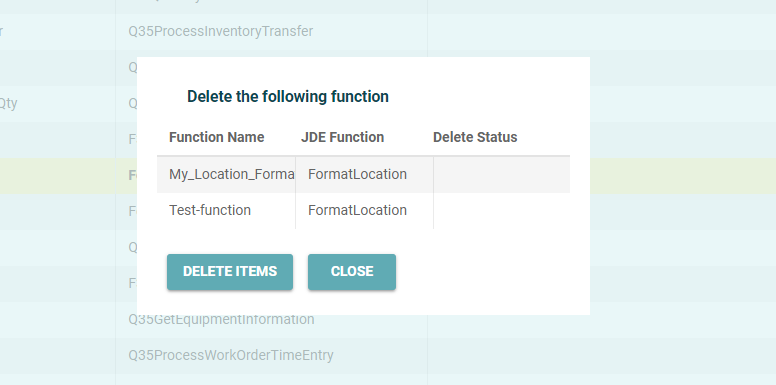
The Delete function dialog box will appear.
-
Press Delete Items to confirm the deletion.
-
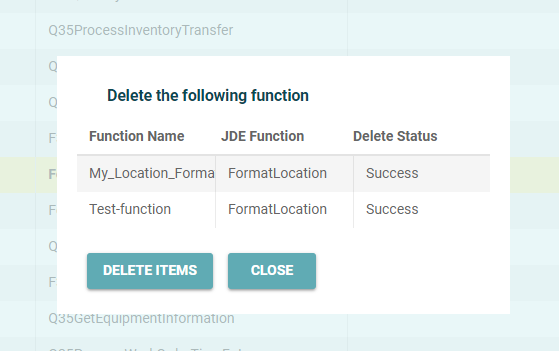
Once deleted the delete status will read as "Success"
-
Click the Close button to return to the Functions list.