To create an Application
-
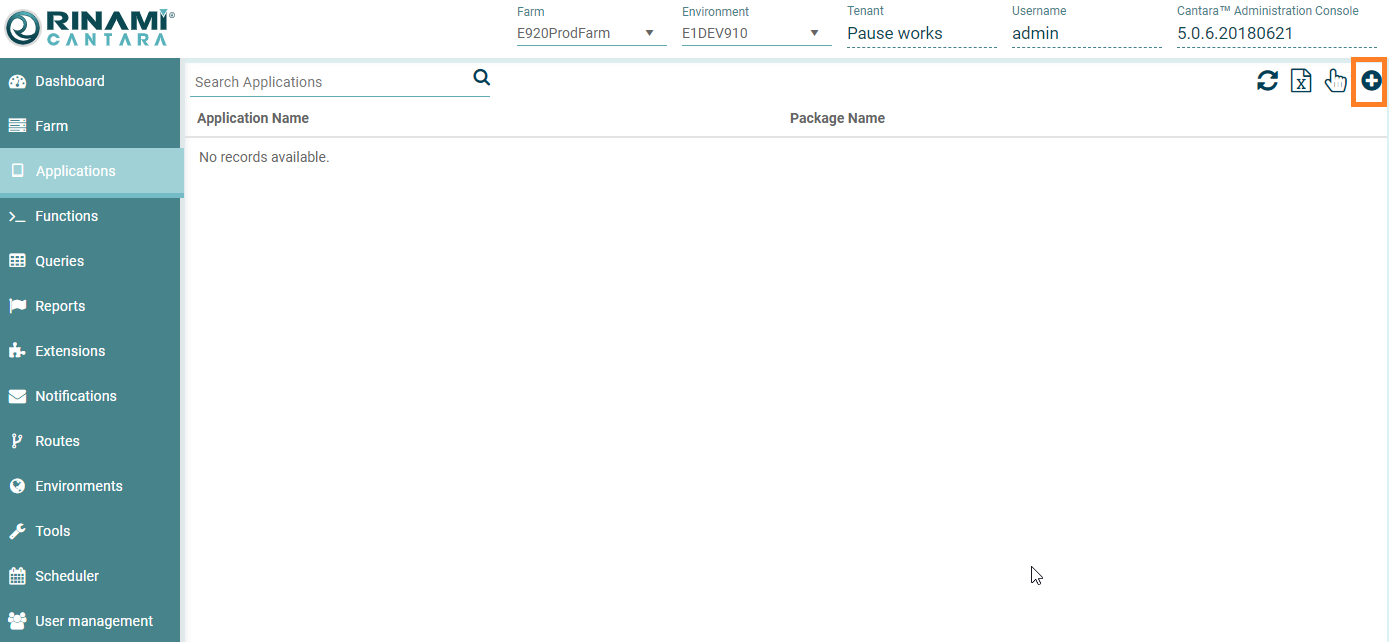
Select the Applications node in the navigation panel. A list of available applications are displayed
-
Click the Add button. The Create Application screen is displayed:
-
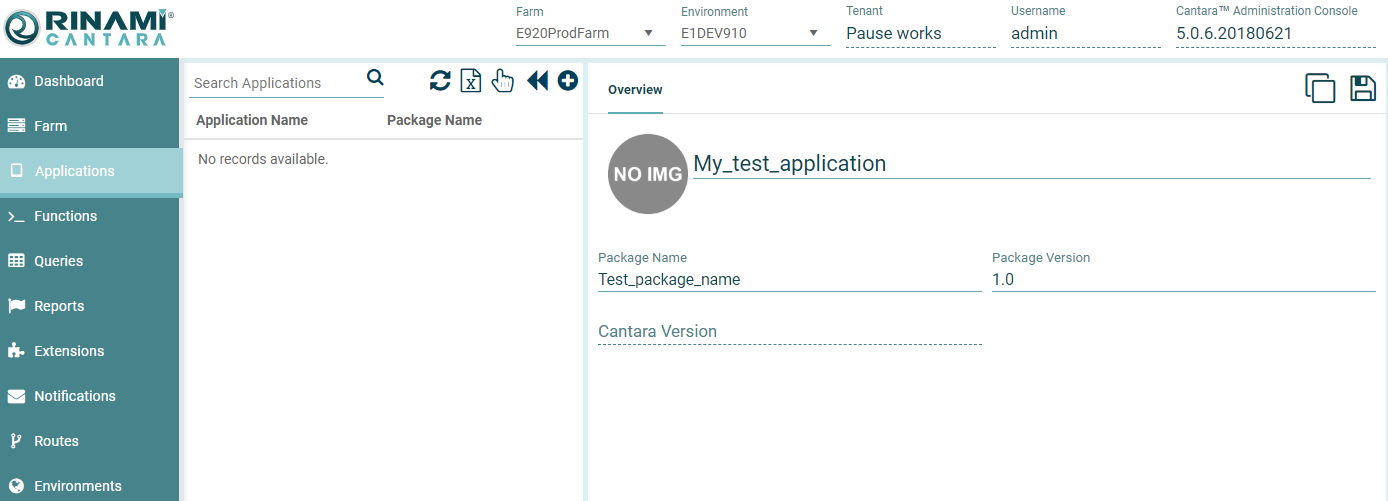
Enter the following details:
-
Name: The name you want to assign to the application definition. This Name must match the application parameter that is used as a part of the Cantara login process by the mobile application.
-
Image clicking the "NO IMG" icon will allow you to add an icon for the application to be saved. This image is displayed in the main dashboard of Cantara when the application is logged in under the Current Users section.
-
Package Name: Optional - To assist developers with the mapping of the shortened/simplified application name to the physical development package or repository.
-
Package Version: Optional - The current version of the application, to assist developers with the mapping of the allowed application back to the physical development package.
-
-
Click the Save button. The application definition is added to the list of available applications.