
You can test an email configuration to make sure that an email address is properly configured.
To test an email configuration
-
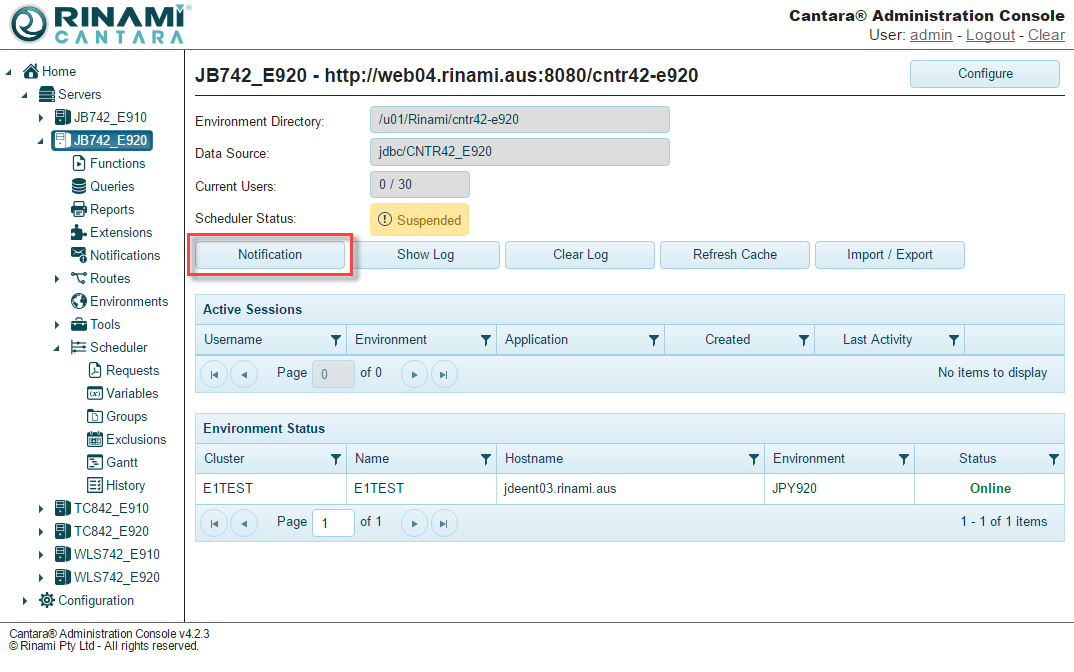
Select the Servers node in the navigation panel.
-
Select a server.
-
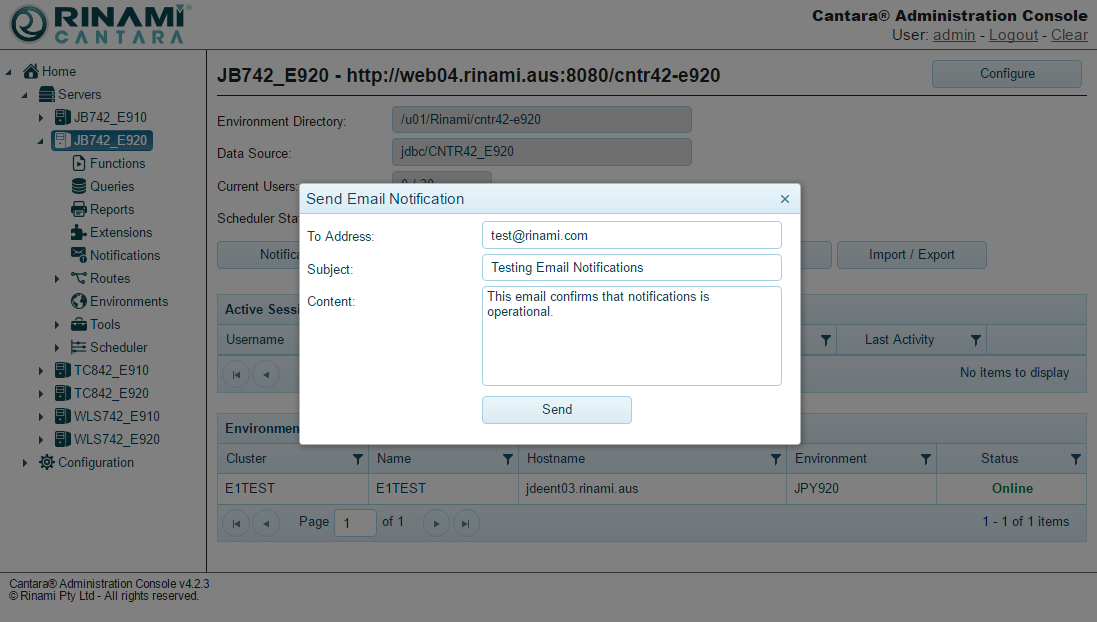
Click the Notification button. The Send Email Notification window opens:
-
Enter the email address that you want to test.
-
Add a subject and a message, if desired.
-
Click the Send button. If the email address test is successful, the window closes and the message is sent. If the test is unsuccessful, a message is displayed that states the email configuration is not completed.