
You can delete any defined environments that are no longer needed.
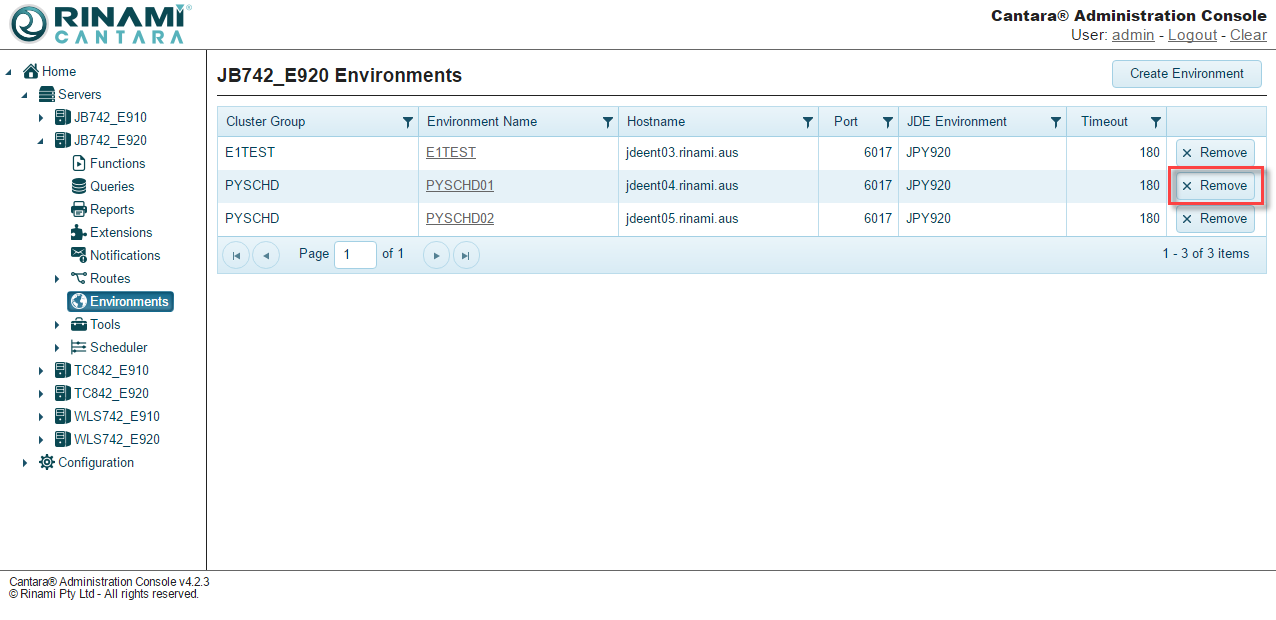
To delete an environment
-
Select the Environments node in the navigation panel. A list of defined environments is displayed.
-
Click the Remove button for the environment you want to delete.
-
Confirm the deletion.