
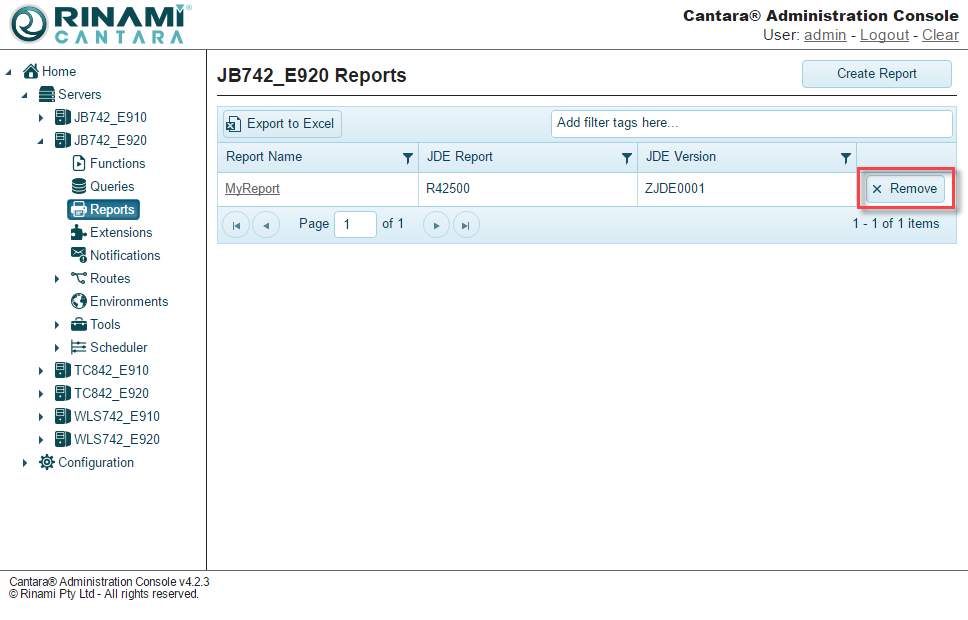
You can delete any reports that are no longer needed. You will see a trash icon next to the reports when you view the entire list of reports, as seen in the following image:
To delete a report
-
Select the Reports node in the navigation panel. A list of all the reports that are available in the Cantara Access Server are displayed.
-
Click the Remove button for the report you want to delete.
-
Confirm the deletion.