
To reset a password:
-
Go to the User Portal Application at the following URL: https://<tenantname>.dev.cantara.cloud/user-portal/ui/#/auth/login
-
Click on the Forgot Your Password Link
-
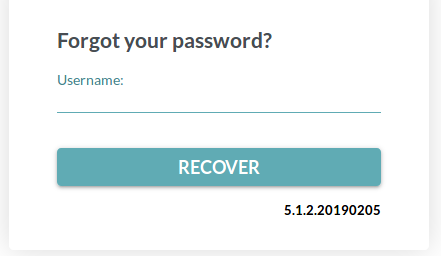
Enter username and click Recover
An email will be sent to the user with a link to reset their password