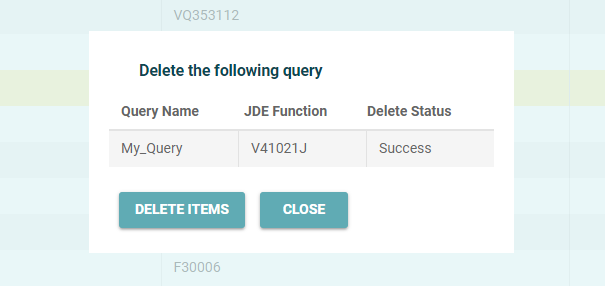
You can delete any custom query in the system. Custom queries have a dark grey text are select-able for deletion.
To delete a query
-
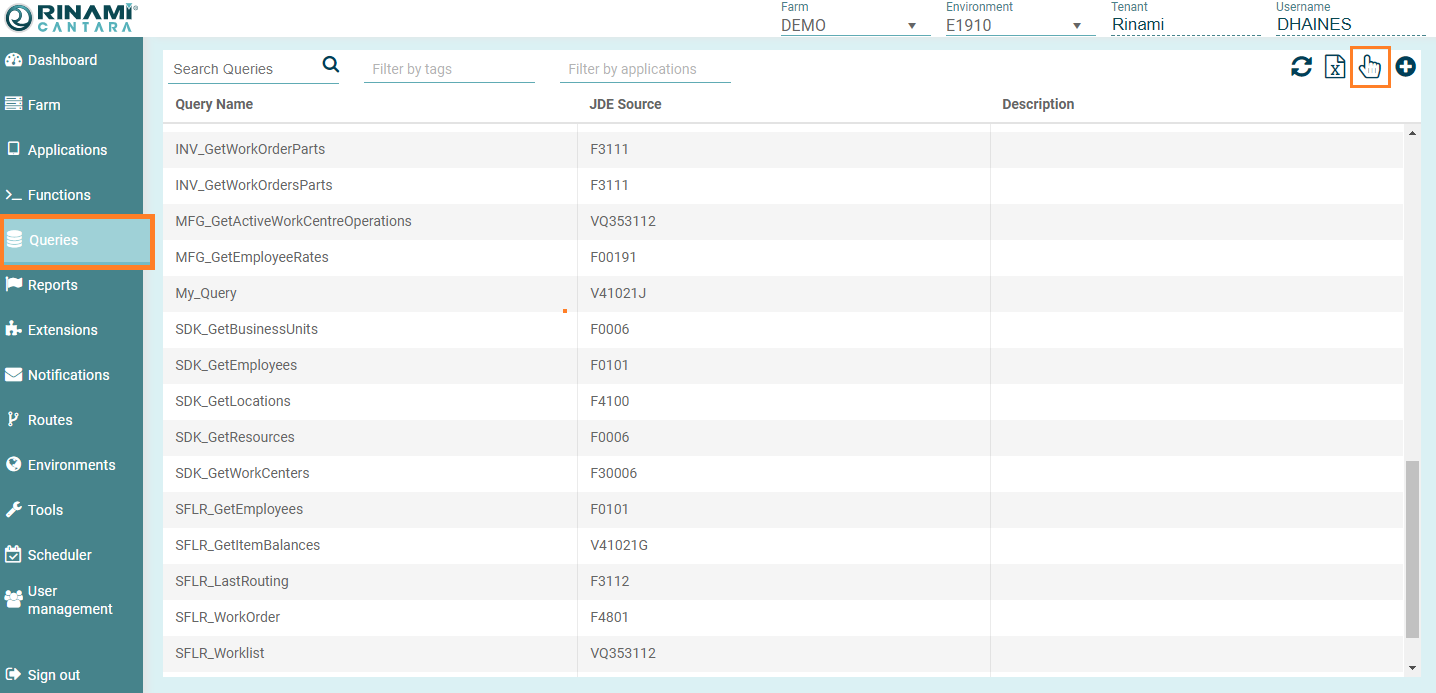
Select the Queries node in the navigation panel. A list of all the queries that are available in the Cantara Server system are displayed.
-
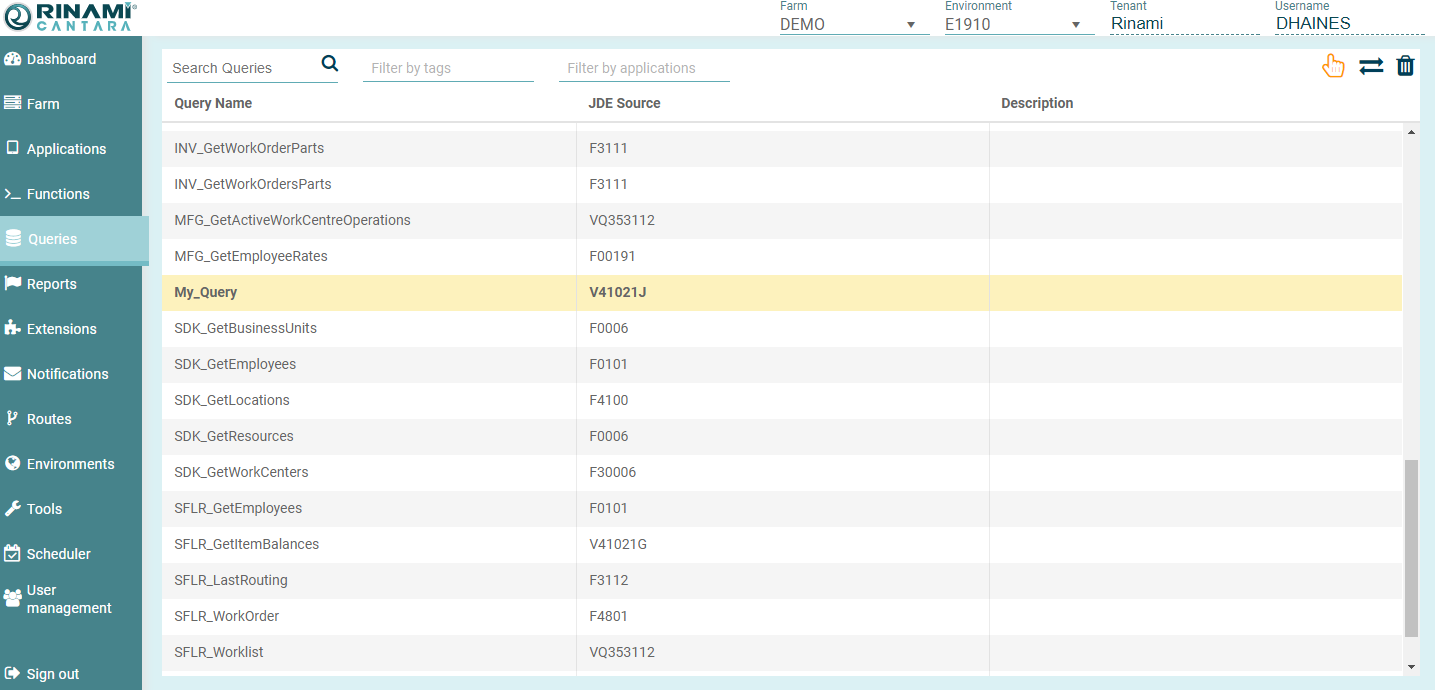
Press the Hand/Selection button in the top right, then click on the desired query/queries you wish to delete.
-
Click the Trash can icon in the top right.
-
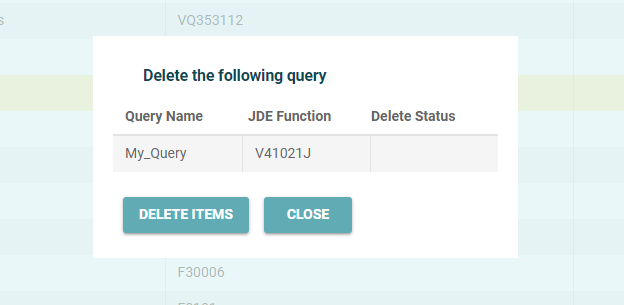
Confirm the deletion.