View/Update User Details
-
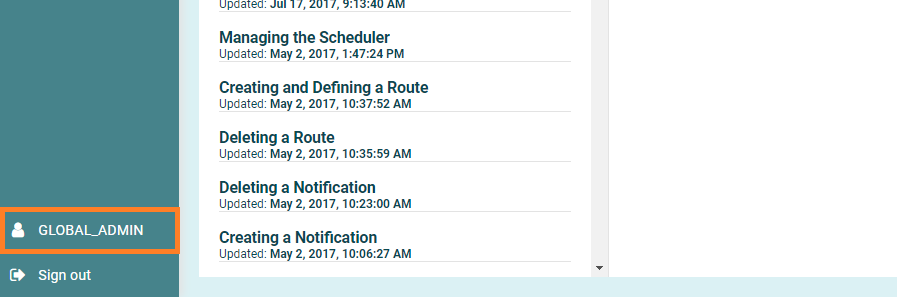
In the bottom left corner of the screen, click where you see your Name above the Sign out button.
-
Your details are now displayed, here you can modify your particular such as Name, Phone Number and Portal Role.
Click the "Password" tab at the top if you wish to update your password.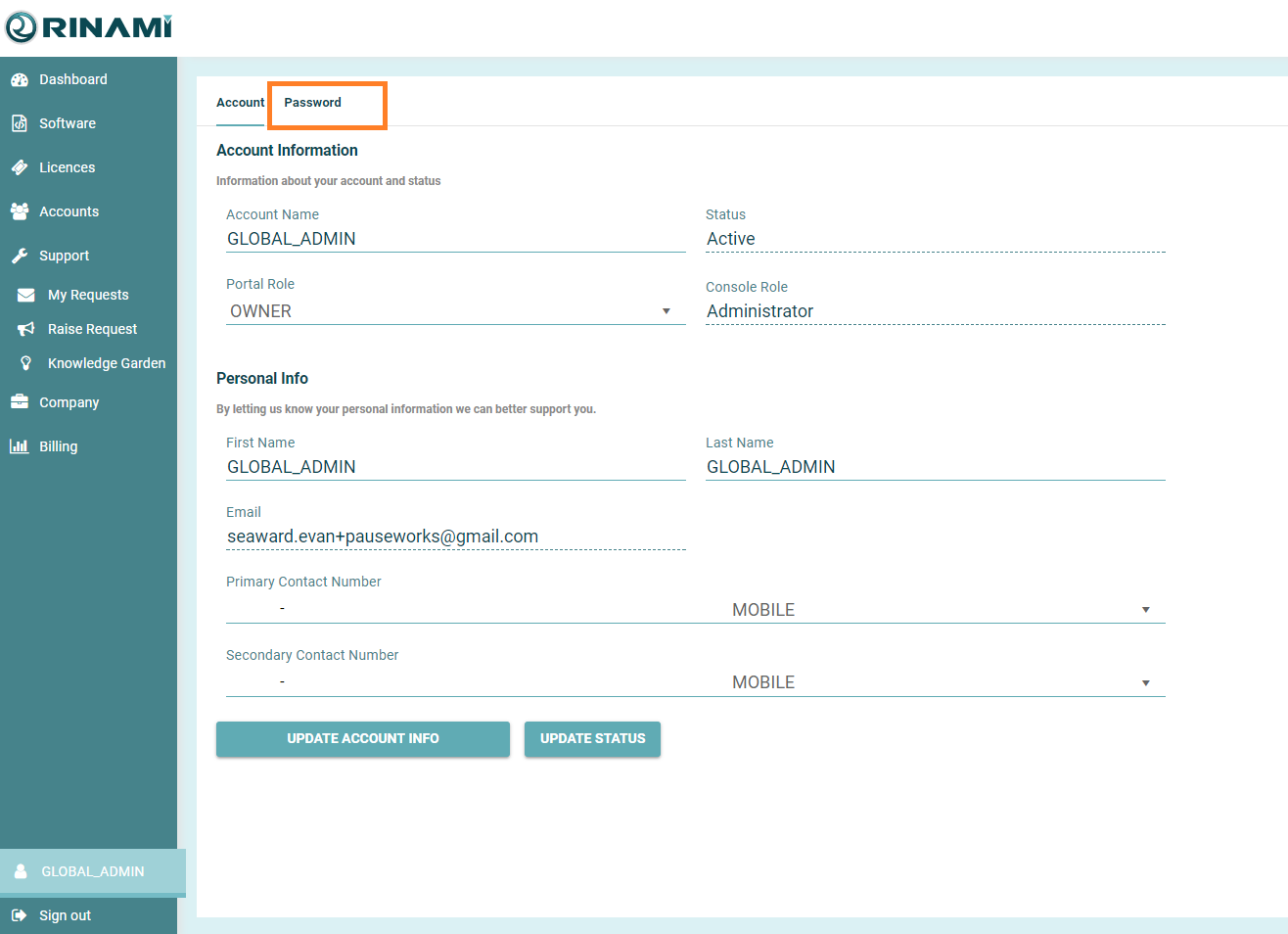
-
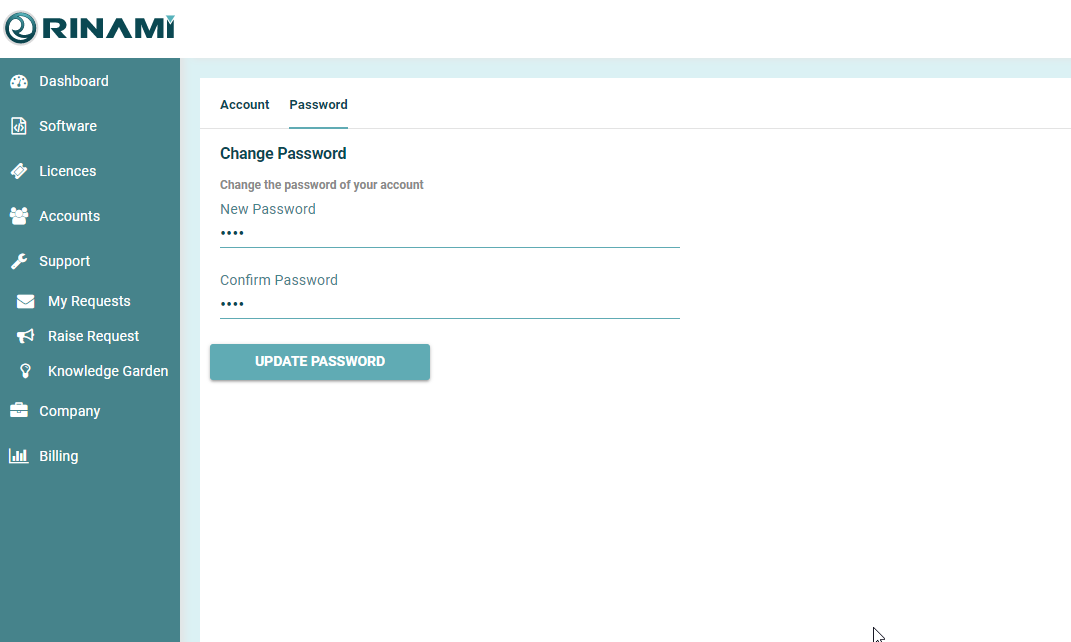
On this screen, enter your new password twice.
When the update password button displayed as green, press the button to update your password.