
For Cantara Cloud platform, user management is performed within the Rinami Portal.
Login to the portal using your Owner account (the email address and password that you have registered your company with).
-
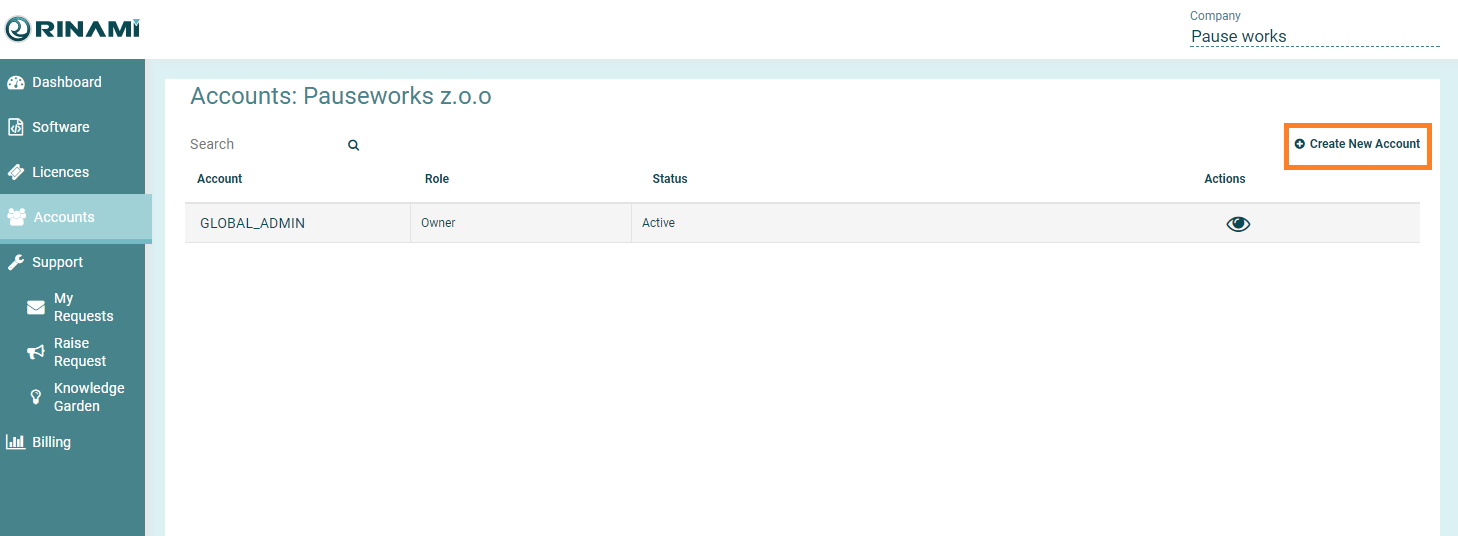
Click Accounts in the left hand menu.
-
Click Create New Account
-
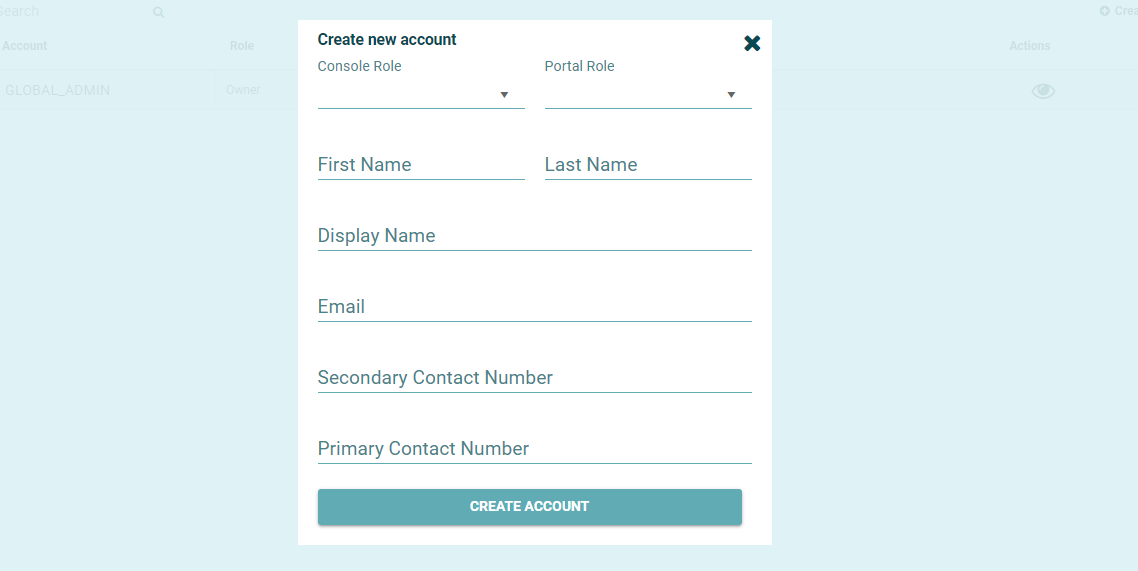
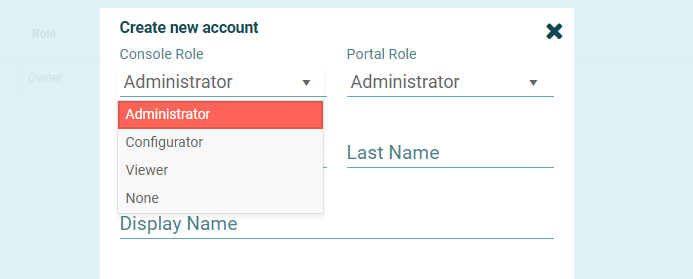
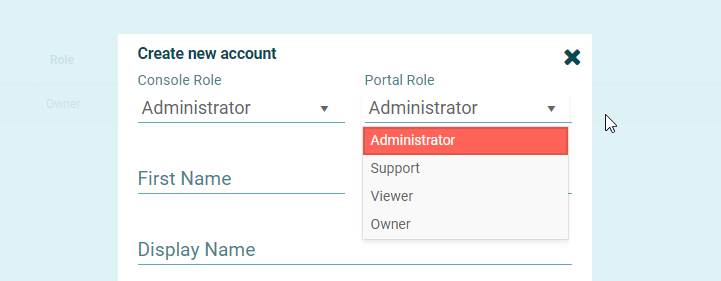
Select the appropriate roles for the new user. NOTE the Console Role cannot be changed for a user account once it has been created.
Console Role
Access Level Grant\ed
Administrator
Full Access
Configurator
View Only Access to Farm & Enviornments screens. Otherwise Full Access
Viewer
View Only Access
None
No access to the Cantara Console - Portal Account Only
Portal Role
Access Level Granted
Administrator
Purchase Licenses, Create Accounts, Download Cantara Components
Support
View Only, Ability to view the Dashboard, Download Cantara Components, View/Raise Support Tickets
Viewer
View Only
Owner
All Administrator Functions + Ability to update Customer account details
-
Enter the remaining details for the user account.
-
The email address specified above will receive an account activation email within a few minutes.
-
The user must enter the provided activation link into a web browser to activate the account.