After purchasing a new license you will need to retrieve the license details in order to activate a standalone Cantara instance.
-
Go to the license screen
Here you will see the details of your current licenses.
The License ID and Key can be seen here

-
If you wish to copy the License ID or Key, triple click the field to select the value and then press Control+C
-
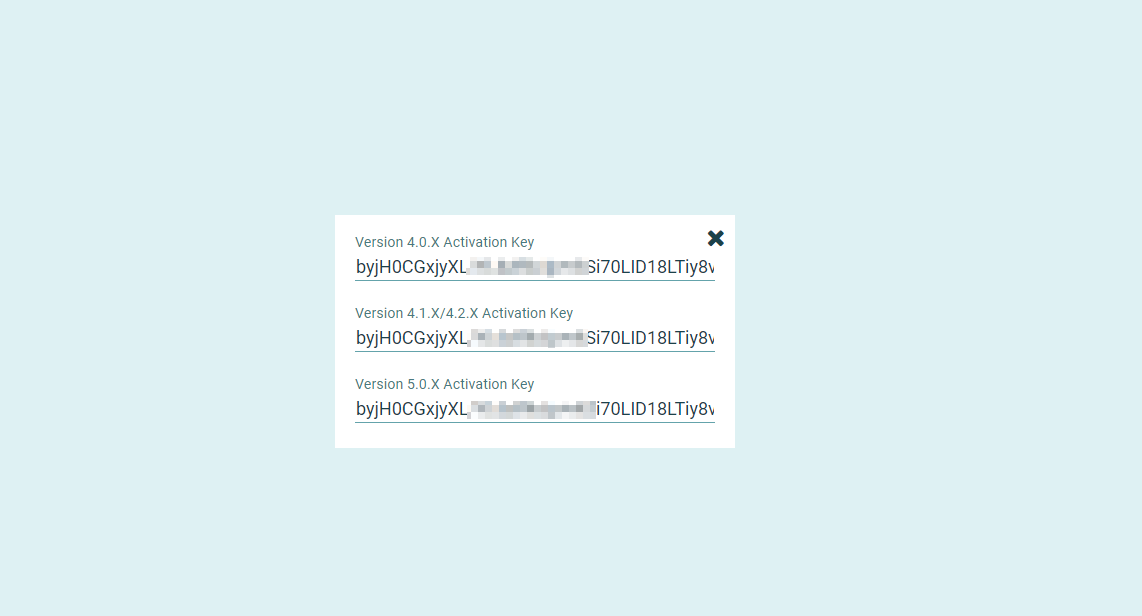
To view the Activation Key (if you require an offline activation of the server) on the right hand side click the small "Ticket" icon option.

To copy the value triple click the line relating to your product and then press Control+C to copy the value.