Installing the JD Edwards Interoperability Libraries
Once your application archive has been extracted, install the appropriate JD Edwards Interoperability Java libraries for your Tools release. These files are to be installed in each instance of the Cantara Agent if utilised, otherwise they should be deployed to each instance of the Cantara Access Server.
The following files are required for the 9.1.x or 9.2.xTools releases:
-
Base_JAR.jar
-
JdeNet_JAR.jar
-
jmxremote_optional.jar
-
jmxri.jar
-
ManagementAgent_JAR.jar
-
System_JAR.jar
-
xmlparserv2.jar
-
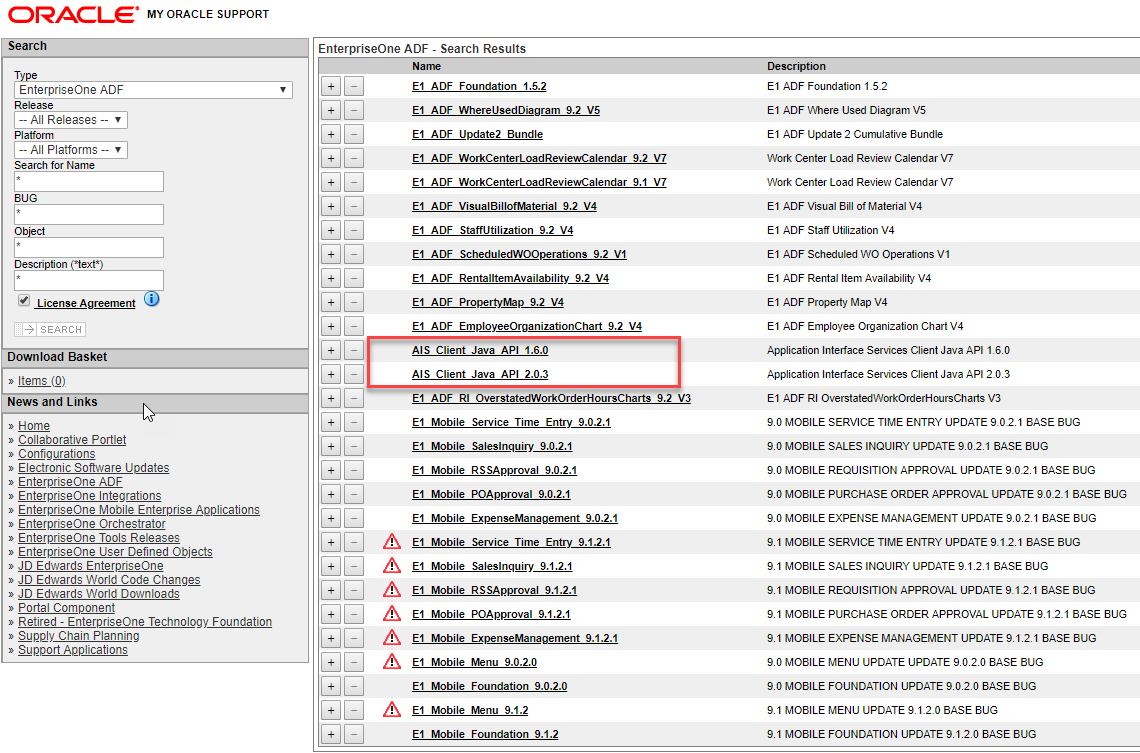
AIS_Client.jar
Do not copy the commons-logging.jar, commons-httpclient-3.0.jar or log4j.jar libraries into the lib folder. These functions are handled by libraries that are already provided as part of the Cantara Integration Platform applications.
You must copy the library files into the WEB-INF/lib folder in the extracted application. Except for the AIS_Client.jar, the libraries can be sourced from any JD Edwards Client from within the System\Classes folder in the install directory. The AIS_Client.jar file is available from Oracle Support at https://updatecenter.oracle.com. You must select the version appropriate for your tools release.