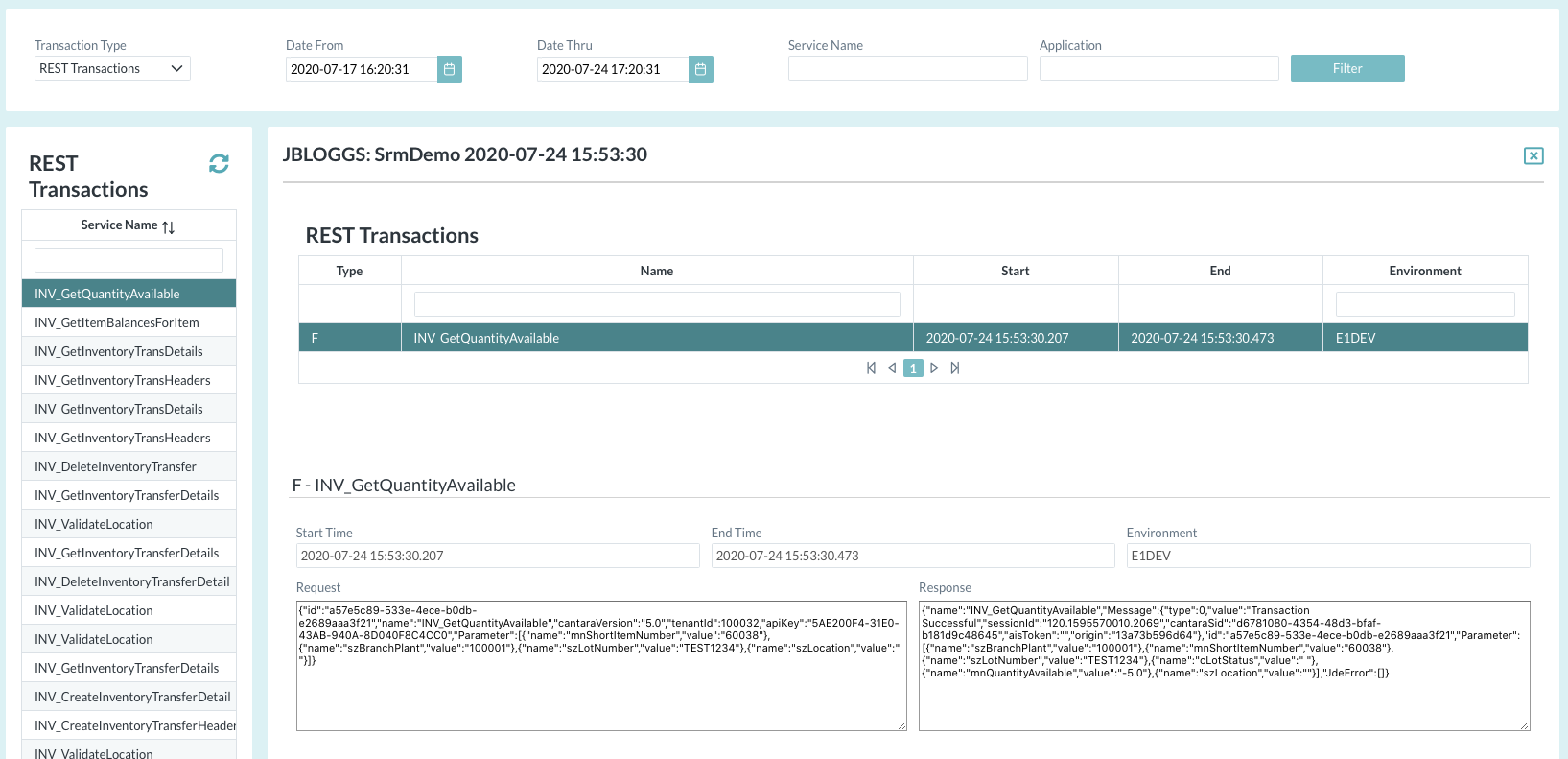
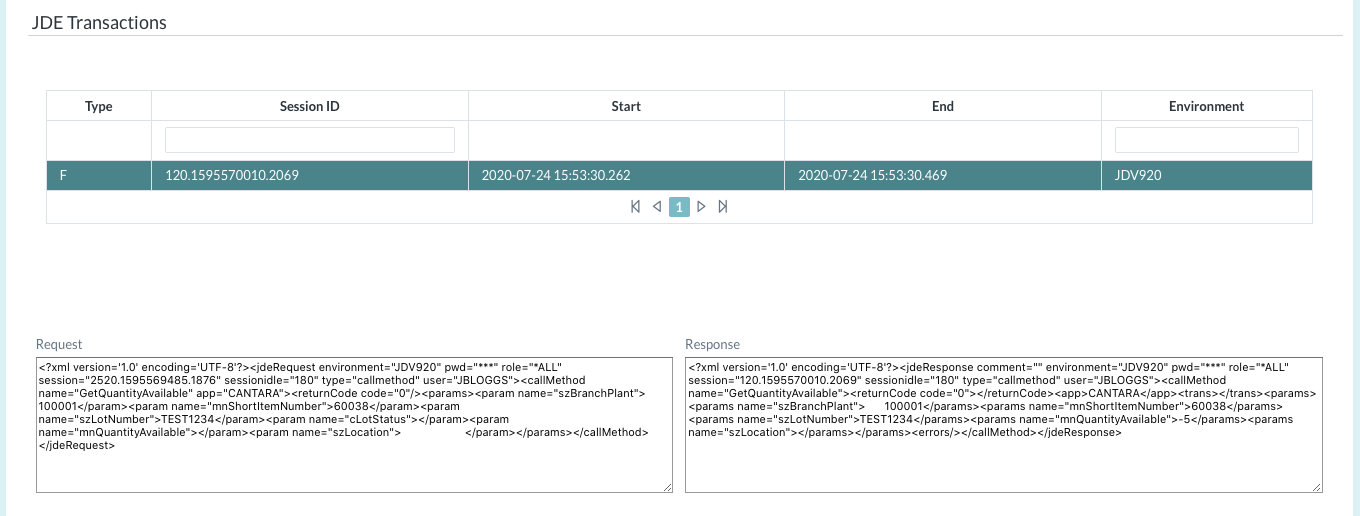
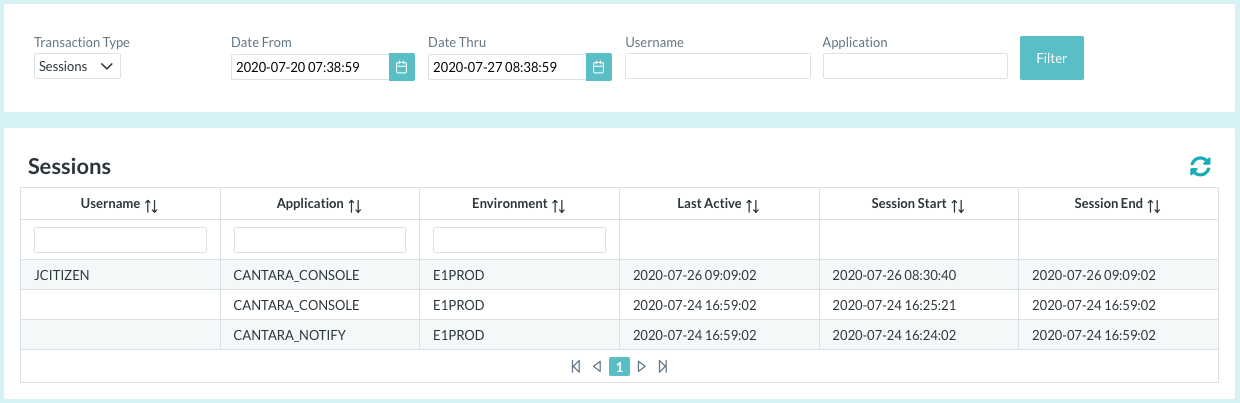
You can monitor and review sessions, REST transactions and JDE Transactions executed by your users.
-
Using the selectors in the status bar, select the Farm and Environment to be reviewed.
-
Open the Tools menu group in the navigation panel.
-
Select the Datastore node.
-
Select the required Transaction Type (Sessions or REST transactions).
-
Select the required date/time range.
-
Select a list entry to review.