
You can delete any custom functions that are no longer needed.
To delete a function
-
Open the Components menu group in the navigation panel.
-
Select the Functions node. A list of the available functions is displayed.
-
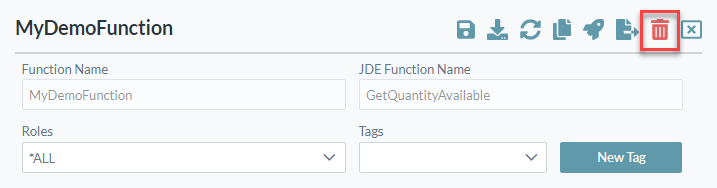
Select the function to be deleted. The function details screen is displayed.
-
Click the Delete button in the top right corner of the screen.
-
Confirm the delete operation.